


Why Autonomous Coding Matters in 2026
Autonomous coding is changing how developers plan, write, test, refactor, and ship software. In the past, AI coding tools mostly suggested single lines of code. In 2026, the best tools act more like AI teammates: they can understand a codebase, plan changes, edit multiple files, run terminal commands, fix errors, and even open pull requests for human review.
This is the rise of Agentic Coding. Instead of asking, “Write this function,” developers now ask, “Fix this bug,” “Refactor this module,” “Add authentication,” or “Improve test coverage.” The AI agent studies the project, decides what files matter, makes changes, and verifies the result.
What Is Agentic AI in Coding?
Agentic AI means an AI system that can take a goal, break it into steps, use tools, interact with files or APIs, and keep working until the task is complete. In coding, this usually includes reading the codebase, editing files, running tests, checking errors, and asking for human approval before important actions.
The Model Context Protocol, or MCP, is also becoming important in this space because it gives AI applications a standard way to connect with external systems such as files, databases, tools, and workflows. The official MCP documentation describes it as an open-source standard for connecting AI applications to external systems.
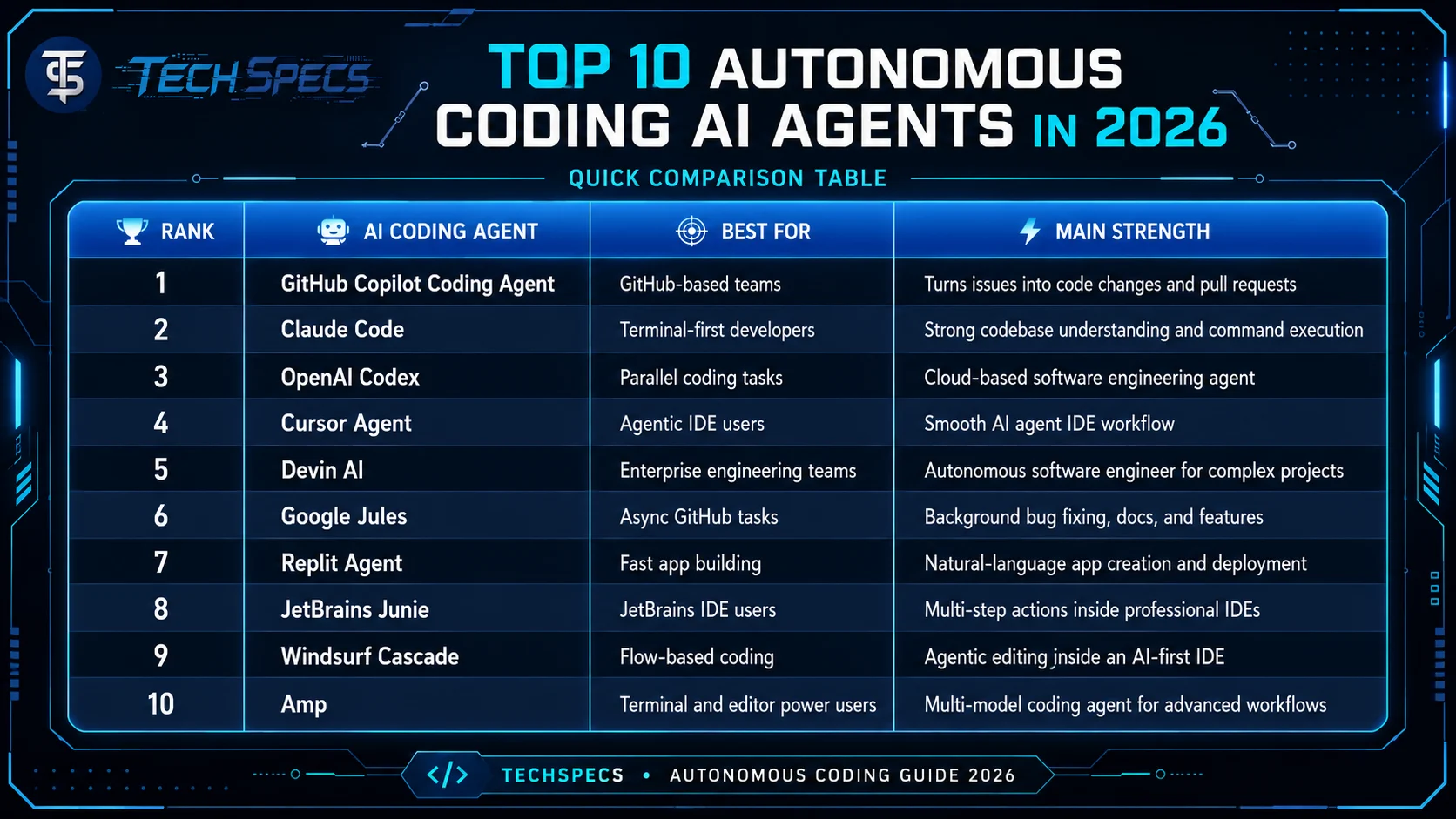
Quick Comparison:
Top Autonomous Coding AI Agents in 2026 by Tech Specs
1. GitHub Copilot Coding Agent
Why it is one of the best:
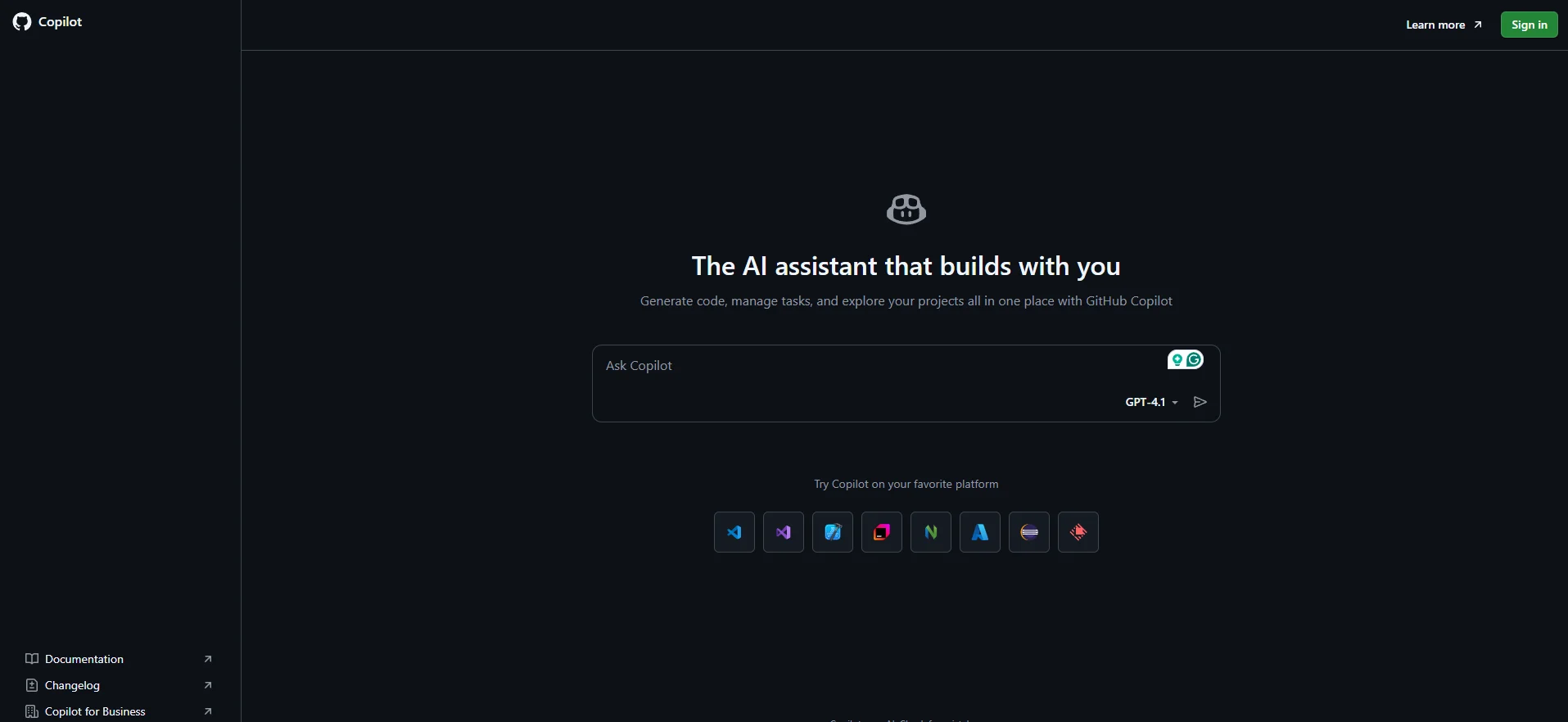
GitHub Copilot is one of the best autonomous coding tools because it works directly inside the GitHub ecosystem. Developers can use it for agent mode, code review, CLI workflows, and cloud agent tasks. Its paid plans can also assign work to Copilot so it can research, plan, write code, and create pull requests.
Free features:
- 2,000 code completions per month.
- 50 chat or premium requests per month.
- Basic agent mode access in supported editors.
- MCP server integration is included in the Free plan.
Pro features:
- Copilot Pro starts at $10 per month.
- Unlimited agent mode interactions with supported models.
- Cloud agent support.
- Pull request creation, code review, Copilot CLI, and app modernization features.
Limitations:
- Free users do not get full cloud agent, pull request automation, or GitHub pull request review features.
- Advanced third-party agent delegation, such as Claude and Codex preview access, is mainly tied to higher plans like Pro+.
Best for:
GitHub-based teams, developers who manage tasks through issues and pull requests, and users who want autonomous coding inside a familiar GitHub workflow.
2. Claude Code
Why it is one of the best:
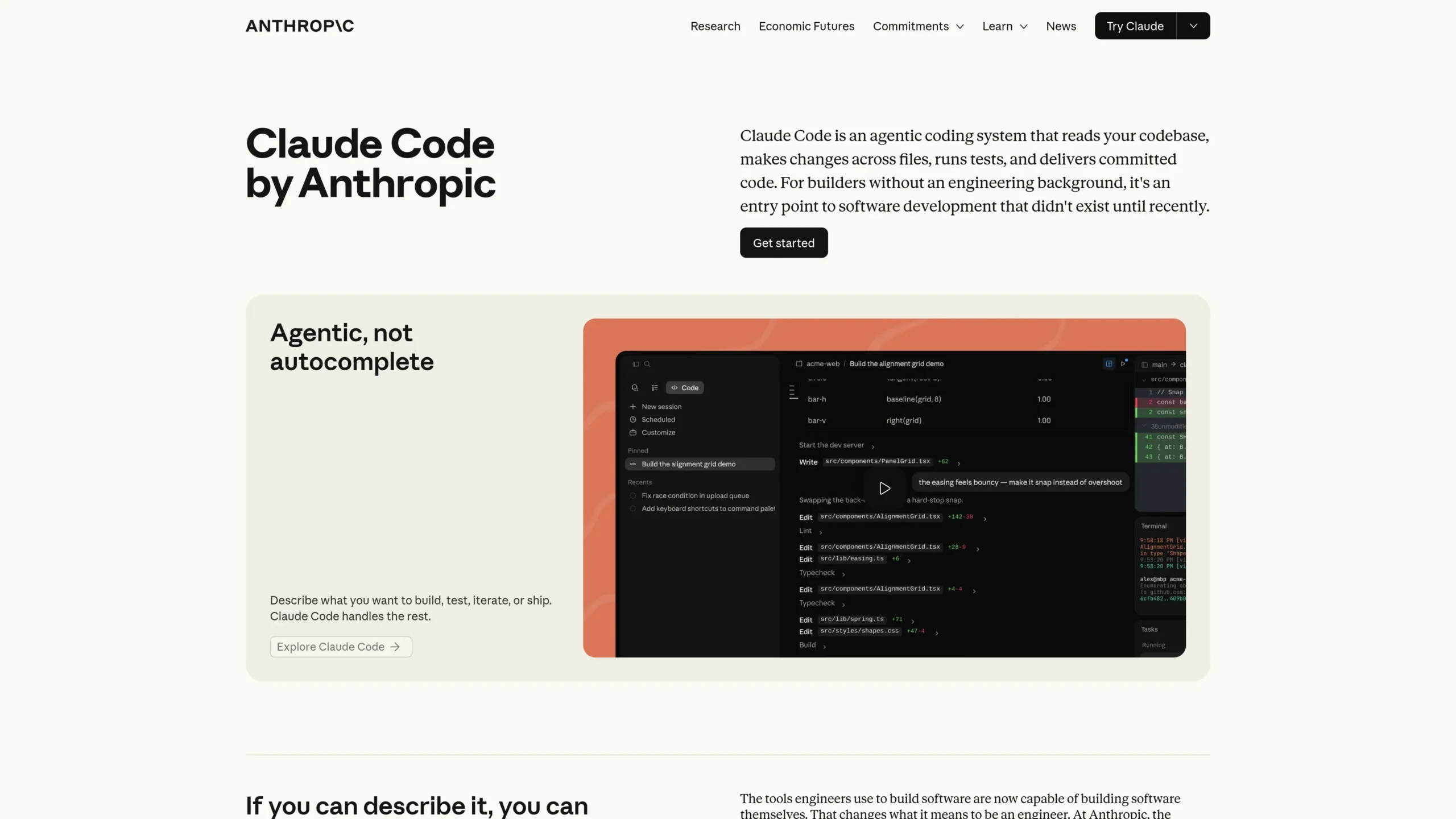
Claude Code is best for developers who love terminal-based coding. It lets users access Claude models directly in the terminal and delegate complex coding tasks while keeping control and transparency.
Free features:
- Claude Free includes code generation,
- data visualization,
- file creation,
- code execution,
- web access,
- and MCP-based connectors.
Pro features:
- Claude Pro includes Claude Code.
- More usage than the Free plan.
- Access to more Claude models.
- Unlimited projects for organizing chats and documents.
- Claude Max gives 5x or 20x more usage than Pro, higher output limits, and priority access during high-traffic times.
Limitations:
- Claude Code is mainly available through Pro or Max plans.
- Usage limits still apply, even on paid plans.
- It works best when the developer understands the codebase and reviews its output carefully.
Best for:
Terminal-first developers, backend engineers, full-stack developers, and teams that want strong codebase understanding with command-line control.
3. OpenAI Codex
Why it is one of the best:
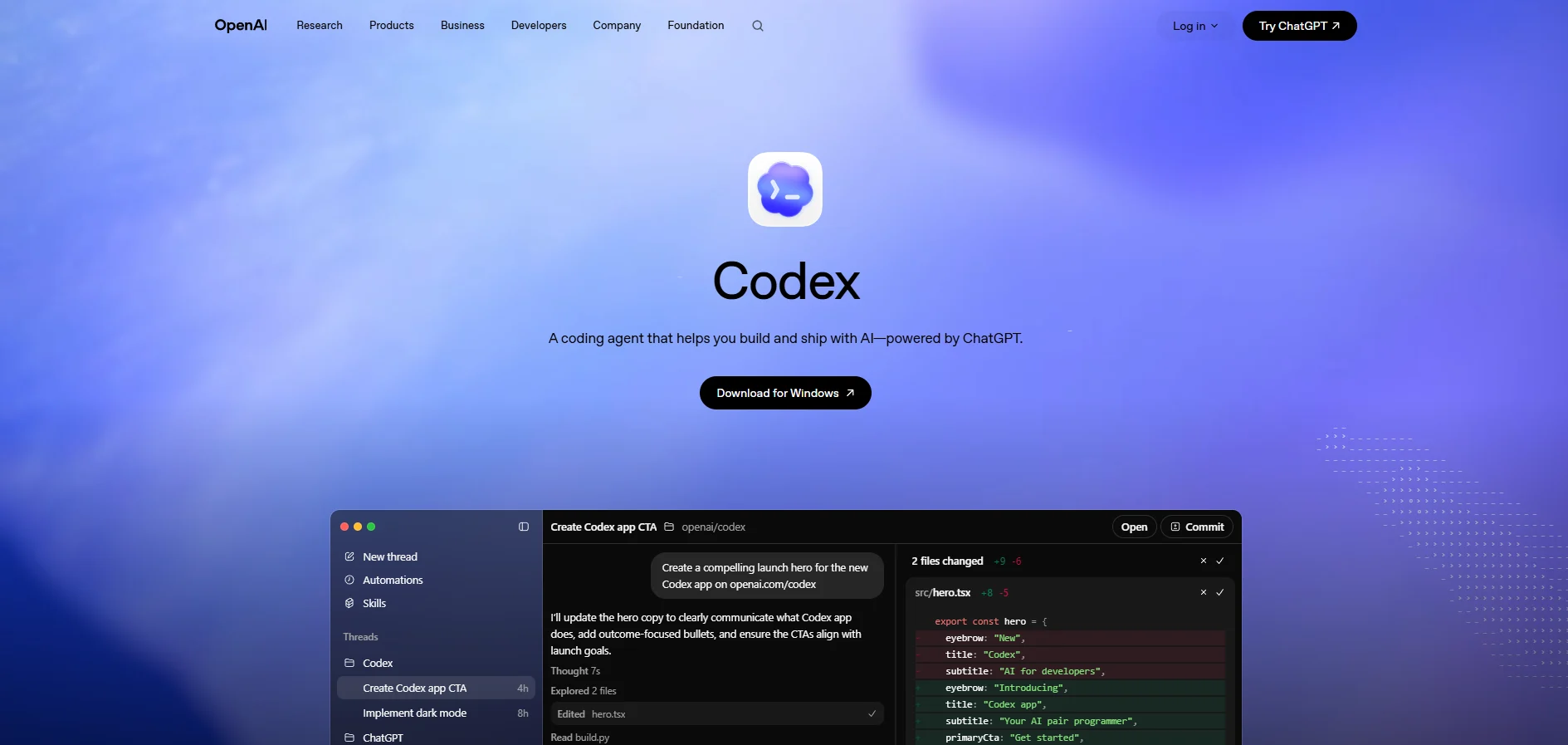
OpenAI Codex is one of the strongest autonomous coding agents for multi-agent and cloud-based coding workflows. It works across CLI, web, IDE extension, and the Codex app, making it useful for developers who want flexible autonomous coding across different environments.
Free features:
- Codex has had limited access for some free users during rollout periods, but the main stable access is tied to ChatGPT paid plans.
- Free access and limits may change, so users should check current availability before relying on it for serious coding work.
Pro features:
- Codex is included with ChatGPT Plus, Pro, Business, Enterprise, and Edu subscriptions.
- Plus includes Codex on web, CLI, IDE extension, and iOS.
- Pro offers 5x or 20x higher rate limits than Plus.
- Business adds larger virtual machines, admin controls, SAML SSO, MFA, and flexible usage credits.
Limitations:
- Usage depends on task size, model choice, codebase complexity, and whether tasks run locally or in the cloud.
- API-key usage does not include some cloud-based features such as GitHub code review and Slack integration.
Best for:
Developers who want autonomous software engineering across CLI, web, IDE, cloud tasks, code review, and parallel coding workflows.
4. Cursor Agent
Why it is one of the best:
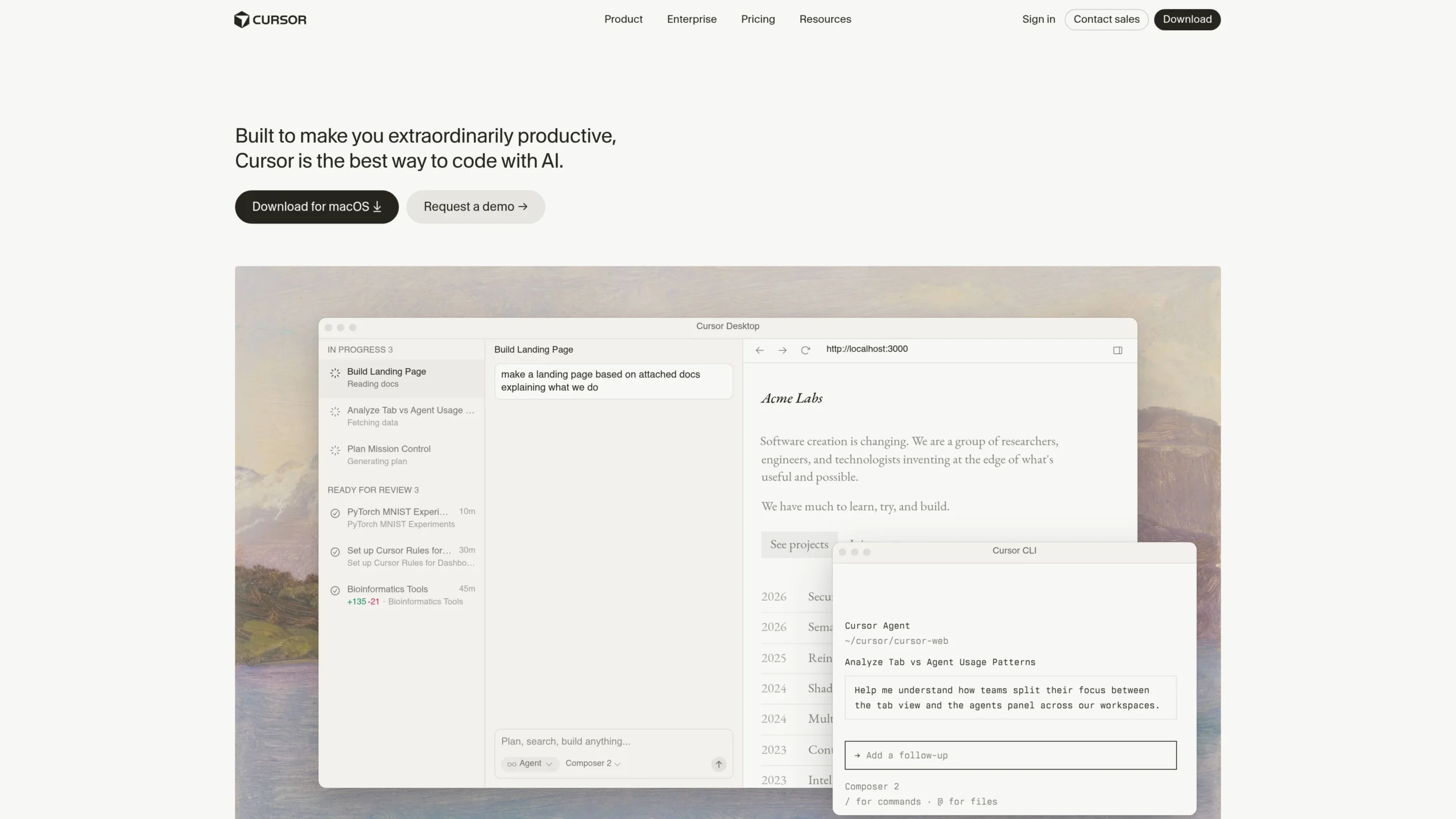
Cursor is one of the best AI agent IDE tools because it brings autonomous coding directly into the editor. It is strong for multi-file editing, refactoring, MCP workflows, and cloud agents.
Free features:
- Hobby plan is free.
- No credit card required.
- Limited Agent requests.
- Limited Tab completions.
Pro features:
- Cursor Pro costs $20 per month.
- Extended Agent limits.
- Access to frontier models.
- MCPs, skills, hooks, and cloud agents.
- Pro+ gives 3x usage on OpenAI, Claude, and Gemini models; Ultra gives 20x usage and priority access to new features.
Limitations:
- Free plan is limited for serious daily autonomous coding.
- Heavy users may need Pro+, Ultra, or Teams depending on model usage.
- It works best inside Cursor’s own IDE, so developers who prefer another editor may need to adjust their workflow.
Best for:
Developers who want an AI-first IDE, fast refactoring, multi-file edits, frontend changes, and smooth agentic coding workflow.
5. Devin AI
Why it is one of the best:
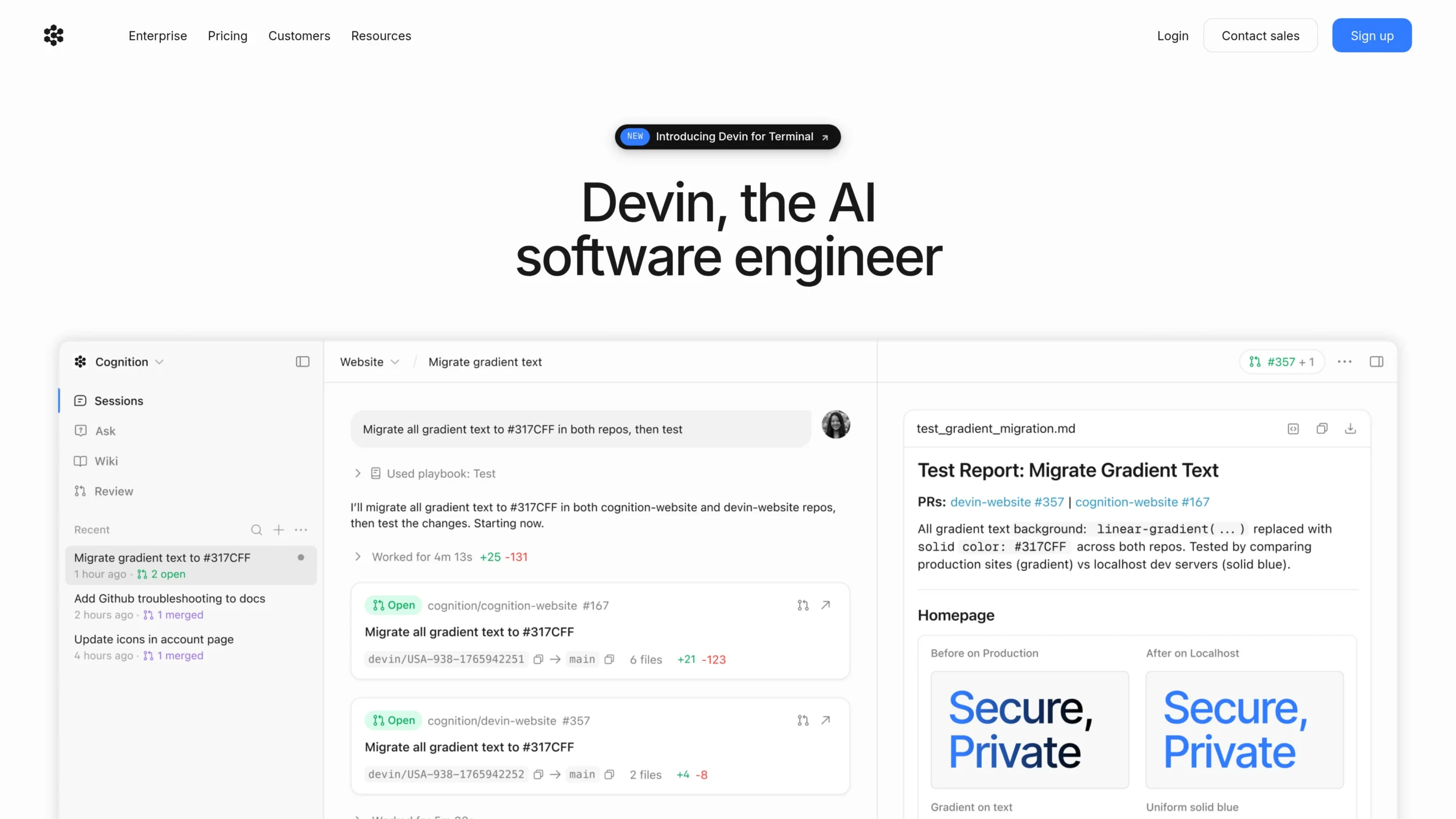
Devin AI is one of the strongest “autonomous software engineer” tools because it can plan, code, test, and ship. It is designed for more complete engineering tasks, not just code suggestions.
Free features:
- Limited Devin usage.
- Devin Review.
- DeepWiki.
Pro features:
- Devin Pro costs $20 per month.
- Devin usage quota.
- Windsurf IDE usage quota.
- Pay-as-you-go usage after quota.
- Slack, Linear, and MCP integrations.
- Max plan increases Devin and Windsurf usage quotas.
Limitations:
- Free usage is limited.
- Advanced usage can become costly if tasks are large or frequent.
- Like all autonomous coding tools, Devin still needs human review for security, business logic, and production quality.
Best for:
Startups, engineering teams, backlog automation, multi-step coding tasks, and developers looking for a Devin AI alternative comparison.
6. Google Jules
Why it is one of the best:
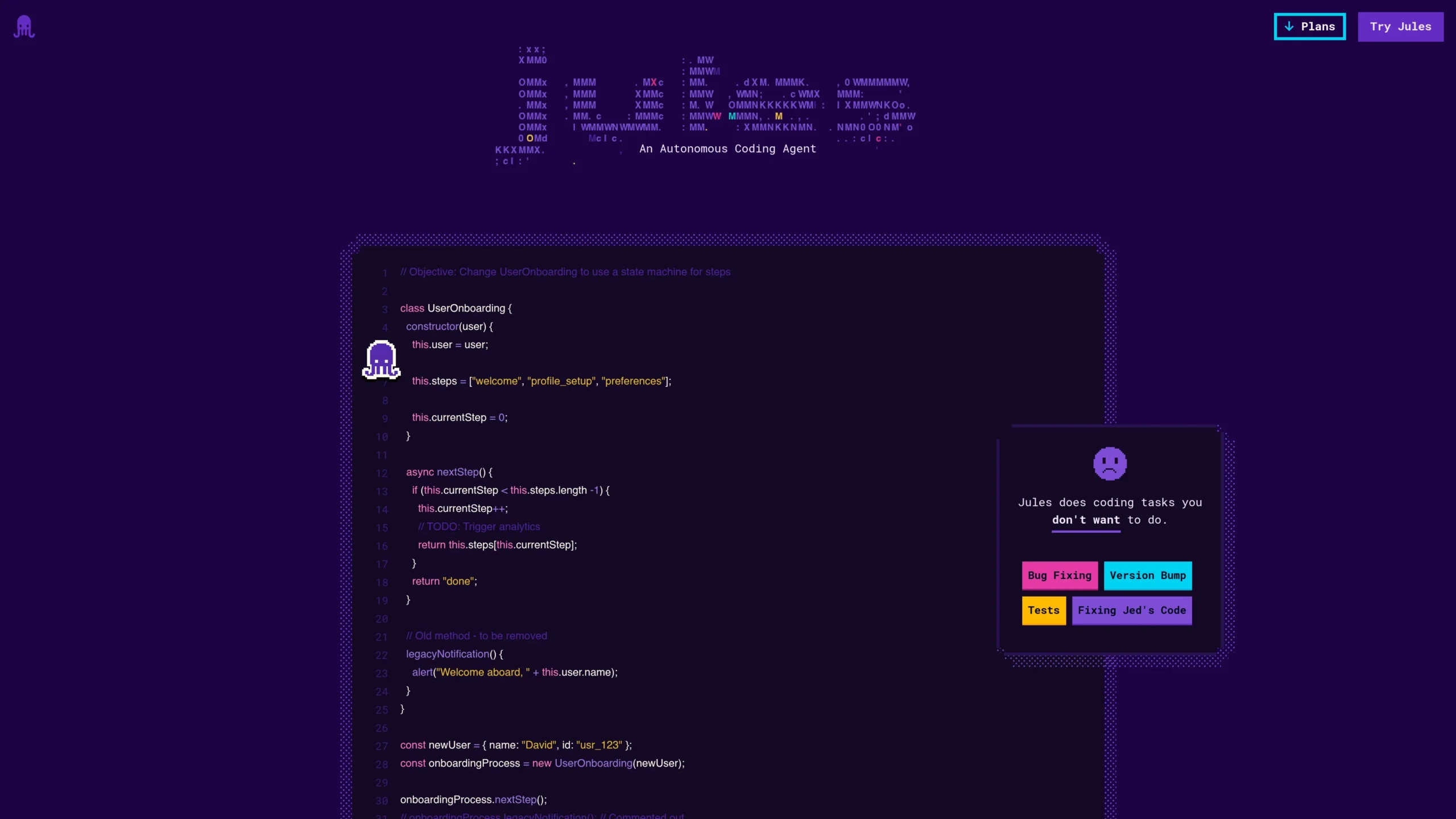
Google Jules is best for asynchronous autonomous coding. It can run coding tasks in the background and is useful for developers who want agents to handle bug fixes, tests, and code updates while they focus on other work.
Free features:
- 15 tasks per day.
- 3 concurrent tasks.
- Powered by Gemini 2.5 Pro.
Pro features:
- Jules in Pro gives 100 tasks per day.
- 15 concurrent tasks.
- Higher access to latest models, starting with Gemini 3 Pro.
- Jules in Ultra gives 300 tasks per day and 60 concurrent tasks for heavy agent workflows.
Limitations:
- Paid Jules plans are currently accessed through Google AI Plans and are available only for individual Google accounts ending in @gmail.com.
- Google says upgrade paths for other user types are still being worked on.
Best for:
Developers who want async GitHub-style coding help, background bug fixing, documentation updates, and parallel coding tasks.
7. Replit Agent
Why it is one of the best:
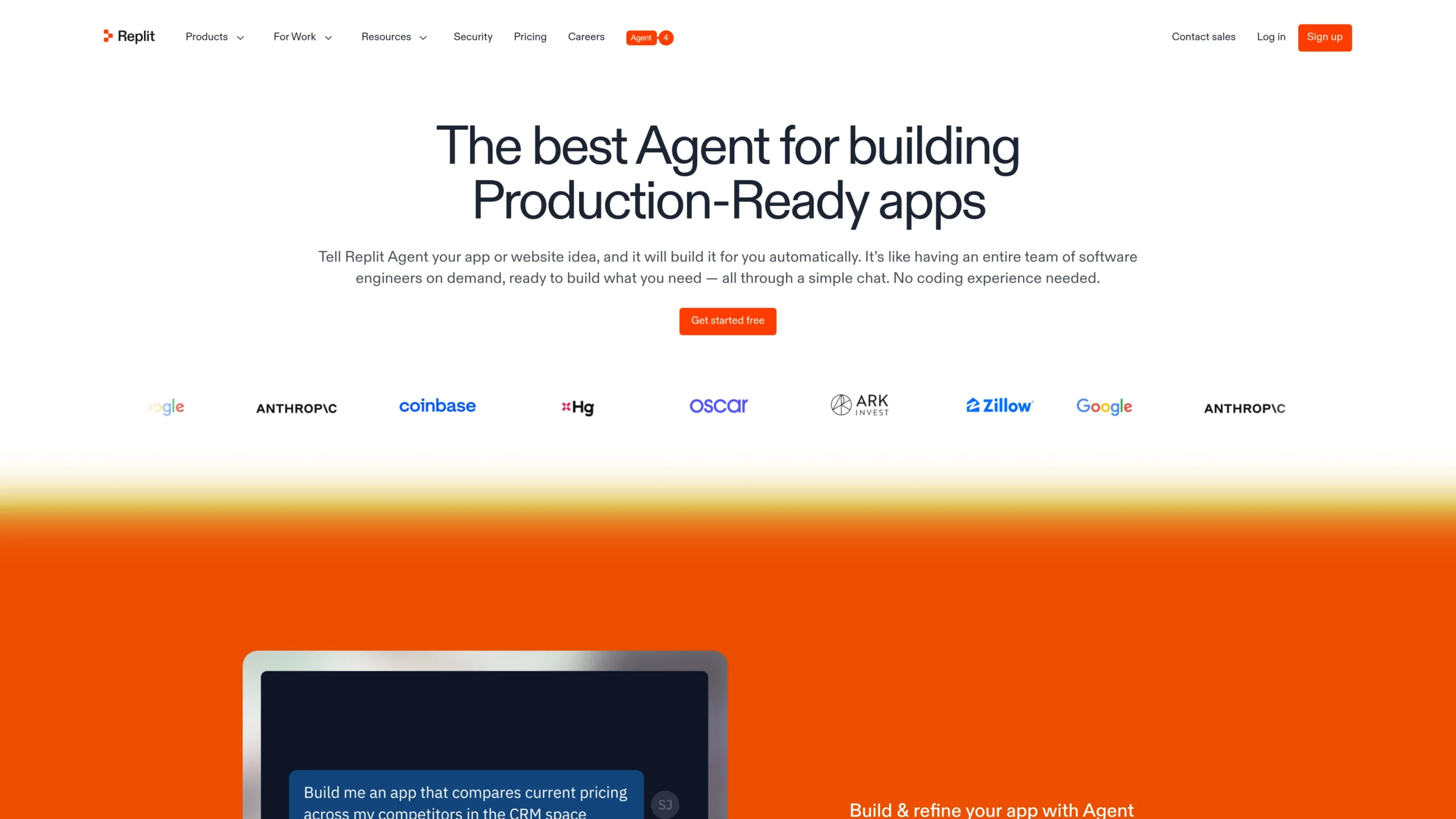
Replit Agent is best for turning ideas into working apps quickly. It combines AI coding, workspace, collaboration, deployment, and app publishing in one platform.
Free features:
- Starter plan is free.
- Free daily Agent credits.
- Free credits for AI integrations.
- Publish 1 app.
- Private and password-protected deployments.
- Limited Agent intelligence.
Pro features:
- Replit Core costs $20 per month when billed annually.
- $25 monthly credits.
- Up to 5 collaborators.
- Unlimited workspaces.
- Autonomous long builds.
- Replit Pro adds $100 monthly credits, up to 15 collaborators, access to the most powerful models, database restore, and premium support.
Limitations:
- Free plan has limited Agent intelligence.
- Usage-credit costs can increase for bigger builds.
- It is excellent for prototypes and simple apps, but complex production systems still need careful developer review.
Best for:
Students, founders, creators, MVP builders, and anyone who wants to build and deploy apps fast without heavy setup.
8. JetBrains Junie
Why it is one of the best:
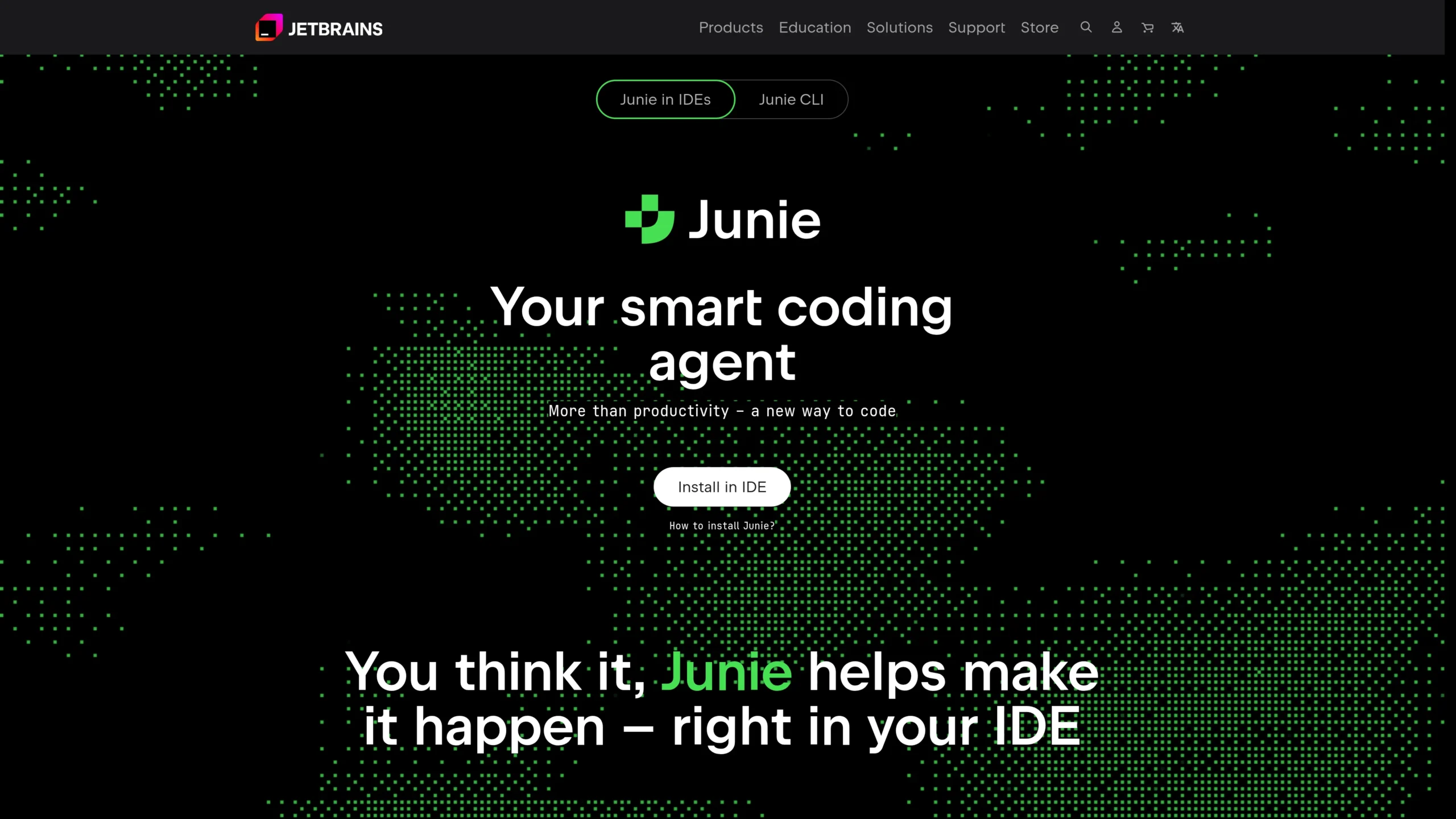
JetBrains Junie is best for developers already using JetBrains tools. It brings agentic coding into professional IDE workflows and is suitable for developers who work in IntelliJ IDEA, PyCharm, WebStorm, GoLand, Rider, and similar environments.
Free features:
- Bring Your Own Key option lets users test Junie using existing API keys from providers such as OpenAI, Anthropic, Gemini, xAI, or OpenRouter.
- This can help users start testing without buying extra JetBrains AI credits.
Pro features:
- AI Pro costs $10 per user per month and includes 10 AI credits per 30 days.
- AI Ultimate costs $30 per user per month and includes 35 AI credits per 30 days.
- AI Ultimate is recommended for regular Junie usage.
Limitations:
- Heavy Junie usage depends on AI credits.
- The best experience is inside JetBrains environments.
- AI Enterprise is listed as coming soon, so some enterprise-level features may not be fully available yet.
Best for:
Professional developers who already use JetBrains IDEs and want AI refactoring, multi-step coding, and IDE-native autonomous coding.
9. Windsurf Cascade
Why it is one of the best:
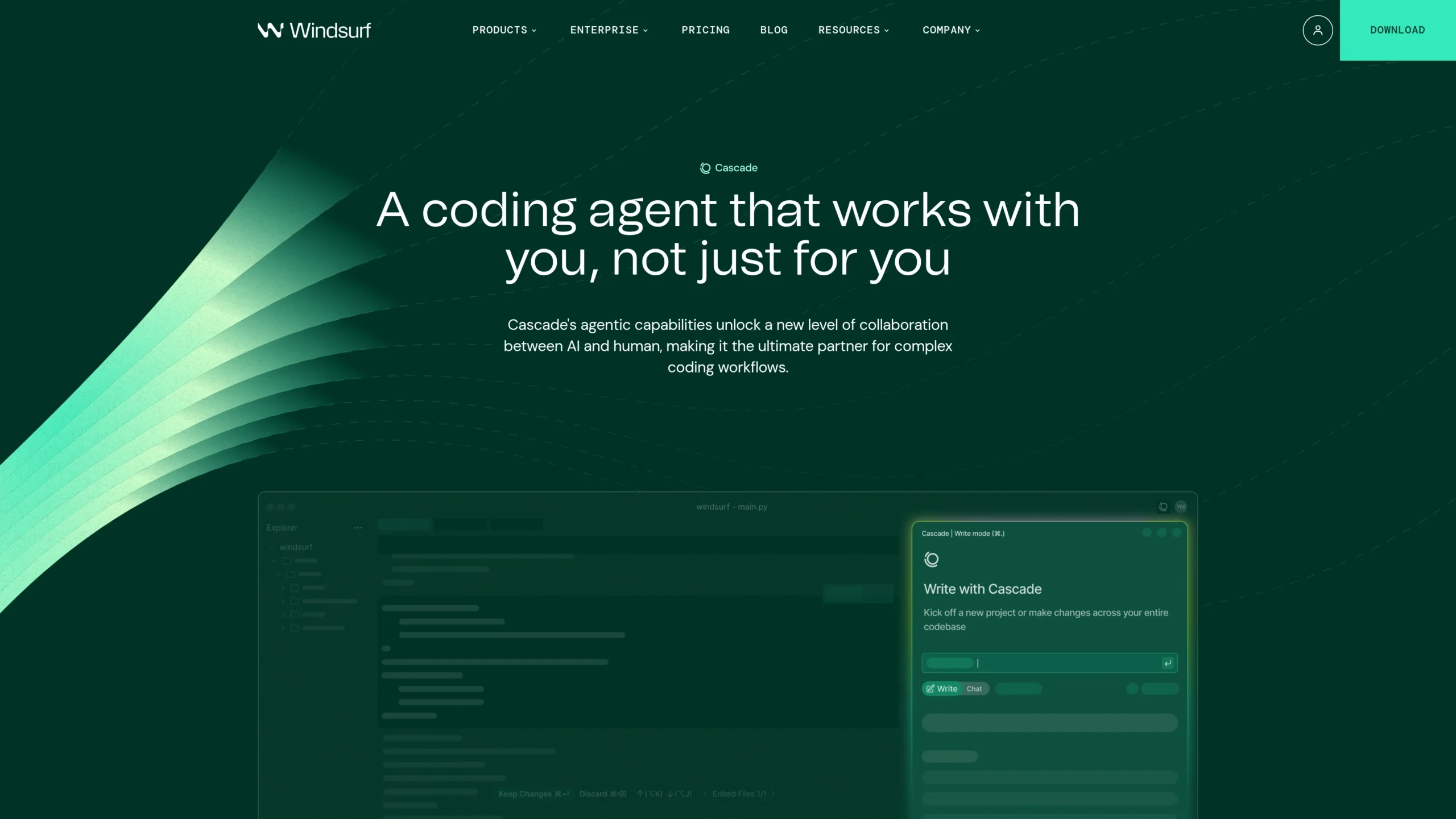
Windsurf Cascade is best for developers who want a flow-based AI coding future. It focuses on keeping developers in the coding flow while the agent edits, previews, deploys, and uses context-aware tools.
Free features:
- Free plan costs $0 per month.
- Light Cascade usage.
- Unlimited Tab.
- Useful for testing the agentic IDE workflow.
Pro features:
- Pro costs $20 per month.
- Standard Cascade usage allowance.
- Extra usage at API price.
- Unlimited Tab.
- Higher plans include Max, Teams, and Enterprise options with more usage and team controls.
Limitations:
- Free plan is lighter than paid plans.
- Heavy autonomous coding may require Pro, Max, or Teams.
- Some advanced business features such as centralized billing, admin analytics, SSO, RBAC, and account management are tied to team or enterprise plans.
Best for:
Developers who want an AI agent IDE for frontend work, full-stack projects, code editing, previews, and smooth workflow automation.
10. Amp
Why it is one of the best:
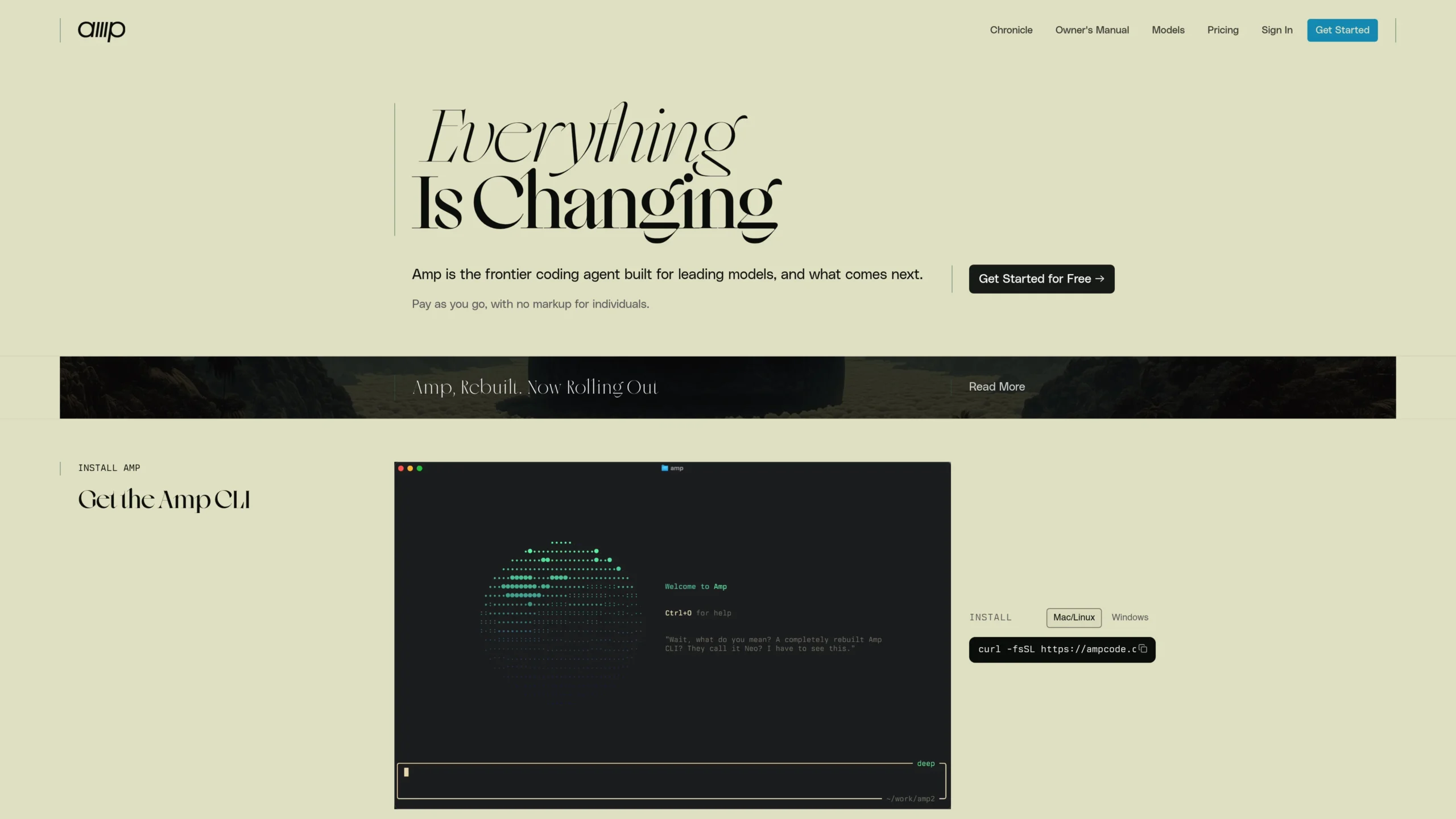
Amp is best for advanced users who want a terminal-first frontier coding agent. It is designed for leading models and works well for developers who prefer command-line workflows.
Free features:
- Amp offers a “Get Started for Free” option.
- It can be installed and used from the terminal.
- It is positioned as pay-as-you-go with no markup for individuals.
Pro features:
- Amp uses a pay-as-you-go model rather than a simple traditional Pro plan.
- It is useful for developers who want flexible model usage instead of a fixed IDE subscription.
Limitations:
- It may feel less beginner-friendly than Replit, Cursor, or GitHub Copilot.
- Developers need comfort with terminal commands.
- Costs depend on actual usage, so users should monitor spending.
Best for:
Terminal power users, advanced developers, command-line coding workflows, and engineers who want flexible model-based autonomous coding.
Choose Which Autonomous Coding AI Agent Is Best
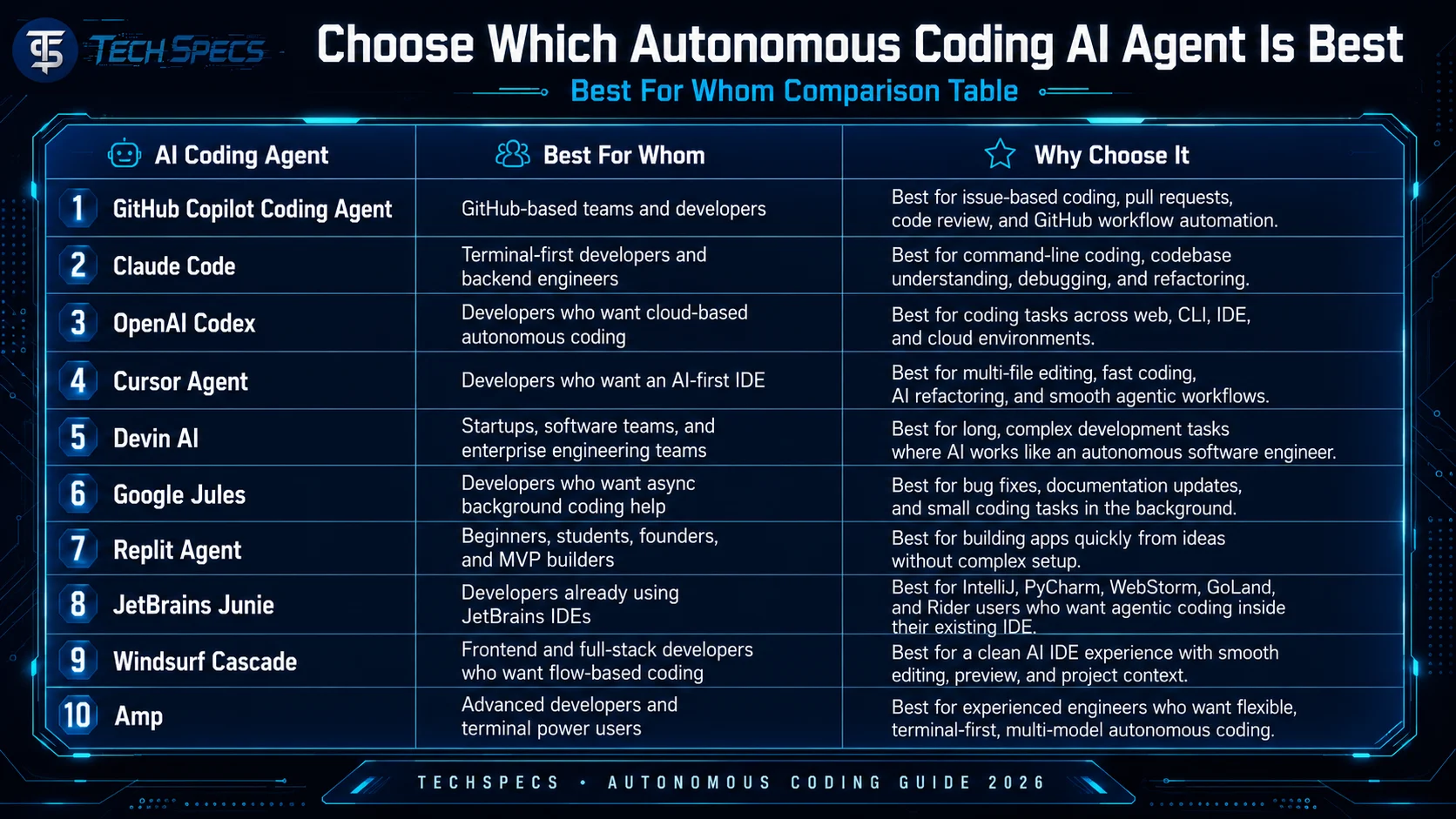
Choosing the right autonomous coding tool depends on your coding style, team size, budget, and workflow. Here is a simple guide to understand which AI coding agent is best for which type of user.
Recommendation by User Type
For beginners
Best choice: Replit Agent
Replit Agent is the easiest option for beginners because it helps users create apps from natural language prompts. It is useful for students, non-technical founders, and new developers who want to build something quickly without setting up a full development environment.
For GitHub users
Best choice: GitHub Copilot Coding Agent
GitHub Copilot is best for developers and teams who already use GitHub for repositories, issues, pull requests, and code reviews. It fits naturally into the existing GitHub coding workflow.
For terminal lovers
Best choice: Claude Code or Amp
Claude Code is better for most terminal-first developers because it is powerful and easier to use for codebase understanding, debugging, and refactoring. Amp is better for advanced developers who want more control and flexible model usage.
For professional IDE users
Best choice: Cursor, Windsurf, or JetBrains Junie
Cursor is great for developers who want a modern AI-first IDE. Windsurf is strong for smooth flow-based coding. JetBrains Junie is best for developers who already use JetBrains tools like IntelliJ IDEA, PyCharm, or WebStorm.
For enterprise software teams
Best choice: Devin AI or GitHub Copilot Coding Agent
Devin AI is suitable for teams that want an AI agent to handle longer and more complex engineering tasks. GitHub Copilot Coding Agent is better for teams that want safer integration with GitHub issues, pull requests, and review workflows.
For quick app building
Best choice: Replit Agent
Replit Agent is ideal for MVPs, prototypes, landing pages, dashboards, and simple web apps. It is especially useful when speed matters more than deep custom engineering.
For async background tasks
Best choice: Google Jules
Google Jules is best for developers who want to assign tasks and let the agent work in the background. It is useful for bug fixes, small features, documentation, and test updates.
For AI refactoring
Best choice: Cursor Agent, Claude Code, or JetBrains Junie
Cursor is excellent for visual multi-file edits inside an IDE. Claude Code is strong for terminal-based refactoring. JetBrains Junie is best if your project is already inside a JetBrains IDE.
Final Selection Guide
- Choose GitHub Copilot Coding Agent if your team works mainly on GitHub.
- Choose Claude Code if you like terminal-based coding.
- Choose OpenAI Codex if you want flexible cloud and multi-environment coding.
- Choose Cursor Agent if you want the best AI-first IDE experience.
- Choose Devin AI if you need an autonomous software engineer for complex tasks.
- Choose Google Jules if you want background coding help.
- Choose Replit Agent if you want to build apps fast.
- Choose JetBrains Junie if you already use JetBrains IDEs.
- Choose Windsurf Cascade if you want smooth flow-based coding.
- Choose Amp if you are an advanced terminal power user.
FAQs
Top 10 Autonomous Coding AI Agents in 2026
1. What is autonomous coding?
Autonomous coding means using AI agents that can understand a coding task, plan the work, edit files, run code, fix errors, and prepare the final result with less manual instruction from the developer.
2. What is Agentic Coding?
Agentic Coding is a coding workflow where AI acts like an assistant developer. It does not only suggest code; it can make decisions, work across multiple files, run tests, and complete coding tasks step by step.
3. What is agentic AI?
Agentic AI is an AI system that can take a goal, break it into smaller steps, use tools, and complete tasks with limited human guidance. In software development, it helps with coding, debugging, testing, and refactoring.
4. Which autonomous coding AI agent is best for beginners?
Replit Agent is one of the best options for beginners because it helps users build apps quickly from simple prompts. It also includes coding, preview, hosting, and deployment in one platform.
5. Which AI coding agent is best for GitHub users?
GitHub Copilot Coding Agent is best for developers and teams already using GitHub. It works well with issues, pull requests, code review, and GitHub-based coding workflows.
6. Which AI coding agent is best for terminal users?
Claude Code and Amp are strong choices for terminal users. Claude Code is better for most developers, while Amp is more suitable for advanced terminal power users.
7. Which is the best AI agent IDE in 2026?
Cursor, Windsurf, and JetBrains Junie are among the best AI agent IDE options in 2026. Cursor is great for AI-first editing, Windsurf is good for flow-based coding, and JetBrains Junie is best for JetBrains IDE users.
8. What is the best Devin AI alternative?
GitHub Copilot Coding Agent, Claude Code, Cursor Agent, and OpenAI Codex are strong Devin AI alternatives. The best choice depends on whether you prefer GitHub, terminal, IDE, or cloud-based coding workflows.
9. Can autonomous coding agents replace developers?
No, autonomous coding agents are not a full replacement for developers. They can reduce repetitive work, speed up coding, and help with debugging, but human review is still important for security, logic, performance, and product quality.
10. What is MCP in AI coding?
MCP stands for Model Context Protocol. It helps AI tools connect with external systems, tools, files, and data sources. In autonomous coding, MCP can make AI agents more useful by giving them better access to project context.
11. Are autonomous coding AI agents free?
Some tools offer free plans, such as GitHub Copilot Free, Cursor Hobby, Replit Starter, Windsurf Free, and limited access to other agents. However, serious developers usually need paid plans for higher usage, better models, cloud agents, and advanced features.
12. Which autonomous coding agent is best for startups?
Devin AI, Cursor, GitHub Copilot, and Replit Agent are good options for startups. Replit is better for quick MVPs, Cursor is better for fast development, and Devin AI or GitHub Copilot are better for structured engineering workflows.
13. Which AI coding agent is best for refactoring?
Cursor Agent, Claude Code, and JetBrains Junie are strong choices for AI refactoring. Cursor is useful for multi-file edits, Claude Code is strong in terminal workflows, and Junie is ideal for JetBrains IDE users.
14. Is autonomous coding safe for production projects?
Autonomous coding can be useful for production projects, but developers should always review the generated code. AI agents can make mistakes, miss business logic, introduce bugs, or create security risks if used without proper checking.
15. What is the future of autonomous coding?
The future of autonomous coding will focus on human-AI collaboration. Developers will spend more time planning, reviewing, testing, and designing systems, while AI agents handle repetitive coding tasks, refactoring, documentation, and bug fixing.