


Why AI Coding Assistants Matter in 2026
AI coding has moved far beyond simple autocomplete. In 2026, the best AI coding assistants can explain code, generate functions, refactor large files, write tests, review pull requests, understand full repositories, and even act like an AI pair programming partner.
For developers, this means faster prototyping, fewer repetitive tasks, better debugging support, and improved coding productivity. But the real challenge is choosing the right tool. Some AI coding assistants are best for daily code completion. Some are better for agentic development. Some focus on privacy, enterprise security, or code review quality.
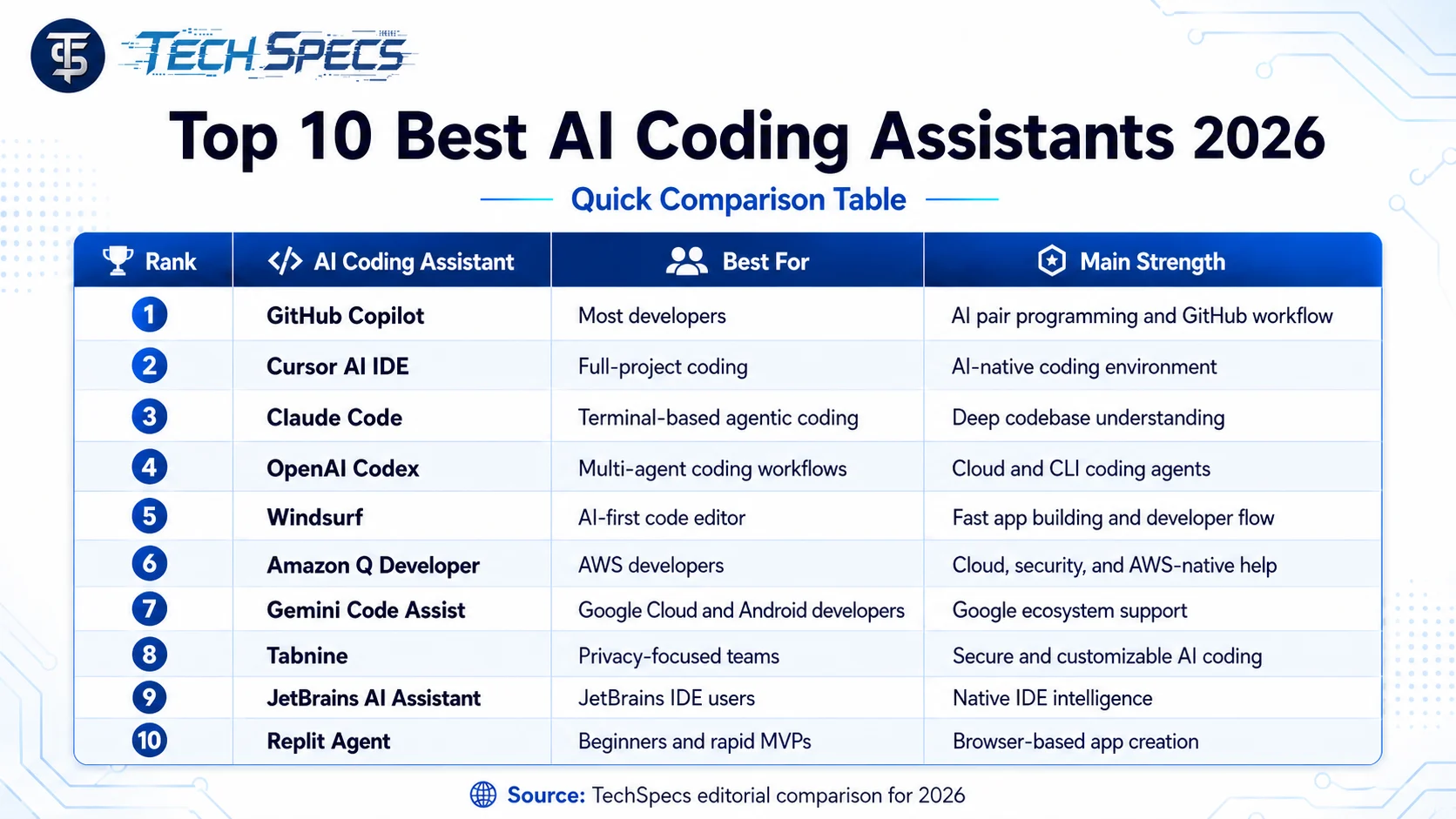
This guide by Tech Specs covers the Top 10 Best AI Coding Assistants Every Developer Needs in 2026, including tools like GitHub Copilot, Cursor AI IDE, Claude Code CLI, OpenAI Codex, Windsurf AI Code Editor, Tabnine, Gemini Code Assist, Amazon Q Developer, JetBrains AI Assistant, and Replit Agent.
Quick Comparison:
Best AI Coding Assistants 2026
1. GitHub Copilot
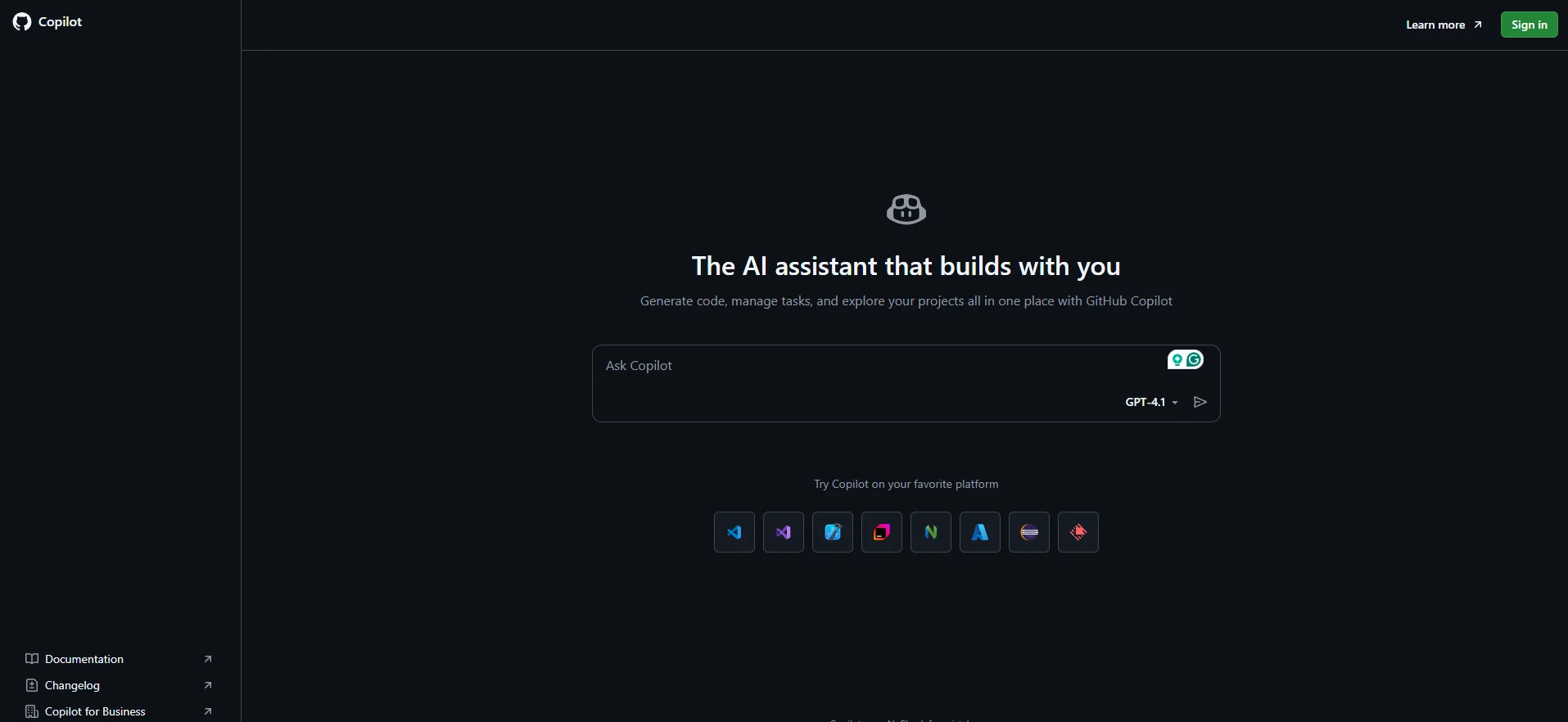
GitHub Copilot remains one of the best AI coding assistants in 2026 because it fits naturally into the workflow many developers already use: GitHub, VS Code, JetBrains IDEs, pull requests, and issue tracking.
Copilot can explain concepts, complete code, propose edits, and validate files using agent mode. GitHub also describes its cloud agent as an autonomous coding agent that can research a repository, create an implementation plan, make code changes on a branch, and prepare work for review.
Best for
GitHub Copilot is best for developers who want a reliable AI pair programming tool inside their existing development workflow.
Key features
- Code completion and suggestions
- Chat-based coding help
- Agent mode for larger coding tasks
- Pull request and GitHub issue support
- Good integration with GitHub repositories
Why developers need it
Copilot is a strong choice because it is easy to adopt. You do not need to change your entire workflow. You can keep using your editor, GitHub repositories, and pull request process while adding AI assistance.
Limitations
GitHub Copilot is powerful, but it still needs human review. Developers should always check generated code for security, logic, performance, and maintainability.
2. Cursor AI IDE
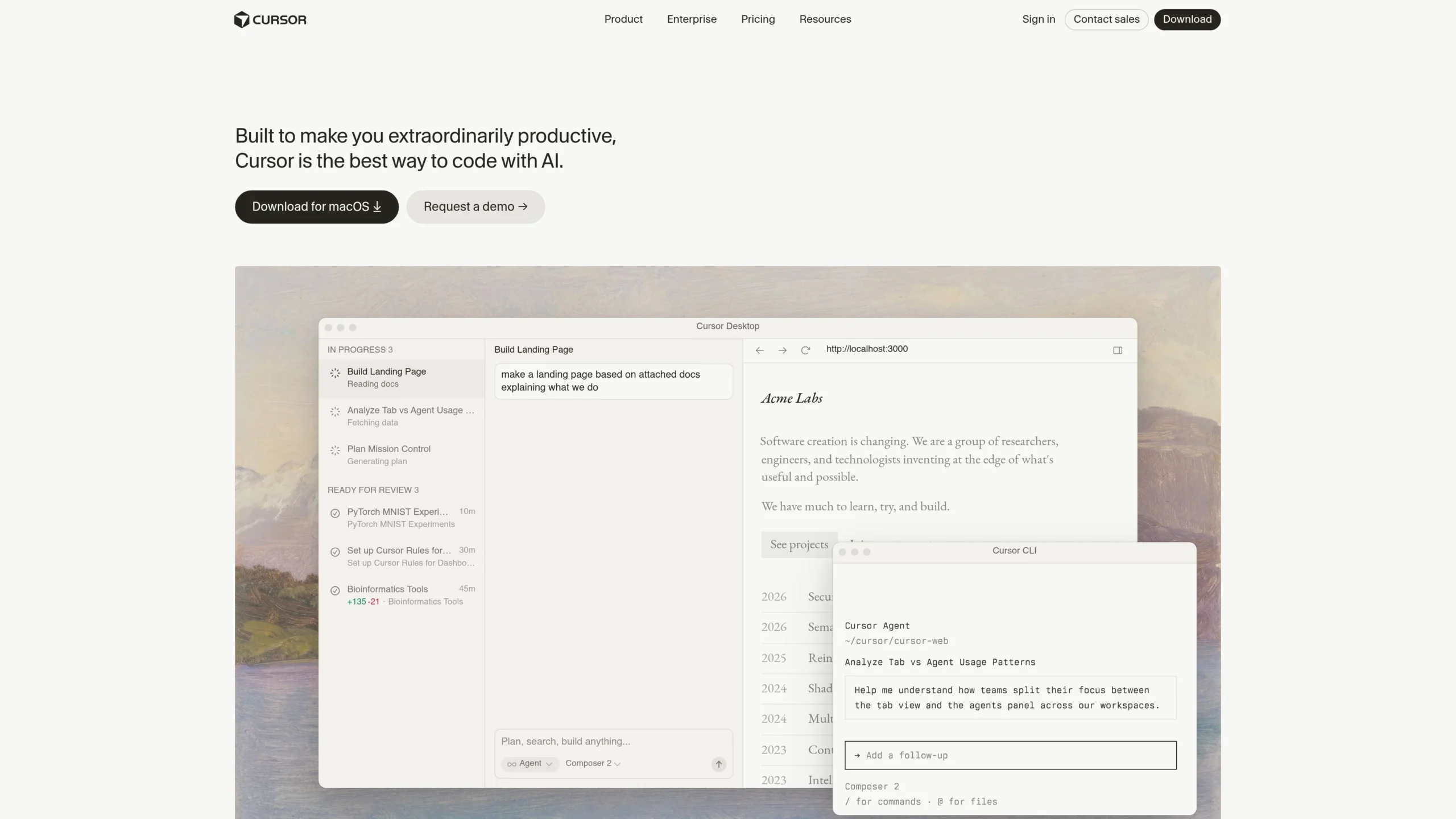
Cursor AI IDE is one of the most popular tools in the AI coding 2026 landscape because it is not just a plugin. It is an AI-focused code editor built around modern software development AI workflows.
Cursor describes itself as an IDE where agents can turn ideas into code, and its newer Cursor 3 interface focuses on working with software agents, multi-repo layouts, and handoff between local and cloud agents.
Best for
Cursor is best for developers who want an AI-native coding environment instead of adding an AI plugin to a traditional editor.
Key features
- AI chat inside the editor
- Full-project context
- Agentic coding workflow
- Multi-file code editing
- Useful for refactoring and feature building
Why developers need it
Cursor is especially useful when you want to move faster from idea to implementation. It can help generate files, edit existing code, understand project structure, and reduce repetitive development work.
Limitations
Because Cursor AI IDE is more agentic, developers should be careful when allowing it to make broad changes. Review diffs, run tests, and avoid giving AI tools access to sensitive production systems.
3. Claude Code CLI
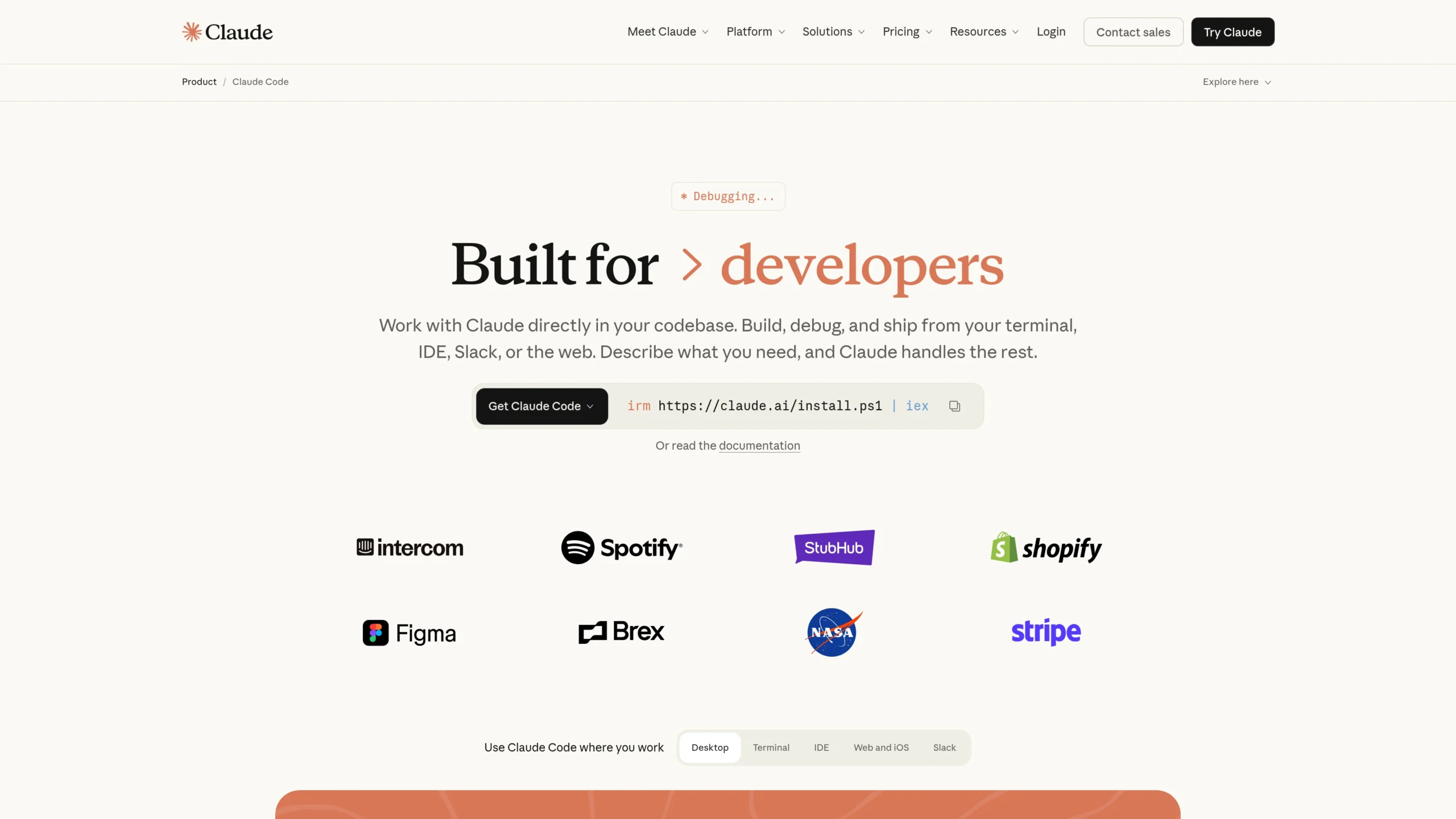
Claude Code is a strong option for developers who like terminal-based workflows. Instead of working only as a traditional autocomplete tool, Claude Code works more like an agentic coding system.
Anthropic describes Claude Code as a system that can read a codebase, make changes across files, run tests, and deliver committed code.
Best for
Claude Code CLI is best for developers who prefer command-line workflows and want an AI agent for coding that can work across a codebase.
Key features
- CLI-based coding support
- Codebase reading and understanding
- Multi-file editing
- Test execution support
- Agentic software development workflow
Why developers need it
Claude Code is useful when you want the assistant to understand more than one file. It can help with debugging, refactoring, test writing, and larger changes where simple autocomplete is not enough.
Limitations
Claude Code CLI tools can be powerful, but they require discipline. Always use version control, review commits, and avoid allowing any coding assistant to run risky commands without checking them first.
4. OpenAI Codex
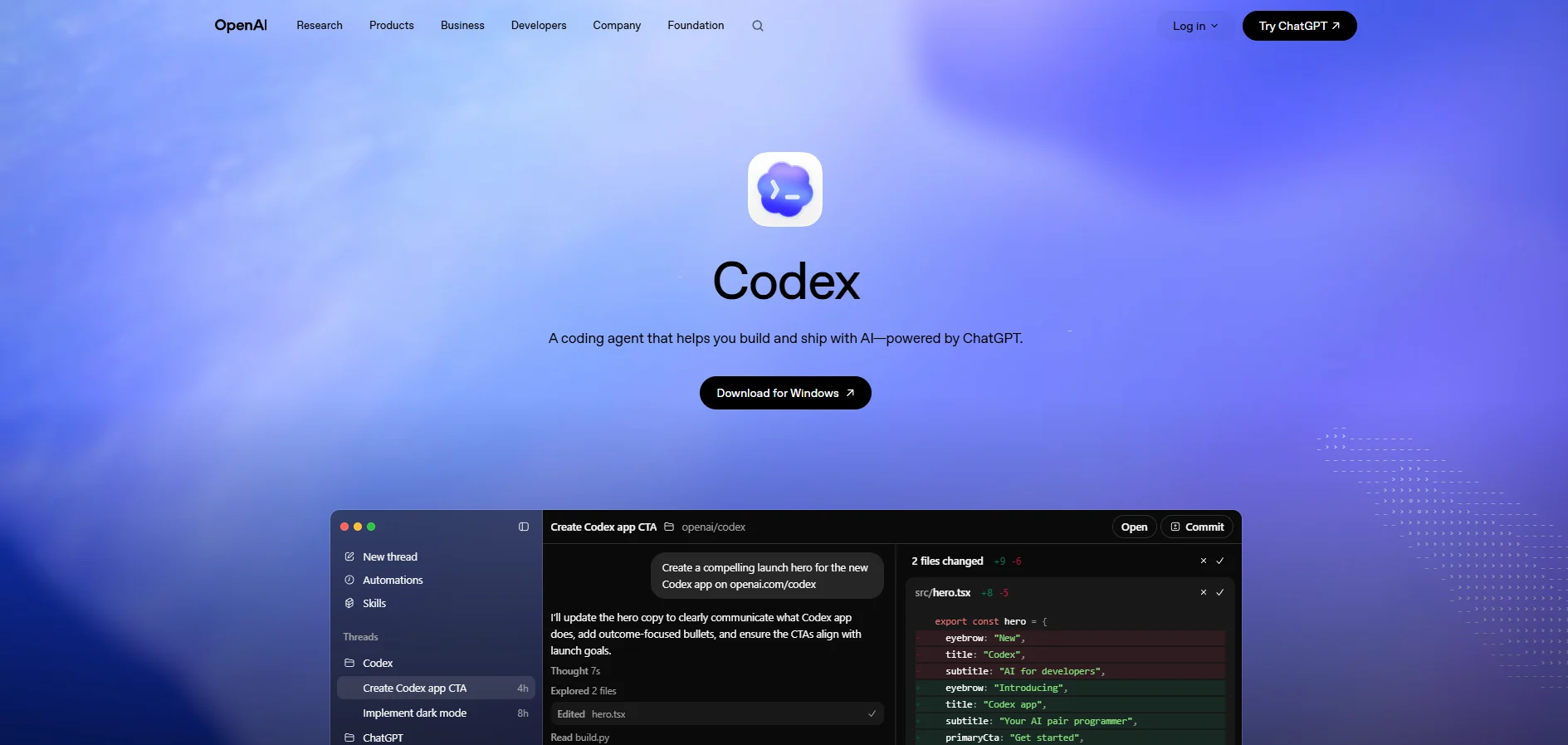
OpenAI Codex has become a serious tool for agentic software development. It is designed for developers who want coding agents that can work across tasks, repositories, and cloud environments.
OpenAI describes Codex as an AI coding partner and a command center for agentic coding, with built-in worktrees and cloud environments that allow agents to work in parallel across projects.
Best for
OpenAI Codex is best for developers and teams that want multi-agent coding workflows, cloud-based coding tasks, and advanced automated code generation.
Key features
- Agentic coding workflows
- Cloud environments
- Parallel task handling
- Codex CLI support
- Useful for bug fixing, feature building, and codebase questions
Why developers need it
Codex is helpful when one assistant is not enough. For example, one agent can work on tests, another can explore bugs, and another can suggest implementation changes.
Limitations
OpenAI Codex should not replace engineering judgment. It can speed up development, but the developer is still responsible for architecture, review, testing, and deployment decisions.
5. Windsurf AI Code Editor
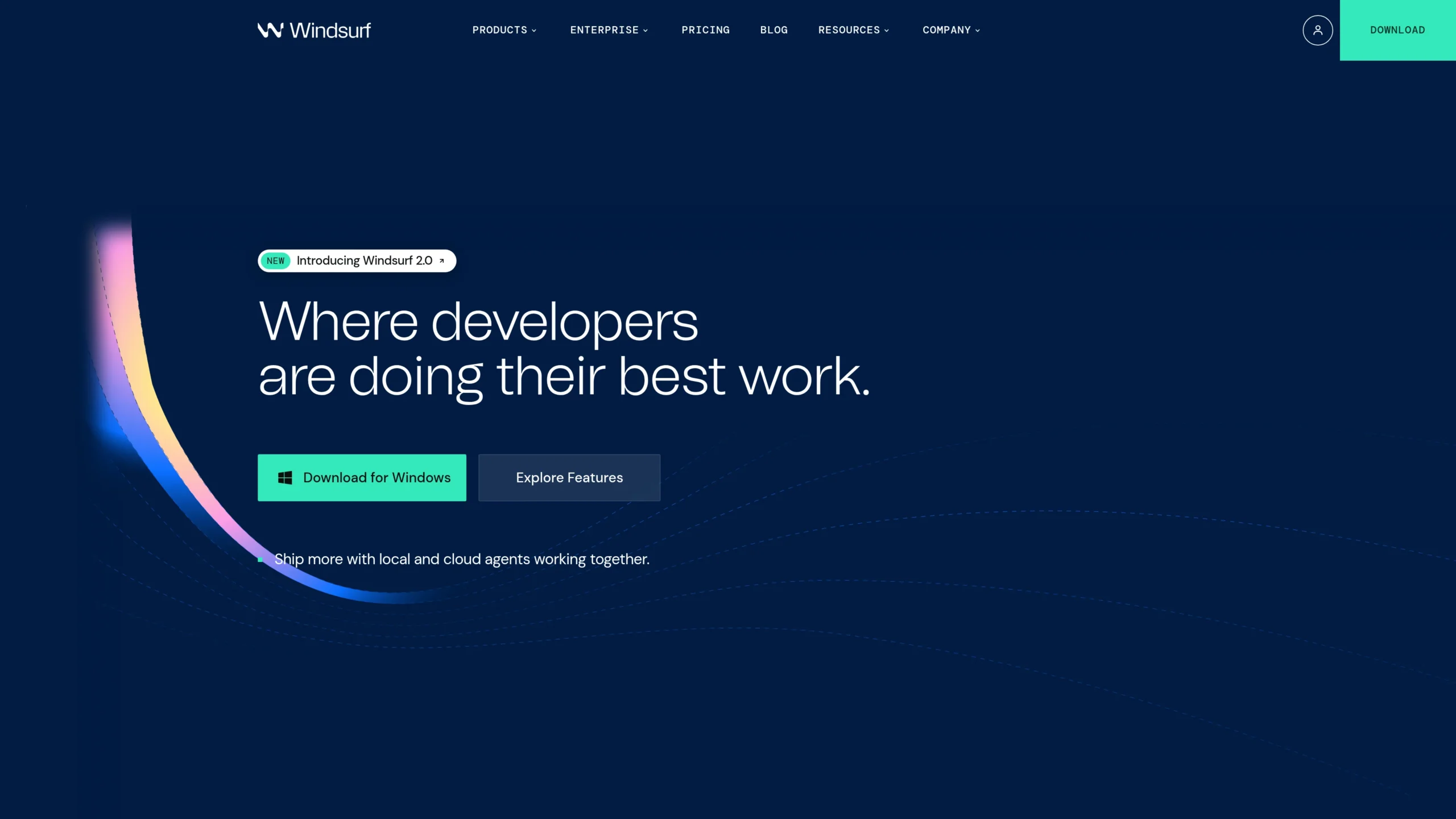
Windsurf is another powerful AI coding tool that competes directly with Cursor and Copilot. It is designed as an AI-native coding editor and focuses on helping developers stay in flow.
Windsurf positions itself as an advanced AI coding assistant and AI-native IDE for developers and enterprises.
Best for
Windsurf is best for developers who want an AI-first code editor with a smooth, beginner-friendly experience.
Key features
- AI-native code editor
- Chat-based coding support
- Agentic coding assistance
- Helpful for building apps from prompts
- Strong developer experience
Why developers need it
Windsurf AI Code Editor is useful for developers who want to build quickly without constantly switching between editor, browser, terminal, and documentation.
Limitations
Like Cursor, Windsurf AI is most effective when developers understand the code being generated. It is not a shortcut for skipping testing, security checks, or code review.
6. Amazon Q Developer
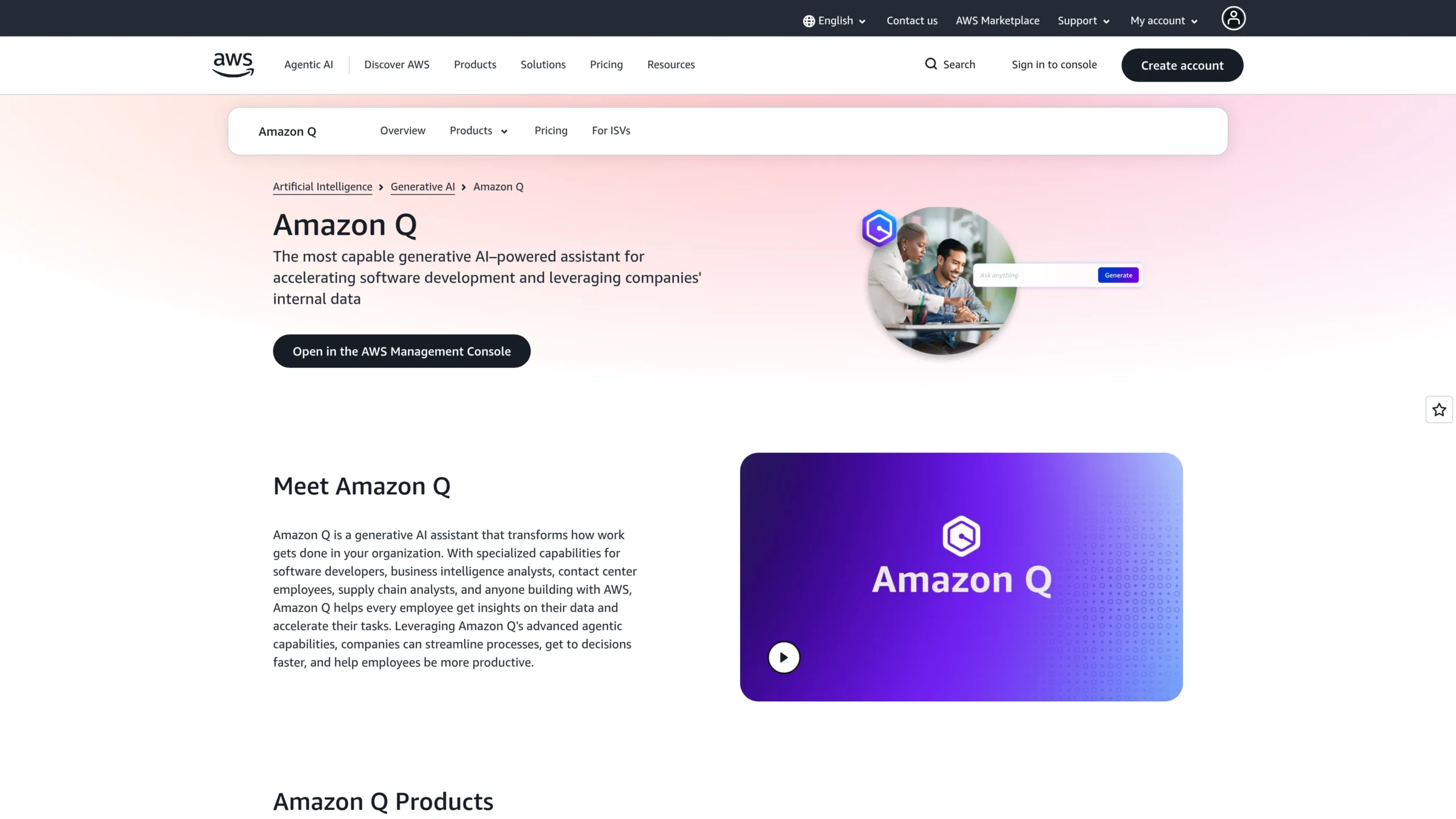
Amazon Q Developer is one of the best AI coding assistants for developers working with AWS. It is not only for writing code. It also helps with debugging, refactoring, security scanning, AWS architecture, CLI assistance, and cloud workflows.
AWS says Amazon Q Developer can write, debug, and refactor code in the IDE. It also supports inline suggestions, CLI completions, natural-language-to-bash translation, vulnerability scanning, and agentic coding capabilities.
Best for
Amazon Q Developer is best for AWS developers, cloud engineers, DevOps teams, and backend developers working with cloud infrastructure.
Key features
- Code suggestions
- AWS architecture help
- Security scanning
- CLI assistance
- Code transformation and modernization
- Agentic development tasks
Why developers need it
If your software runs on AWS, Amazon Q Developer can help beyond normal coding. It can support cloud design, troubleshooting, security checks, and infrastructure-related development.
Limitations
Amazon Q Developer is strongest inside AWS-heavy workflows. For non-AWS projects, tools like Copilot, Cursor, Claude Code, or Codex may feel more general-purpose.
7. Gemini Code Assist
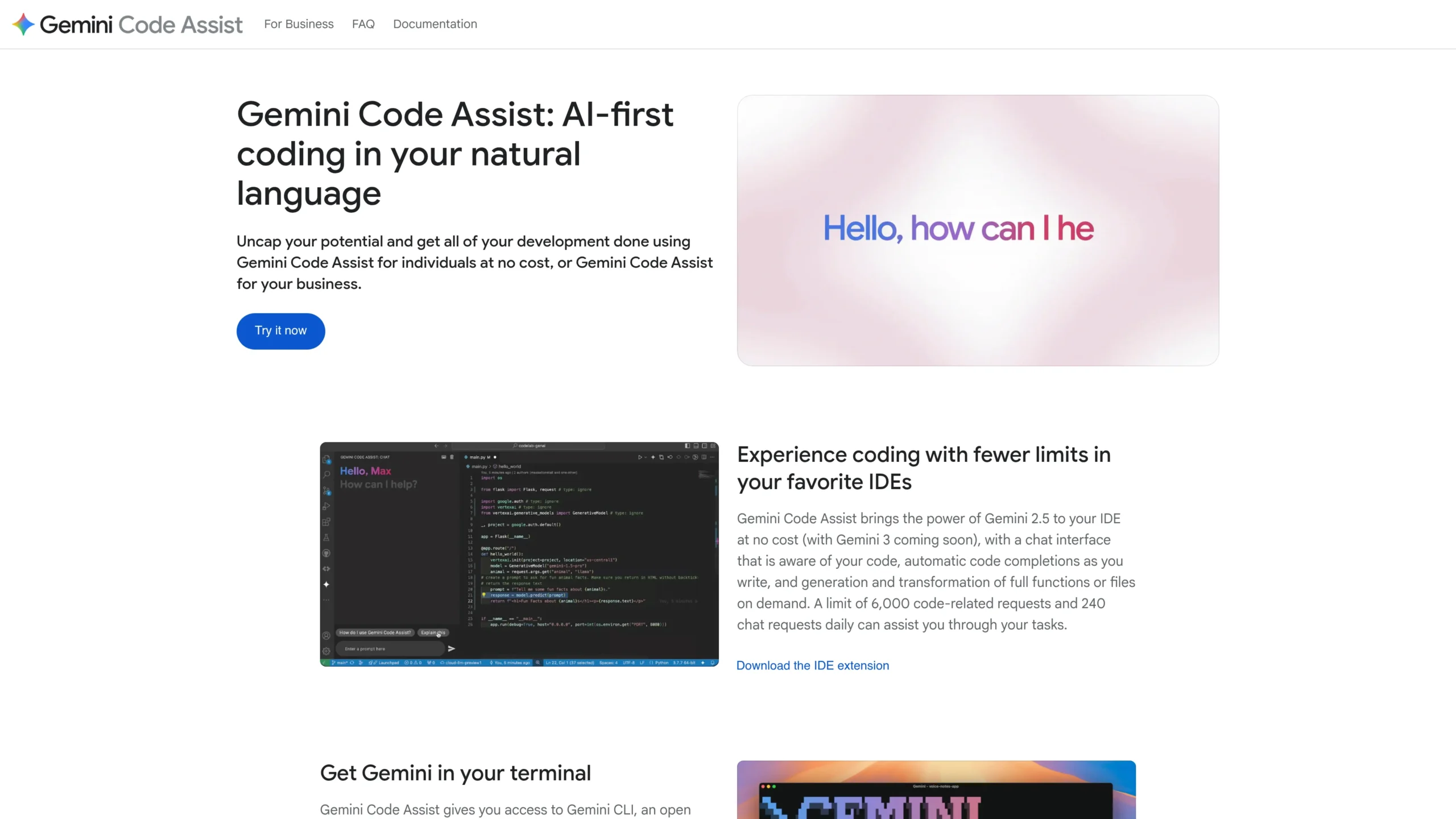
Gemini Code Assist is Google’s AI coding assistant for developers working across Google Cloud, Firebase, Android Studio, BigQuery, Apigee, and common IDEs.
Google describes Gemini Code Assist as AI-powered assistance that helps development teams build, deploy, and operate applications across the software development lifecycle. It is available for individuals and through Google Cloud editions.
Best for
Gemini Code Assist is best for Google Cloud developers, Firebase developers, Android developers, and teams already using Google’s development ecosystem.
Key features
- Code generation
- Natural language chat
- Contextual coding responses
- GitHub code review support
- Integration with Firebase, Android Studio, IntelliJ, Google Cloud tools, BigQuery, and more
Why developers need it
Gemini Code Assist is useful because it connects coding help with Google’s cloud and app development ecosystem. For developers building mobile apps, web apps, or cloud apps on Google infrastructure, this can save time.
Limitations
For developers not using Google Cloud Assist or Android tools, Gemini Code Assist may not feel as central as Copilot, Cursor, or Claude Code.
8. Tabnine
Tabnine is one of the strongest AI coding assistants for teams that care about privacy, security, and enterprise control.
Tabnine describes itself as an AI coding platform that can be deployed in the cloud, on-premises, or air-gapped, while helping teams keep code private, secure, and compliant.
Best for
Tabnine is best for enterprise teams, regulated industries, private codebases, and organizations that want more control over AI coding tools.
Key features
- AI code completion
- Private deployment options
- Enterprise security focus
- Customization for team codebases
- Support for multiple IDEs and languages
Tabnine vs Copilot
The Tabnine vs Copilot comparison depends on your priority.
Copilot is often better for developers who want broad ecosystem support and GitHub-native AI pair programming. Tabnine is better for teams that prioritize privacy, compliance, and deployment flexibility.
Why developers need it
Tabnine is important because not every company can send code context to a general cloud AI tool. For sensitive industries, privacy-focused AI coding assistants are essential.
Limitations
Tabnine may not feel as flashy as some newer agentic tools, but its strength is controlled, secure, and enterprise-friendly AI coding.
9. JetBrains AI Assistant
JetBrains AI Assistant is a strong choice for developers already using IntelliJ IDEA, PyCharm, WebStorm, PhpStorm, CLion, or other JetBrains IDEs.
JetBrains describes AI Assistant as a collection of AI-powered features and coding agents integrated into JetBrains IDEs. It helps developers work with code through AI chat, editor actions, and agents that can handle multi-step development tasks.
Best for
JetBrains AI Assistant is best for developers who already prefer JetBrains IDEs and want AI support without leaving their existing environment.
Key features
- AI chat inside JetBrains IDEs
- Code explanation
- Code generation
- Refactoring support
- Multi-step coding agents
- Native IDE integration
Why developers need it
JetBrains IDEs already have strong code intelligence. Adding AI on top of that can make coding, debugging, and refactoring smoother.
Limitations
JetBrains AI Assistant is most useful for JetBrains users. VS Code users may prefer Copilot, Cursor, Gemini Code Assist, or Amazon Q Developer.
10. Replit Agent
Replit Agent is different from many traditional AI coding assistants. It is especially useful for beginners, students, indie hackers, and developers who want to create prototypes quickly in the browser.
Replit says its Agent can turn natural language prompts into apps and websites, allowing users to build and deploy projects from a simple chat-based workflow.
Best for
Replit Agent is best for fast MVPs, learning, small apps, browser-based coding, and non-complex prototypes.
Key features
- Browser-based development
- Natural language app creation
- Built-in hosting and deployment workflow
- Useful for quick prototypes
- Beginner-friendly interface
Why developers need it
Replit Agent is valuable because it reduces setup time. You do not need to install an IDE, configure local dependencies, or set up hosting before testing an idea.
Limitations
For large production systems, professional teams may still prefer GitHub Copilot, Cursor, Claude Code, Codex, Amazon Q, or JetBrains AI Assistant.
How to Choose the Best AI for Coding in 2026
Choosing the best AI for coding depends on your workflow.
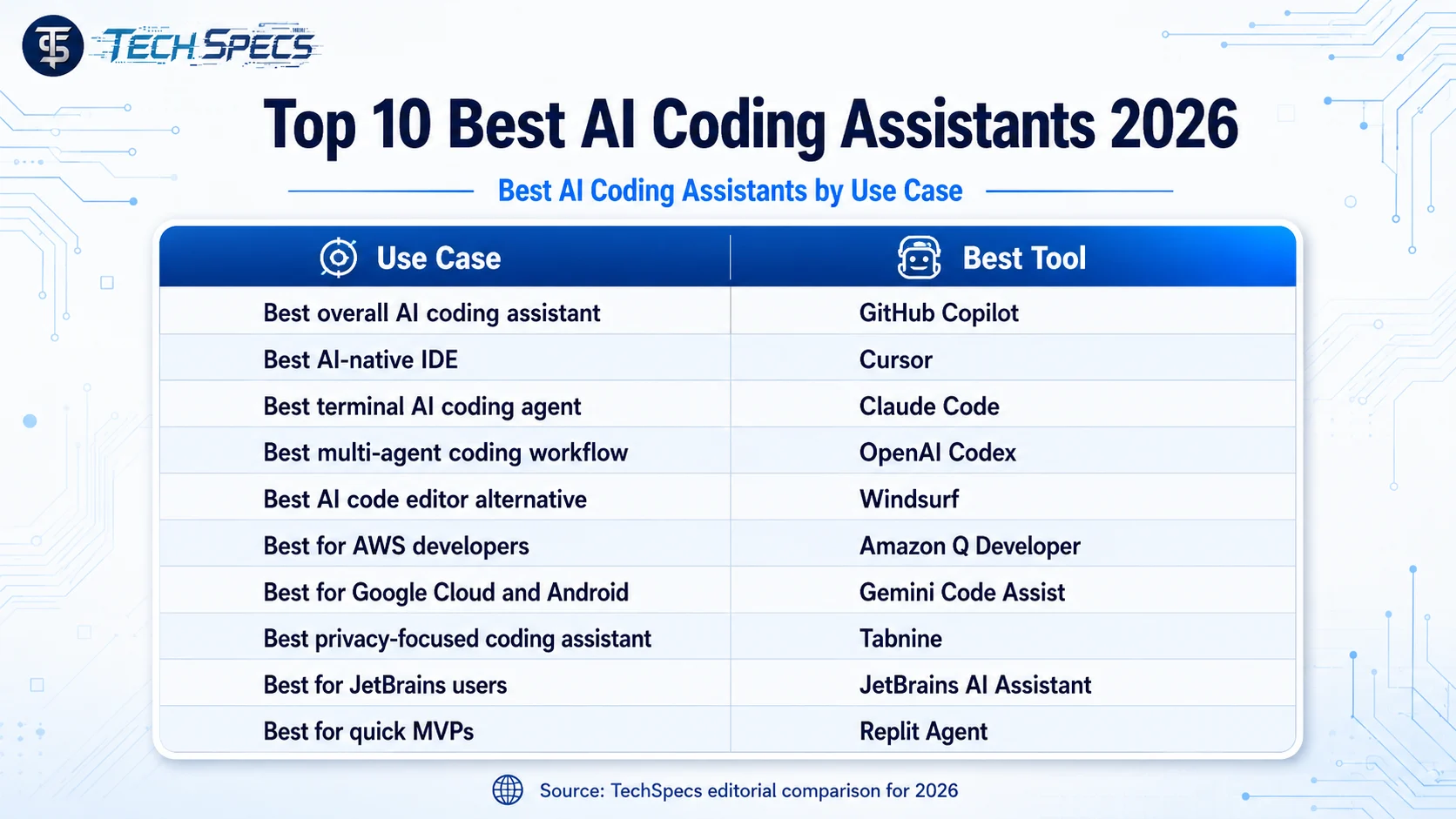
For most developers, GitHub Copilot is the safest all-around choice. For AI-native development, Cursor and Windsurf are excellent. For terminal-based agentic development, Claude Code CLI is powerful. For multi-agent coding workflows, OpenAI Codex is a strong option. For AWS projects, Amazon Q Developer is the better fit. For Google Cloud, Firebase, and Android development, Gemini Code Assist makes more sense. For privacy-focused companies, Tabnine is a practical choice. For JetBrains users, JetBrains AI Assistant is convenient. For quick prototypes, Replit Agent is hard to ignore.
The best AI coding assistant is not always the one with the most features. The best one is the tool that fits your editor, codebase, security needs, team workflow, and development style.
Benefits of AI Coding Assistants
1. Faster coding
AI coding assistants can generate boilerplate, suggest functions, explain errors, and speed up repetitive work.
2. Better learning
Beginners can ask questions directly inside the IDE instead of searching through many tutorials.
3. Faster debugging
AI coding tools can explain error messages, suggest fixes, and help identify possible causes.
4. Improved code review
Tools like Qodo, Copilot, Gemini Code Assist, and Amazon Q Developer can support review workflows, testing, and security checks.
5. Better productivity
AI pair programming helps developers stay focused by reducing context switching between the editor, browser, terminal, and documentation.
Risks of Using AI Coding Tools
AI coding assistants are powerful, but they are not perfect. Developers should be careful about:
- Incorrect code suggestions
- Security vulnerabilities
- Poor architectural decisions
- Over-reliance on generated code
- Leaking private code or sensitive data
- Running AI-generated commands without review
The best practice is simple: use AI as an assistant, not as the final decision-maker.
Best AI Coding Assistants by Use Case
Final Thoughts
The best AI coding assistants in 2026 are changing how developers write, test, review, and ship software. Tools like GitHub Copilot, Cursor AI IDE, Claude Code CLI, OpenAI Codex, Windsurf AI Code Editor, Gemini Code Assist, Amazon Q Developer, Tabnine, JetBrains AI Assistant, and Replit Agent are no longer just optional productivity tools. They are becoming part of modern software development.
Still, the smartest developers will not blindly trust AI-generated code. They will use AI coding assistants to move faster, but they will still review, test, secure, and understand the final code.
For most developers, the best starting point is GitHub Copilot or Cursor. For advanced agentic coding, Claude Code and Codex are worth exploring. For enterprise privacy, Tabnine is a strong option. For cloud-specific development, Amazon Q Developer and Gemini Code Assist are practical choices.
In 2026, the best AI for coding is not the tool that replaces developers. It is the tool that helps developers think better, build faster, and ship safer software.
FAQs
1. What is the best AI coding assistant in 2026?
GitHub Copilot is the best overall AI coding assistant for most developers, while Cursor, Claude Code, and OpenAI Codex are better for more agentic coding workflows.
2. What is the best AI for coding beginners?
Replit Agent, GitHub Copilot, and Gemini Code Assist are good options for beginners because they are easier to start with and provide chat-based coding help.
3. Is Cursor better than GitHub Copilot?
Cursor is better if you want a full AI-native IDE. GitHub Copilot is better if you want AI assistance inside your existing GitHub and editor workflow.
4. Which AI coding assistant is best for privacy?
Tabnine is one of the best AI coding assistants for privacy-focused teams because it offers cloud, on-premises, and air-gapped deployment options.
5. Can AI coding assistants replace developers?
No. AI coding assistants can speed up development, but developers are still needed for planning, architecture, testing, security, debugging, and final decision-making.