


React and Next.js developers now work in a very different coding world. Instead of only writing every component manually, developers can use AI tools to generate React components, refactor messy code, fix bugs, write tests, explain logic, and even build full Next.js apps from prompts.
Next.js is one of the most popular React frameworks for building modern web applications, and Vercel describes it as “The React Framework for the Web.” That makes AI coding tools especially useful for frontend developers who work with routing, components, server actions, APIs, styling, deployment, and performance optimization.
This guide compares the Top 10 Best AI Coding Assistants for React & Next.js in 2026 so you can choose the right tool for your workflow.
Why Best AI Coding Assistants Matter
AI coding assistants are important because React and Next.js projects often include many moving parts: components, hooks, state management, API routes, server components, authentication, styling, testing, and deployment.
A good AI coding assistant can help you:
- Generate reusable React components faster.
- Convert UI ideas into working JSX or TSX.
- Debug TypeScript, hydration, and routing issues.
- Refactor large component files.
- Create tests and documentation.
- Improve productivity without replacing developer judgment.
The best ai for react is not always the same for every developer. Some tools are better for UI generation, some are better for large codebases, and some are better for full-stack Next.js apps.
1. GitHub Copilot
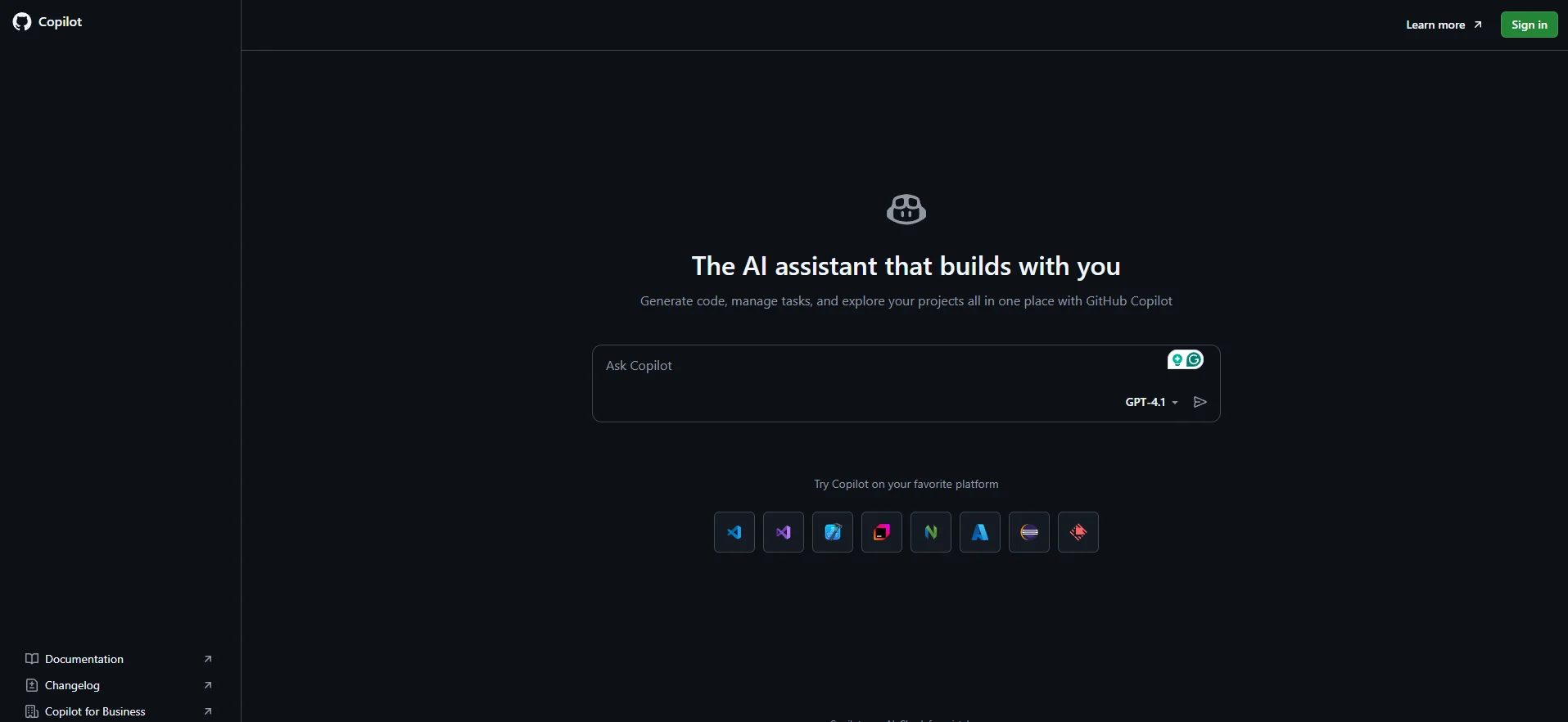
GitHub Copilot is one of the most popular AI coding assistants for JavaScript, TypeScript, React, and Next.js developers. It works inside popular editors and helps with code completion, chat, explanations, edits, and agent-based workflows.
For React and Next.js, GitHub Copilot is useful because it stays close to your normal development workflow. GitHub says Copilot can assist as you work on code, and its cloud agent can research a repository, create an implementation plan, make code changes on a branch, and let you review the diff before creating a pull request.
Features
- AI code completion for JavaScript, TypeScript, JSX, and TSX.
- Chat-based coding help inside the editor.
- Agent mode for multi-step coding tasks.
- Pull request and repository assistance.
- Helpful for GitHub Copilot JavaScript workflows.
Free Features
- GitHub Copilot Free includes limited usage.
- The current free plan includes 50 agent mode or chat requests per month.
- The current free plan includes 2,000 completions per month.
Pro Features
- More premium requests.
- Unlimited real-time code suggestions on paid individual plans.
- More advanced model access and higher usage limits.
Best For
Developers who already use GitHub, VS Code, JetBrains IDEs, and GitHub pull requests.
Limitations
Copilot can still suggest incorrect code, so React hooks, security-sensitive logic, and API code must be reviewed carefully.
Best Use Cases
- React code ai suggestions.
- Next.js API route generation.
- Component refactoring.
- GitHub issue-to-PR workflows.
- JavaScript and TypeScript productivity.
2. Cursor
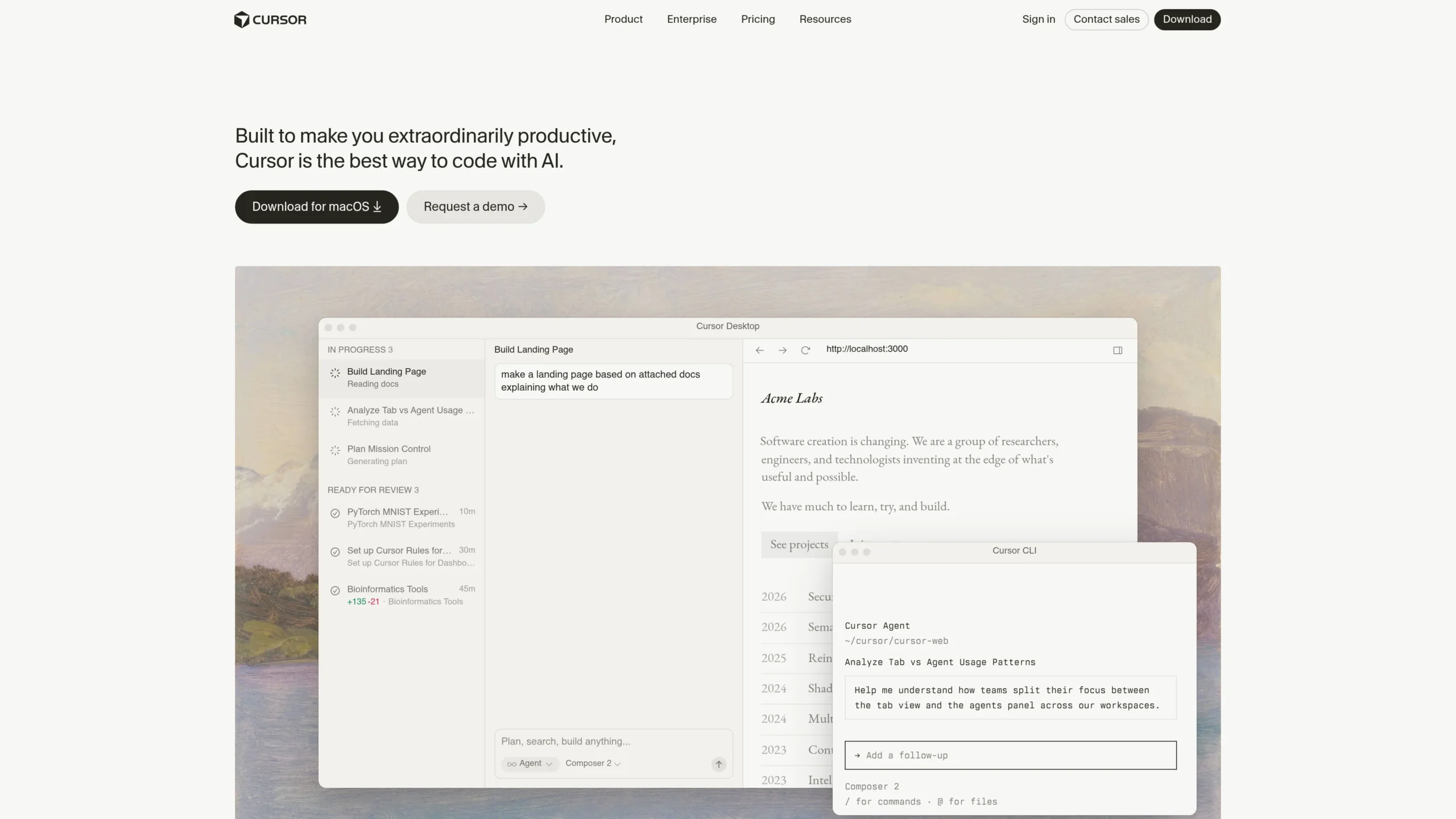
Cursor is an AI-powered code editor built for developers who want deep codebase understanding and agentic editing. It is especially useful for React and Next.js projects because it can read files, understand project structure, suggest edits, and help across multiple files.
Cursor says its agents can turn ideas into code and that Cursor can plan, write, and review code using AI agents that understand your entire codebase.
Features
- AI-native code editor.
- Codebase-aware chat.
- Multi-file editing.
- Agent-based task handling.
- Strong for frontend refactoring and UI logic.
Free Features
- Free or entry-level use is available for trying the editor.
- Useful for testing code suggestions and small AI edits.
- Good for beginners who want to explore ai frontend developer workflows.
Pro Features
- Higher agent usage.
- Better for daily AI coding.
- Cursor recommends Pro+ for daily agent users and Ultra for agent power users.
Best For
React and Next.js developers who want an AI-first editor instead of a normal editor with an AI plugin.
Limitations
You may need to move from your current editor to Cursor, which can be uncomfortable for developers already committed to VS Code or WebStorm.
Best Use Cases
- Multi-file React refactoring.
- Component cleanup.
- Next.js app router fixes.
- AI-assisted frontend architecture.
- Building features from natural language prompts.
3. Claude Code
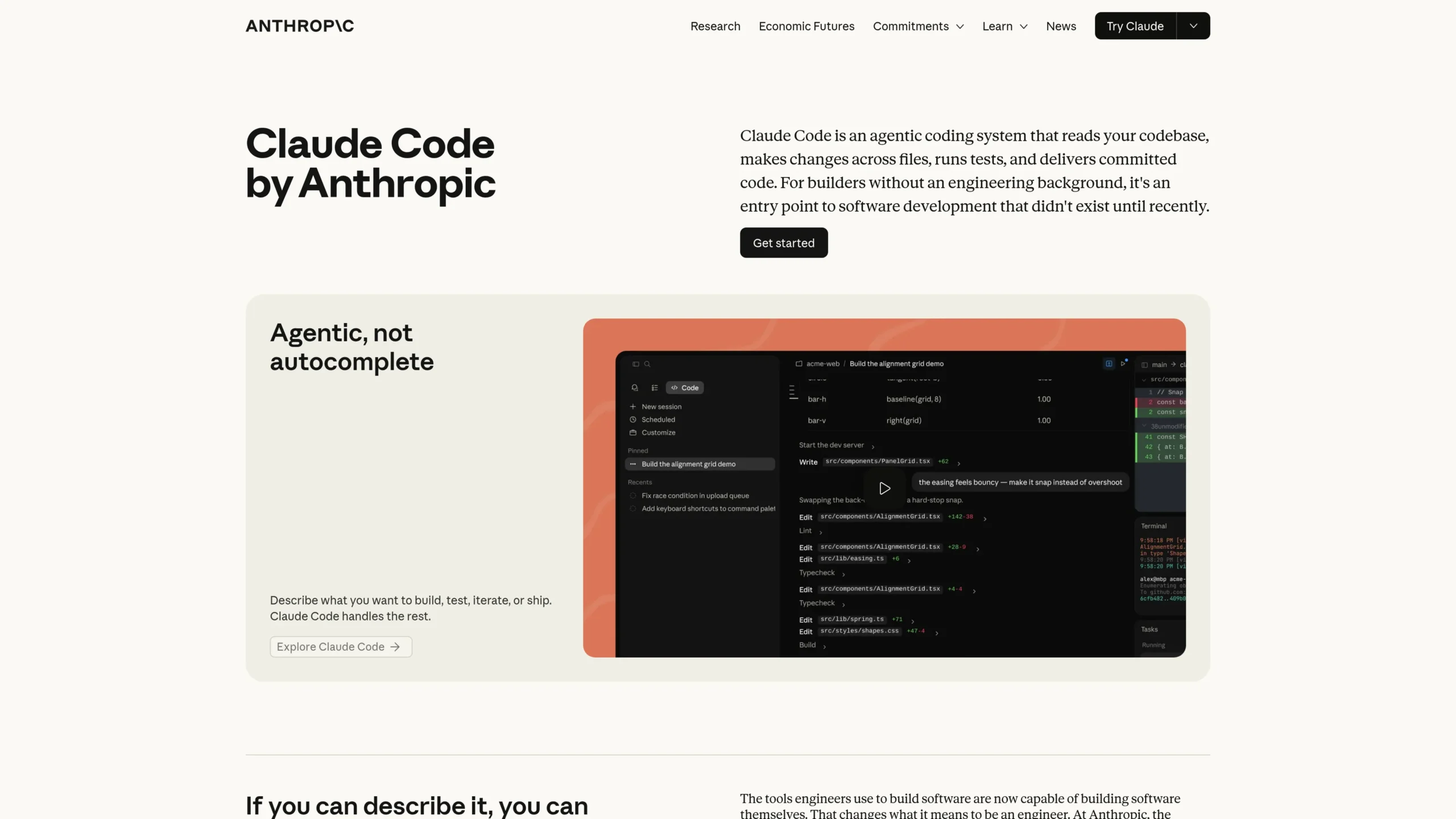
Claude Code is Anthropic’s agentic coding tool for developers. It is strong for understanding large codebases, explaining code, editing files, running commands, and helping developers ship faster.
Anthropic describes Claude Code as an agentic coding tool that understands your codebase, edits files, runs commands, and helps automate development tasks.
Features
- Codebase understanding.
- Terminal-based coding help.
- Multi-file edits.
- Bug fixing and feature building.
- Strong reasoning for complex React and Next.js problems.
Free Features
- Claude’s free plan can help with smaller code explanations and prompt-based coding support.
- Claude Code availability depends on the current Claude plan and region, so users should check Anthropic’s live pricing page.
Pro Features
- Higher usage limits through paid Claude plans.
- Better for larger repositories and longer coding sessions.
- API pricing is available for developer workloads.
Best For
Developers who prefer terminal workflows and need strong reasoning for complex frontend or full-stack issues.
Limitations
Claude Code may require careful instruction and review, especially when it runs commands or modifies multiple files.
Best Use Cases
- Debugging difficult React bugs.
- Understanding unfamiliar Next.js projects.
- Refactoring full components.
- Writing tests.
- Explaining architecture.
4. v0 by Vercel
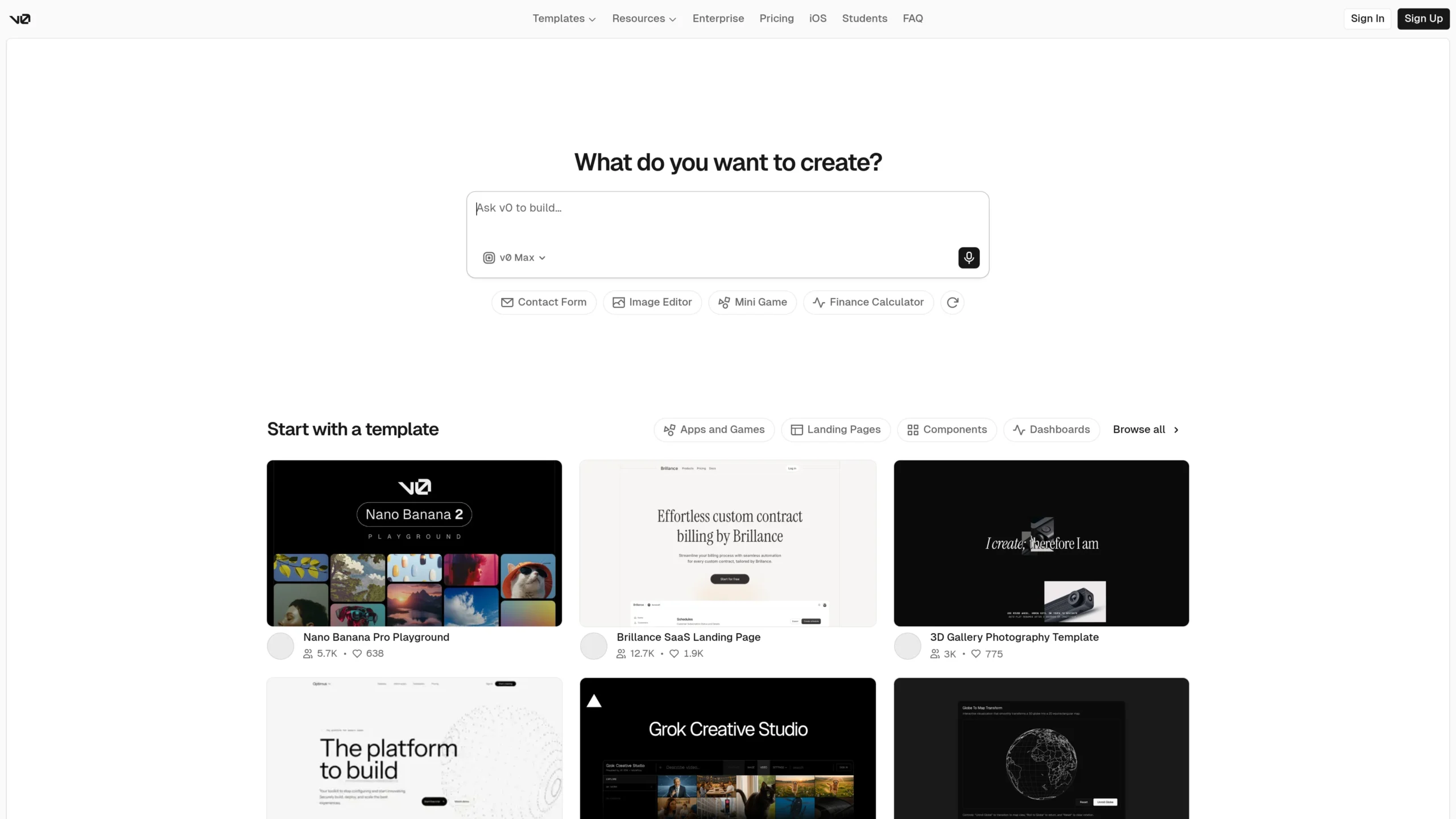
v0 is one of the best AI tools for React components and UI generation. It is especially useful for developers who want to turn design ideas into React or Next.js UI quickly.
Vercel describes v0 as a tool for building agents, apps, and websites with AI. It can launch faster with ready-made components and full-page designs, create design systems, and build with an agentic workflow.
Features
- React component generation.
- Full-page UI design.
- Design system support.
- Visual editing.
- Vercel deployment support.
Free Features
- Free plan includes monthly credits.
- Free plan supports deploying apps to Vercel.
- Free plan includes Design Mode, GitHub sync, and daily message limits.
Pro Features
- More monthly credits.
- Better for frequent UI generation.
- Team plans support collaboration and shared workflows.
Best For
Frontend developers, UI designers, landing page builders, and Next.js developers using Vercel.
Limitations
v0 is strongest for UI and frontend generation. For deep backend logic or complex codebase refactoring, tools like Cursor, Copilot, Claude Code, or Codex may be better.
Best Use Cases
- React components ai generation.
- Landing pages.
- Dashboard UI.
- SaaS UI sections.
- Next.js frontend prototypes.
5. OpenAI Codex
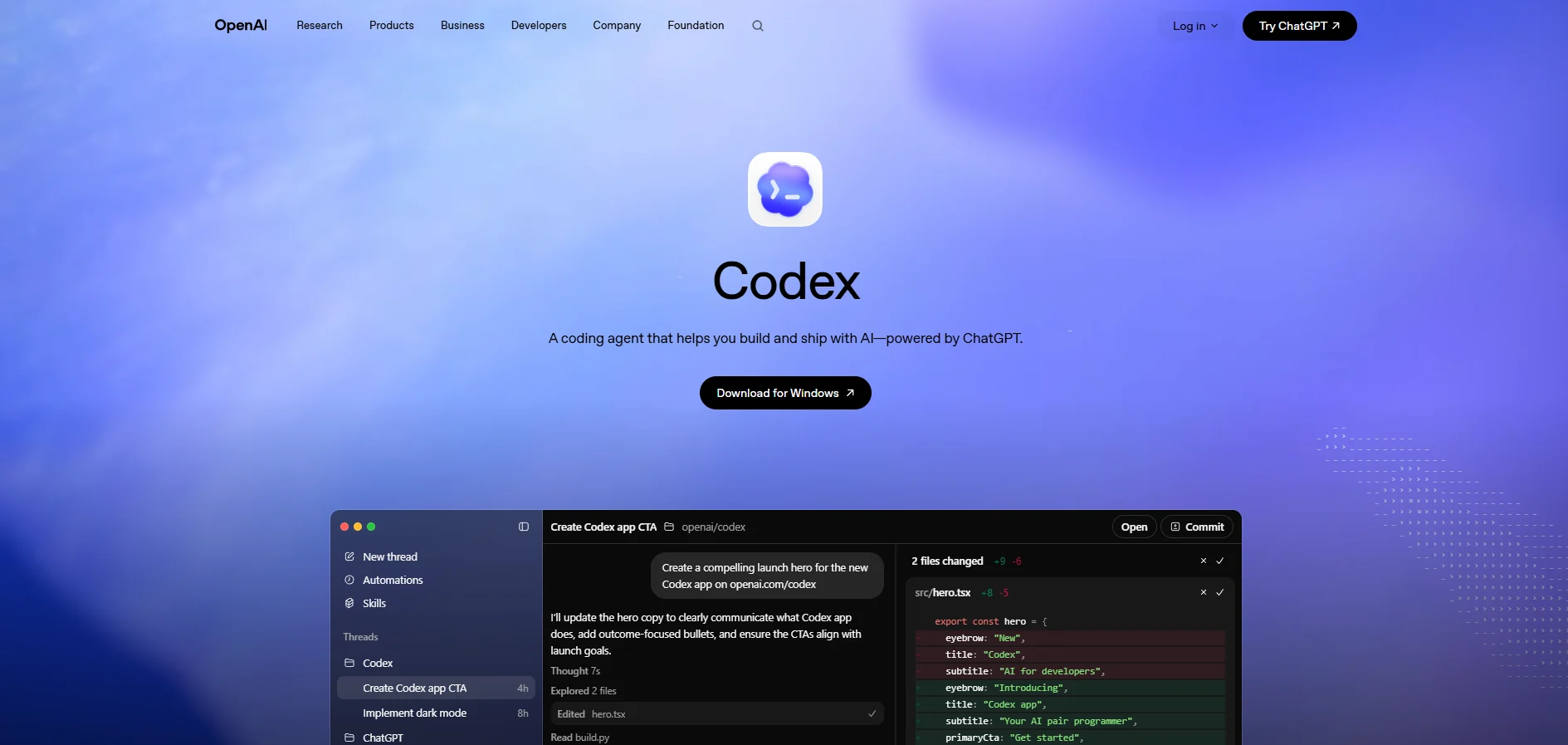
OpenAI Codex is designed for agentic coding workflows. It can work across projects, read and edit code, run code, and help developers build faster.
OpenAI describes Codex as a command center for agentic coding with built-in worktrees and cloud environments. OpenAI also says Codex can read, edit, and run code, and the VS Code extension lets developers use Codex inside the IDE or delegate tasks to Codex Cloud.
Features
- Agentic coding workflows.
- Cloud-based task delegation.
- Code reading, editing, and running.
- VS Code extension.
- Useful for multi-step software tasks.
Free Features
- Codex availability depends on supported ChatGPT plans.
- OpenAI says ChatGPT Plus, Pro, Business, Edu, and Enterprise plans include Codex.
Pro Features
- More access through higher ChatGPT or Codex usage tiers.
- Better for heavier coding tasks.
- Codex pricing and usage can vary by plan.
Best For
Developers who want an AI coding agent connected to OpenAI’s ecosystem.
Limitations
For visual UI generation, v0 or Bolt may feel easier. For editor-native coding, Cursor or Copilot may feel more natural.
Best Use Cases
- Multi-step bug fixing.
- React and Next.js feature generation.
- Codebase explanation.
- Cloud coding tasks.
- Pull request preparation.
6. Windsurf
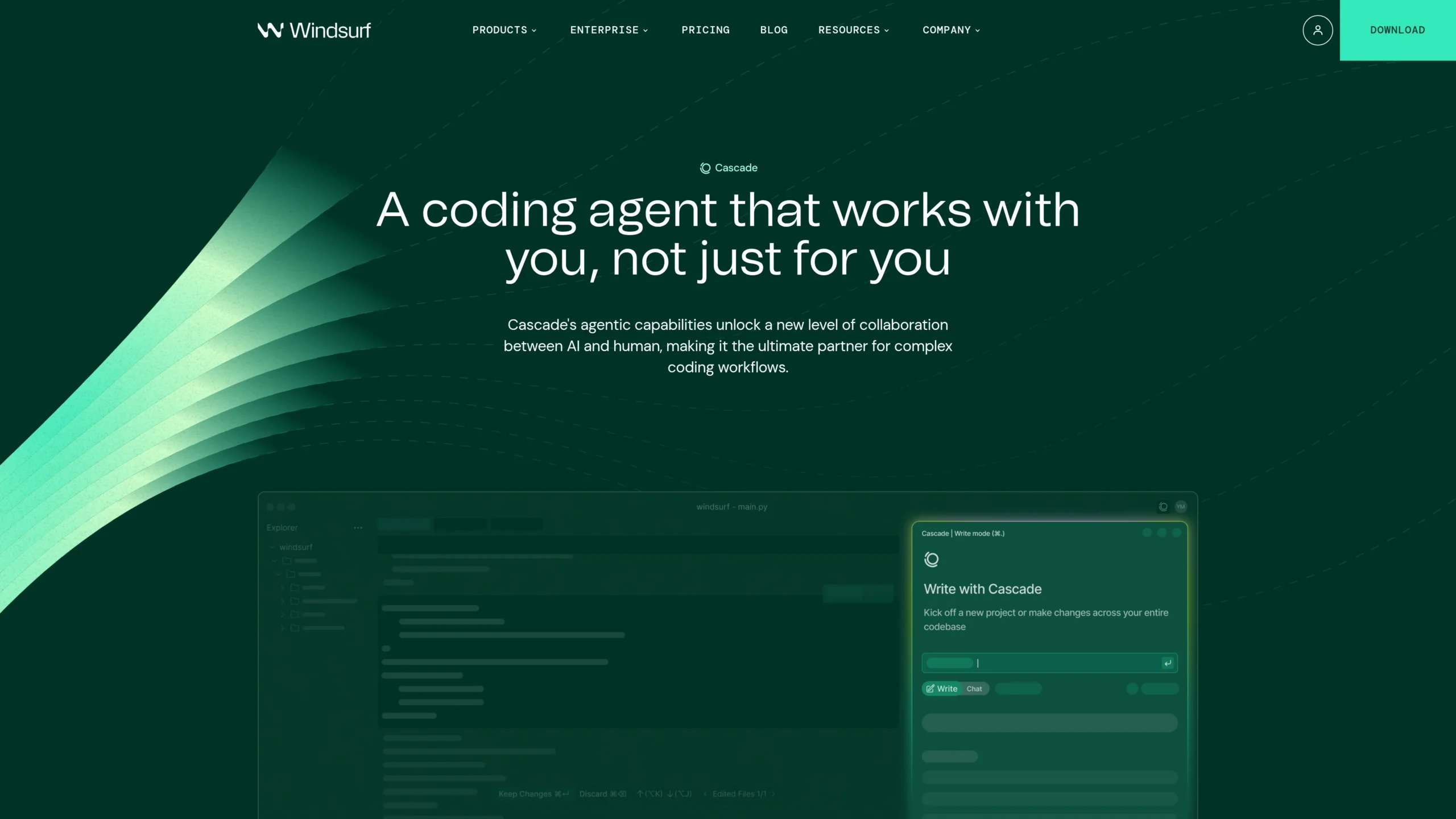
Windsurf is an AI coding editor focused on keeping developers in flow. Its Cascade agent can help with coding, fixing, and multi-step development work.
Windsurf describes itself as an AI coding assistant and says its editor is an agent-powered IDE built to keep developers in flow.
Features
- AI-native IDE.
- Cascade coding agent.
- Multi-step code edits.
- Project-aware assistance.
- Useful for app building and refactoring.
Free Features
- Entry-level access is available to try the editor.
- Good for small React experiments and AI-assisted edits.
Pro Features
- More usage for serious development.
- Better for daily agentic coding.
- Paid plans are useful for developers who rely on AI heavily.
Best For
Developers who want an AI-first editor with a smooth, flow-based coding experience.
Limitations
Like Cursor, Windsurf requires adopting a new editor experience.
Best Use Cases
- Frontend feature building.
- React component editing.
- Next.js route fixes.
- Fast prototyping.
- AI-assisted app development.
7. Bolt.new
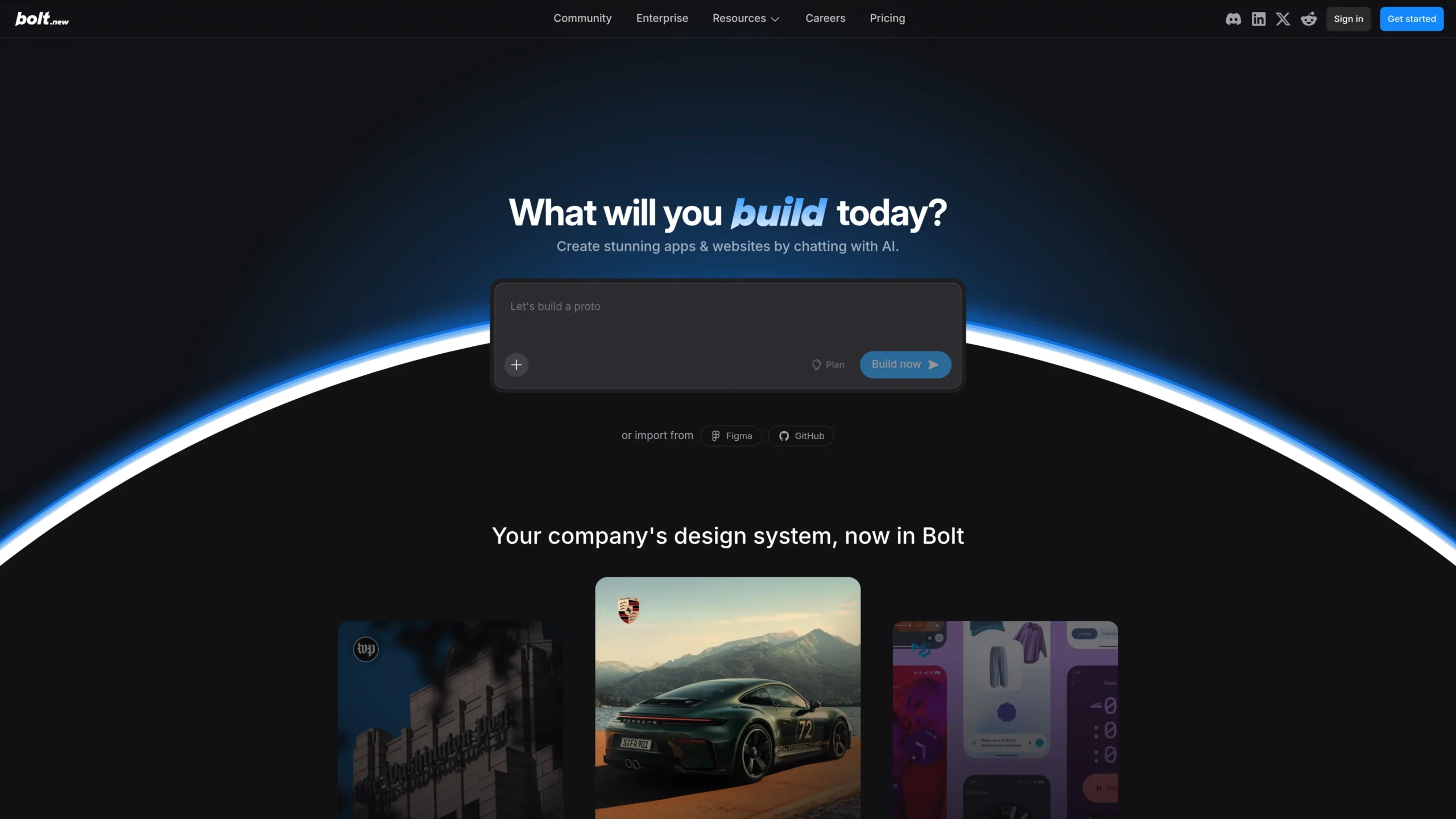
Bolt.new is strong for building full-stack web apps directly from prompts. It is useful when you want to go from idea to working app quickly without setting up a local development environment.
Bolt says it helps users build and scale websites and apps using words. Its GitHub page describes Bolt.new as an AI-powered web development agent that lets users prompt, run, edit, and deploy full-stack apps directly from the browser.
Features
- Browser-based AI app builder.
- Full-stack web development support.
- Prompt, run, edit, and deploy workflow.
- Good for MVPs and prototypes.
- No local setup required.
Free Features
- Free plans have token limits.
- Current free plan includes a daily and monthly token limit.
Pro Features
- Higher token limits.
- Better for larger apps.
- More useful for repeated client or agency projects.
Best For
Students, solo founders, agencies, and creators who want to build working apps fast.
Limitations
For production-grade apps, you still need to review code quality, security, data handling, and scalability.
Best Use Cases
- Next.js generator workflows.
- MVP app building.
- SaaS prototypes.
- Landing pages.
- Full-stack demo apps.
8. Replit
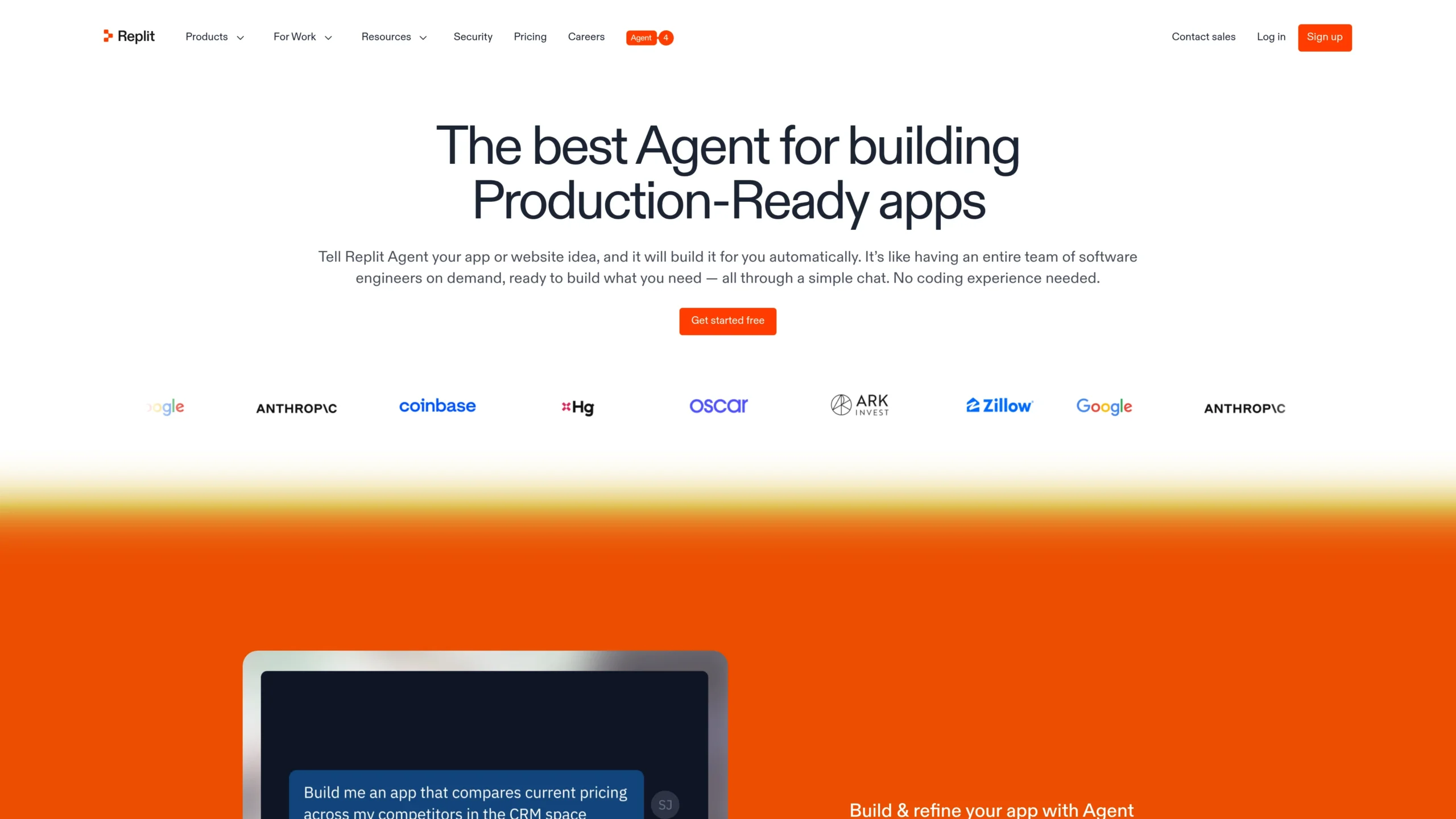
Replit is a browser-based development platform with AI app-building features. It is useful for beginners and builders who want to create apps without complex local setup.
Replit says users can describe what they want and publish apps, and it supports app building with AI and integrations such as OpenAI, Stripe, and Google Workspace.
Features
- Browser-based coding environment.
- AI app builder.
- App publishing.
- Integrations.
- Useful for learning and quick building.
Free Features
- Free access is useful for learning, experimenting, and small projects.
- Beginners can start building without installing a full local environment.
Pro Features
- More power for serious app building.
- Better for larger apps and professional workflows.
- Team and enterprise features are available for scaling and control.
Best For
Beginners, students, non-technical builders, and developers who want quick online app creation.
Limitations
Advanced React and Next.js developers may prefer local control through Cursor, VS Code, WebStorm, or terminal-based agents.
Best Use Cases
- Learning React.
- Simple web apps.
- Quick prototypes.
- Classroom coding.
- AI-assisted app publishing.
9. JetBrains AI Assistant
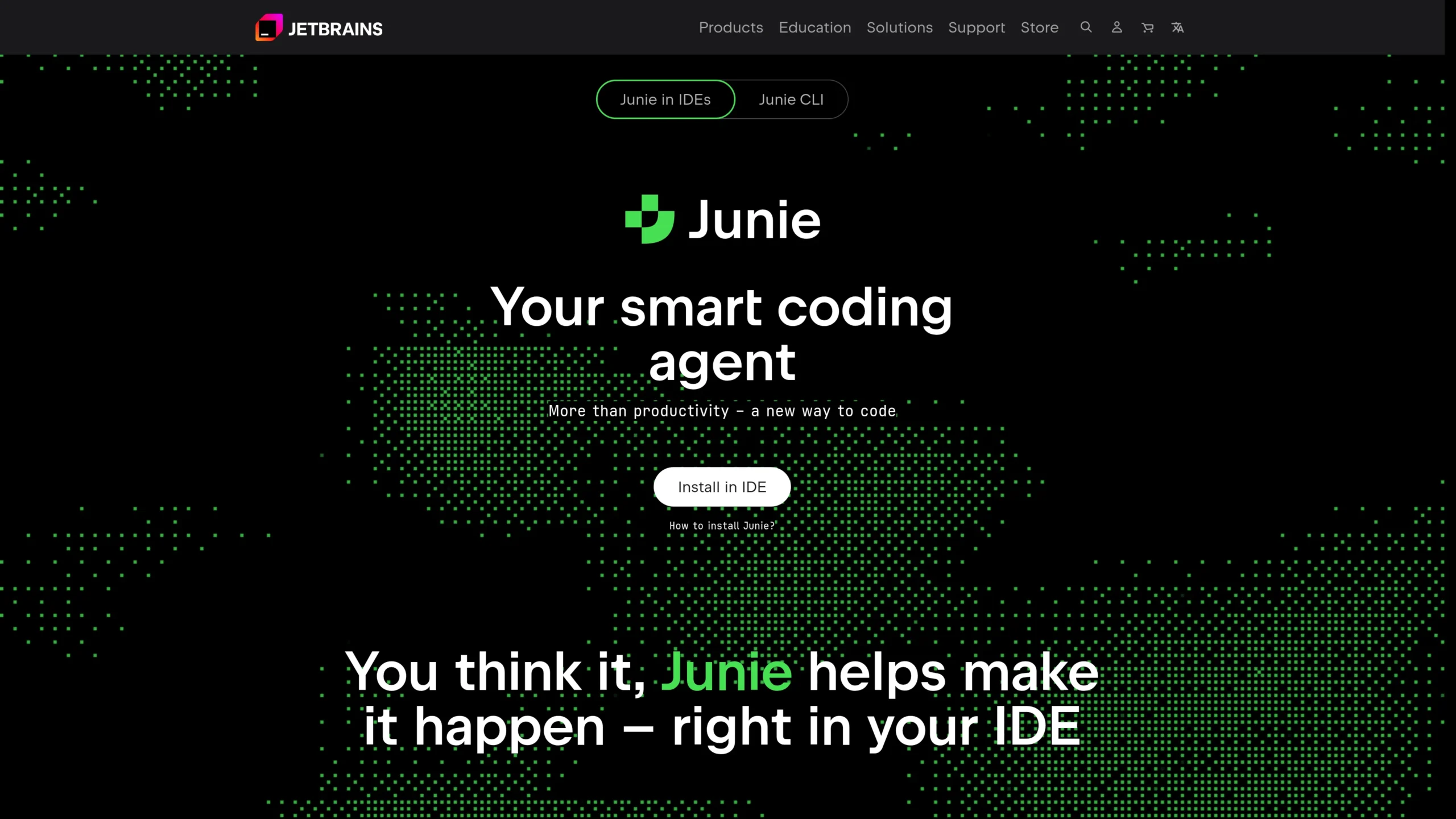
JetBrains AI Assistant is a strong choice for developers who already use WebStorm, IntelliJ IDEA, or other JetBrains IDEs. It brings AI features directly into a professional IDE environment.
JetBrains says AI Assistant includes AI-powered features and coding agents integrated into JetBrains IDEs. It helps developers work with code in AI Chat, directly in the editor, and through agents that handle multi-step development tasks.
Features
- Integrated into JetBrains IDEs.
- AI chat.
- Code generation.
- Code explanation.
- Multi-step coding agents.
Free Features
- JetBrains says refined AI features are available right in the IDE, for free.
- Helpful for code completion and basic AI assistance.
Pro Features
- Better for professional JetBrains workflows.
- More advanced team and enterprise use.
- Strong for WebStorm users building React and Next.js projects.
Best For
Developers who prefer WebStorm or IntelliJ-based IDEs.
Limitations
The best value comes if you already use JetBrains IDEs. VS Code users may prefer Copilot, Cursor, Codex, or Gemini Code Assist.
Best Use Cases
- WebStorm React development.
- TypeScript refactoring.
- Code explanations.
- Professional frontend workflows.
- Large project maintenance.
10. Gemini Code Assist
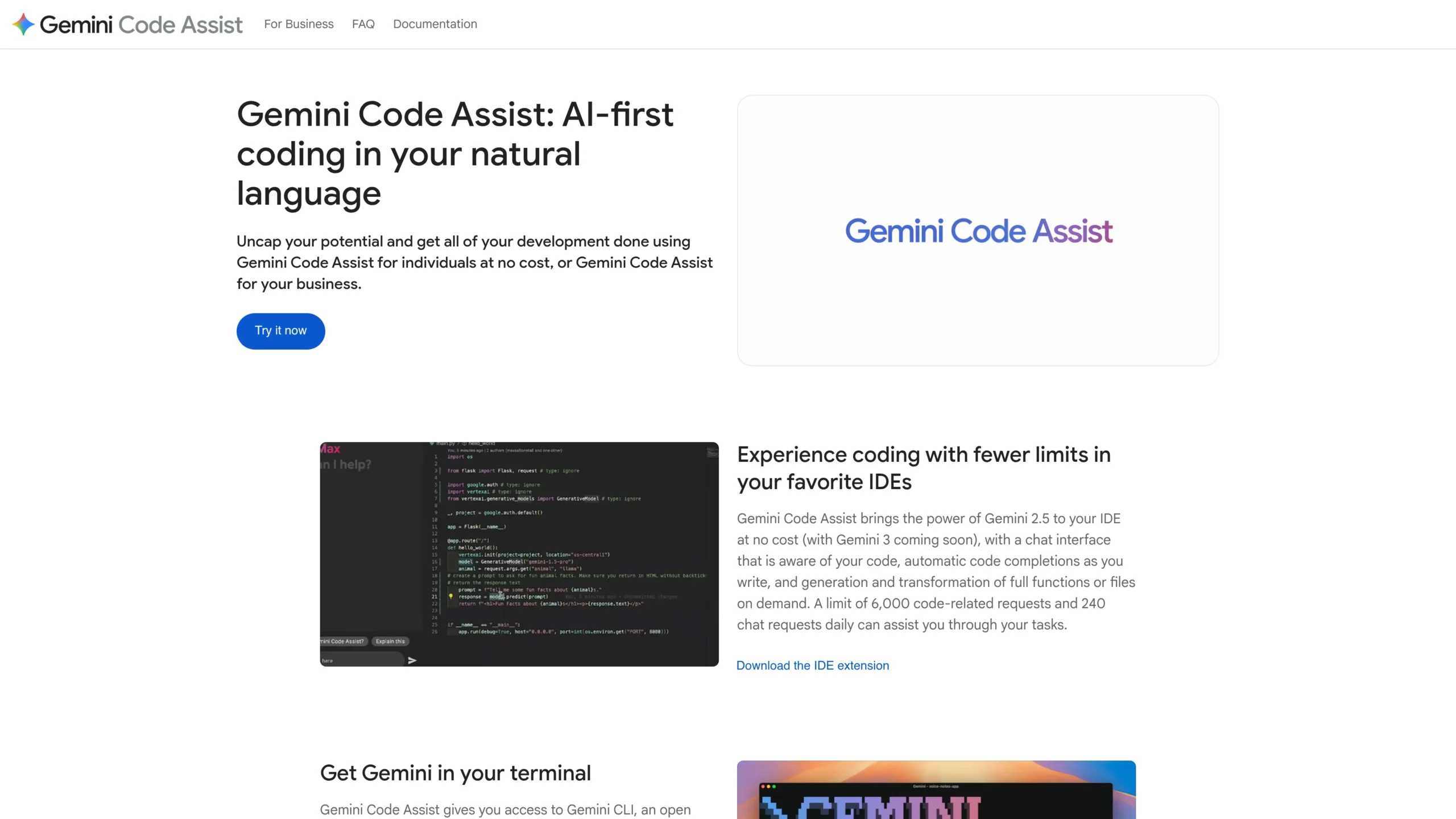
Gemini Code Assist is Google’s AI coding assistant for developers. It is useful for developers who want AI help across IDEs, platforms, and Google Cloud workflows.
Google says Gemini Code Assist provides AI-powered assistance across the software development lifecycle. It is available for individuals at no cost, and it offers code and chat responses with a large context window.
Features
- AI code assistance.
- IDE support.
- Large context window.
- Code generation.
- Google Cloud and Firebase workflow support.
Free Features
- Gemini Code Assist for individuals is available at no cost.
- Cloud Shell Editor provides a no-cost preconfigured environment with Gemini Code Assist installed for limited weekly use.
Pro Features
- Standard and Enterprise editions.
- Private source repository connection for more customized responses.
- Better for teams using Google Cloud.
Best For
Developers using Google Cloud, Firebase, VS Code, or JetBrains IDEs.
Limitations
For Vercel-native React UI generation, v0 may be better. For GitHub workflows, Copilot may feel more integrated.
Best Use Cases
- React and Next.js coding help.
- Firebase web apps.
- Google Cloud apps.
- Code explanation.
- Large-context code assistance.
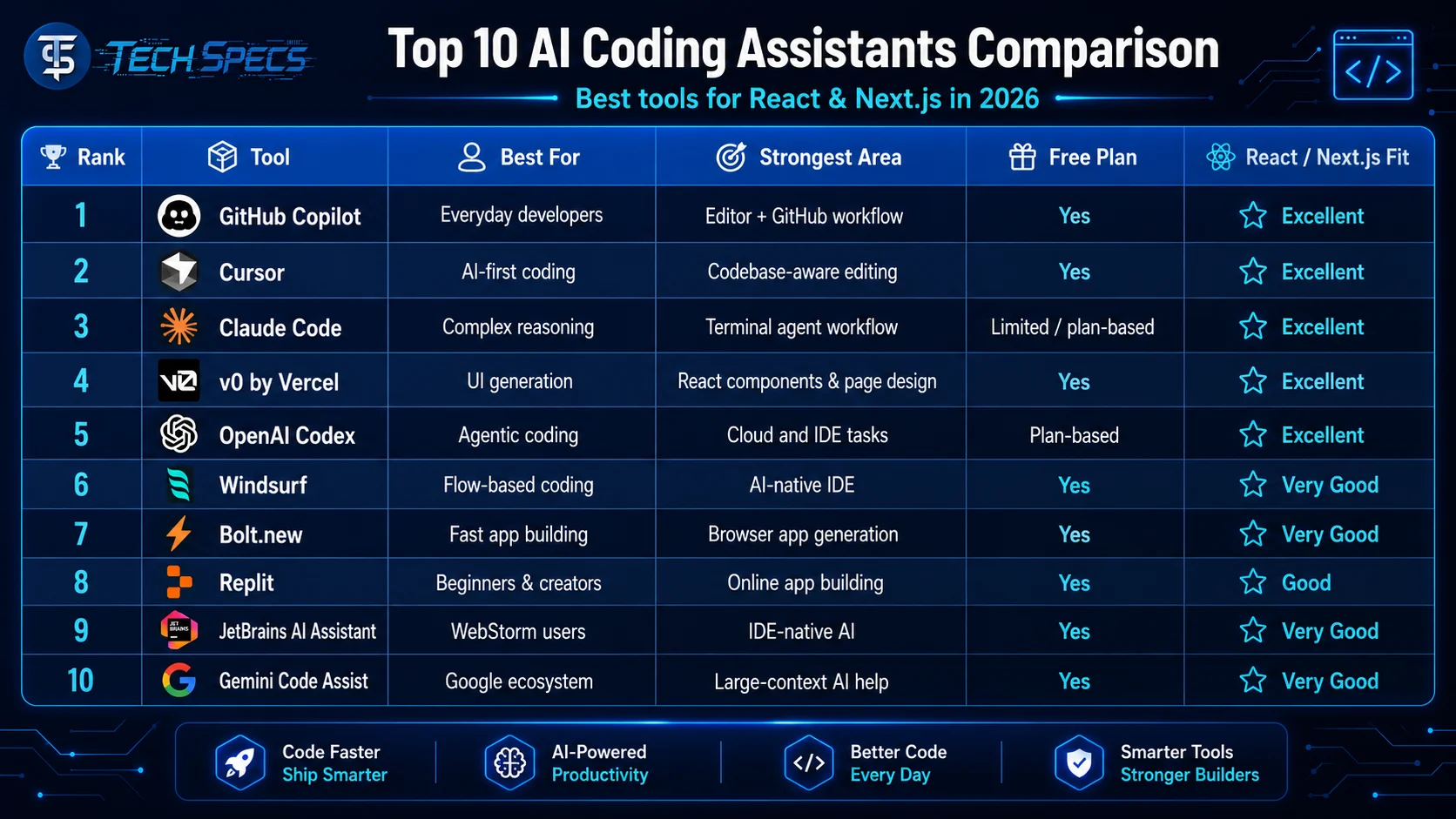
Top 10 Comparison Table
Best Choice by Use Case
Best Overall AI Coding Assistant
GitHub Copilot is the best overall choice because it works well with common developer workflows, supports editor-based coding, and connects naturally with GitHub projects.
Best AI for React Components
v0 by Vercel is the best option for react components ai because it focuses heavily on UI generation, full-page designs, and design systems.
Best AI Code Editor
Cursor is the best choice if you want an AI-first editor that understands your project deeply.
Best Terminal Coding Agent
Claude Code is a strong option for developers who like terminal workflows and need help with complex logic.
Best Full-Stack App Builder
Bolt.new is great for turning ideas into working web apps quickly from the browser.
Best for Beginners
Replit is beginner-friendly because it reduces setup problems and lets users build online.
Best for WebStorm Users
JetBrains AI Assistant is the best choice if you already use WebStorm for React and Next.js.
Best Free/No-Cost Option
Gemini Code Assist is strong for free individual use because Google states that Gemini Code Assist for individuals is available at no cost.
Recommendation
For most React and Next.js developers, the best setup is:
GitHub Copilot + v0 + Cursor or Claude Code
Use GitHub Copilot for daily coding, v0 for fast React UI generation, and Cursor or Claude Code for deeper codebase work. This combination gives you code completion, UI generation, refactoring, debugging, and agentic coding support.
If you are a beginner, start with Replit or Bolt.new.
If you are a professional frontend developer, use Cursor, GitHub Copilot, or JetBrains AI Assistant.
If you build many Next.js UIs, add v0 to your workflow.
Final Thoughts
The Best AI Coding Assistants in 2026 are not just autocomplete tools anymore. They can generate components, understand full repositories, write tests, explain logic, create pull requests, and build full-stack apps.
For React and Next.js, the right choice depends on your workflow. If you want daily coding help, choose GitHub Copilot. If you want an AI-first editor, choose Cursor or Windsurf. If you want UI generation, choose v0. If you want fast browser-based app building, choose Bolt.new or Replit. If you want deep reasoning, Claude Code and Codex are excellent options.
AI will not replace good frontend thinking. You still need to understand React structure, Next.js routing, accessibility, performance, security, and clean code. But with the right AI coding assistant, you can build faster and make better decisions.
FAQs
1. What are the Best AI Coding Assistants for React in 2026?
The Best AI Coding Assistants for React in 2026 include GitHub Copilot, Cursor, Claude Code, v0, OpenAI Codex, Windsurf, Bolt.new, Replit, JetBrains AI Assistant, and Gemini Code Assist.
2. What is the best AI for React components?
v0 by Vercel is one of the best tools for React component generation because it focuses on UI, design systems, and full-page frontend layouts.
3. Which AI coding assistant is best for Next.js?
GitHub Copilot, Cursor, v0, Claude Code, and Codex are strong choices for Next.js. v0 is especially useful for frontend UI, while Cursor and Claude Code are better for full project refactoring.
4. Is GitHub Copilot good for JavaScript?
Yes. GitHub Copilot is very useful for GitHub Copilot JavaScript workflows, including React components, hooks, TypeScript functions, and Next.js routes.
5. Which tool is best as a React code generator AI?
v0, Bolt.new, Cursor, and GitHub Copilot are strong react code generator ai tools. v0 is best for visual components, while Cursor and Copilot are better inside real codebases.
6. What is the best NextJS generator?
For UI-heavy Next.js generation, v0 and Bolt.new are excellent. For production code inside an existing project, Cursor, GitHub Copilot, and Claude Code are better choices.
7. Can AI coding assistants replace frontend developers?
No. AI can speed up frontend work, but developers still need to review code, fix logic, improve accessibility, optimize performance, and make product decisions.
8. Which AI coding assistant is best for beginners?
Replit and Bolt.new are beginner-friendly because they reduce setup work and allow users to build apps with natural language prompts.
9. Which AI assistant is best for professional developers?
GitHub Copilot, Cursor, Claude Code, OpenAI Codex, and JetBrains AI Assistant are strong for professional developers working on serious React and Next.js projects.
10. What is the best free AI coding assistant?
Gemini Code Assist is a strong free option for individuals. GitHub Copilot also has a free plan with limited monthly completions and chat or agent requests.
11. Which AI coding assistant is best for UI design?
v0 is the best choice for AI-generated UI design, especially for React components, landing pages, dashboards, and Next.js interfaces.
12. Which AI coding tool should an AI frontend developer use?
An AI frontend developer should use GitHub Copilot for daily coding, v0 for UI generation, and Cursor or Claude Code for project-level editing and refactoring.