


But every school has different needs. Some schools need a safe student-facing chatbot. Some need lesson planning support. Some need AI feedback for essays. Others need an AI assistant chatbot that works inside Google Workspace, Microsoft 365, or an LMS.
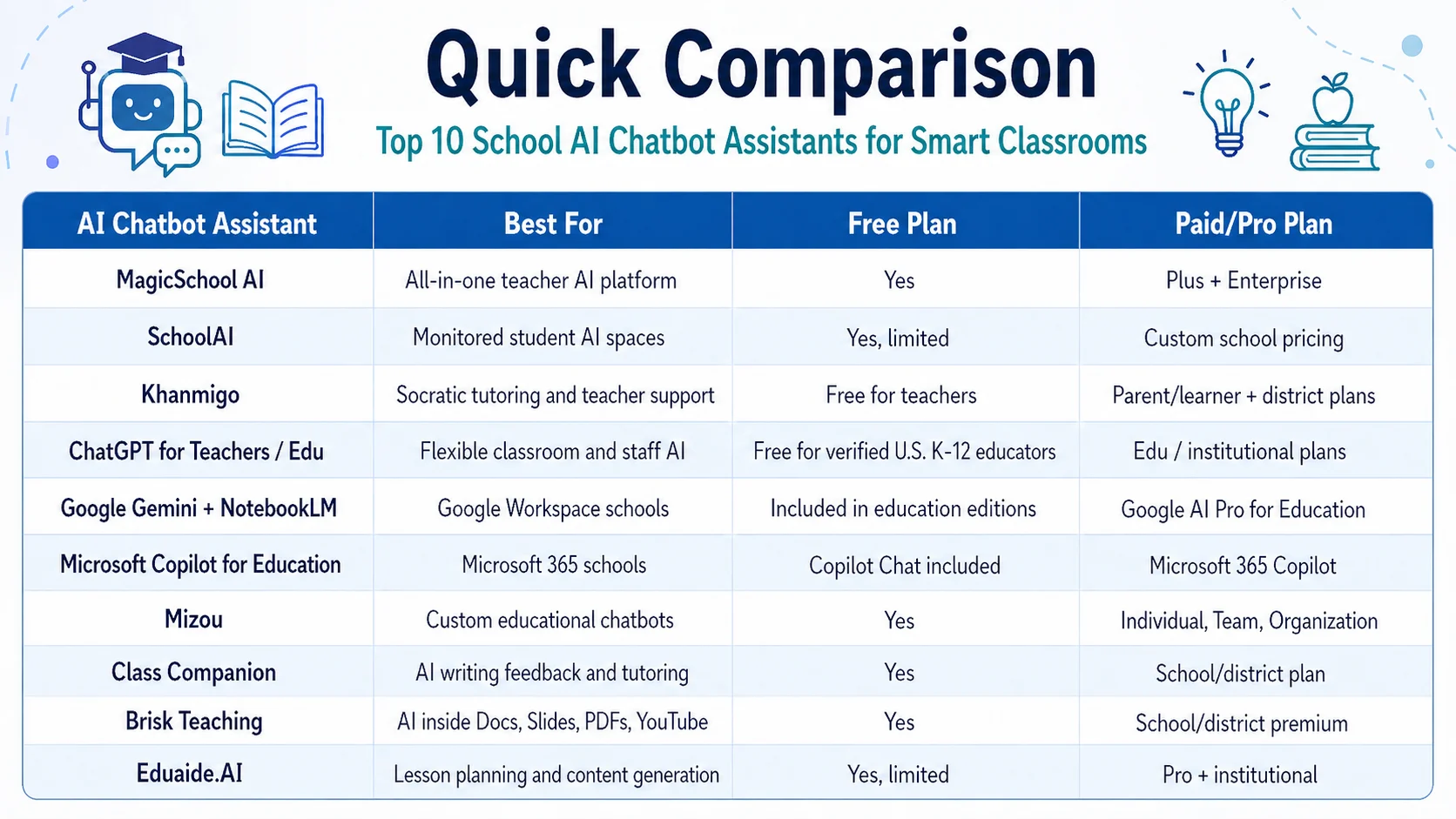
Below is a complete guide to the Top 10 School AI Chatbot Assistants for Smart Classrooms, including free and pro features, free-plan limitations, pros, cons, and the best-fit recommendation for schools.
1. MagicSchool AI
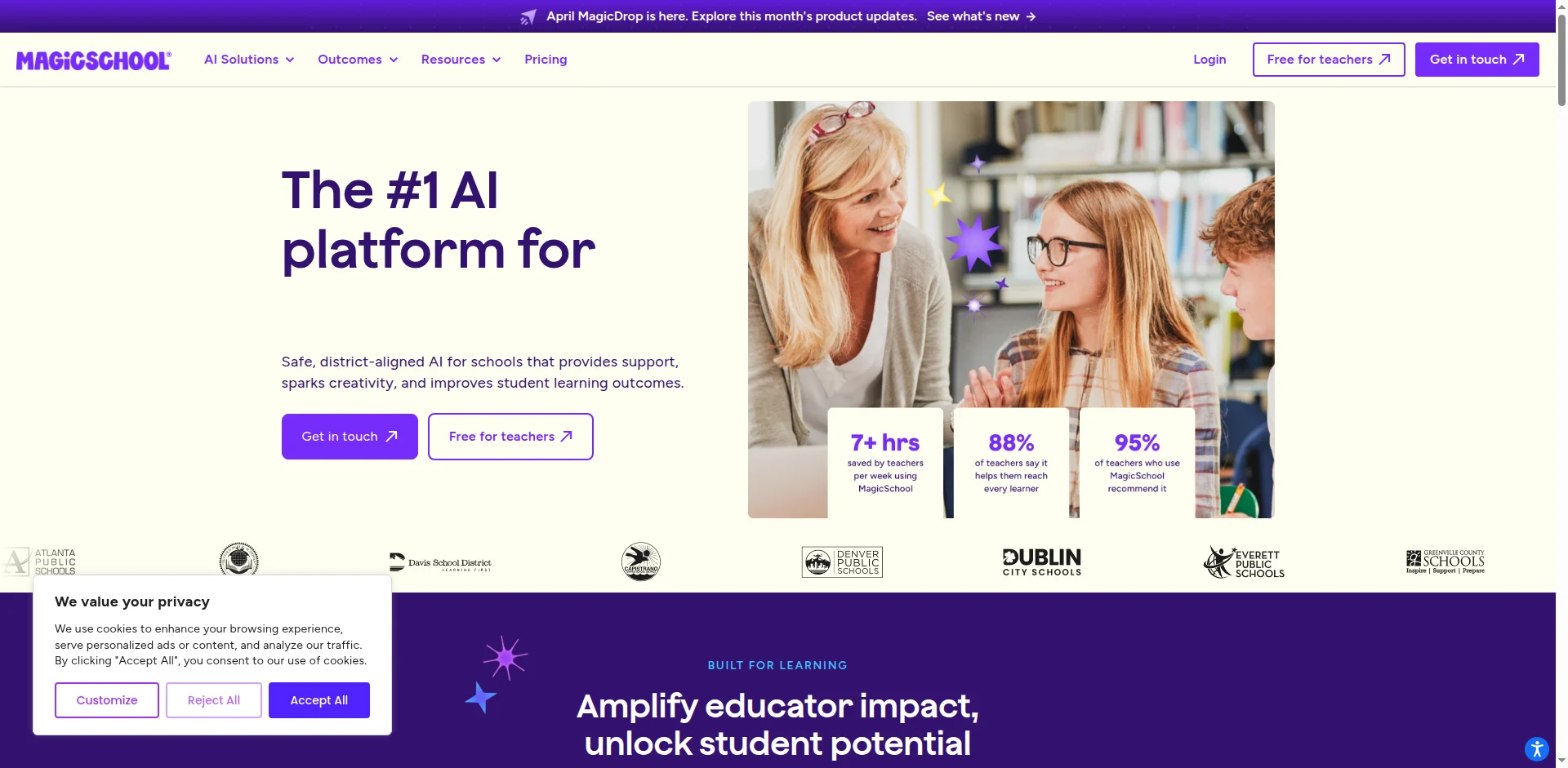
Best School AI Chatbot for: All-in-one teaching support, lesson planning, student tools, and school-wide AI adoption.
MagicSchool AI is one of the most popular AI Chatbot Assistants for teachers because it combines lesson planning, assessment support, student tools, writing feedback, and the Raina chatbot in one platform. Its free plan includes 80+ teacher tools, 50+ student tools, Raina chatbot access, student learning insights, basic support, professional development, and privacy/security features. MagicSchool Plus adds unlimited generations, unlimited output history, unlimited AI-output editing, unlimited quizzes, unlimited class writing feedback, advanced tool features, and MagicSchool Labs. Enterprise adds district-level features such as custom data privacy agreements, SIS/LMS integrations, SSO, and curriculum alignment.
Free Features
- 80+ teacher tools
- 50+ student tools
- Raina chatbot
- Student learning insights
- Basic support and professional development
- Privacy and security features
Free Plan Limitations
- Not unlimited for every workflow
- Limited history and editing compared with Plus
- School-level controls require Enterprise
- Heavy daily users may outgrow the free plan quickly
Pro / Paid Features
- Unlimited generations
- Unlimited output history
- Unlimited AI-output editing
- Unlimited quizzes
- Unlimited class writing feedback
- Advanced tool features
- MagicSchool Labs
- Enterprise: SSO, SIS/LMS integration, curriculum alignment, privacy agreements
Pros
- Very strong all-in-one School AI Chatbot option
- Good for both teachers and students
- Broad library of ready-made education tools
- Enterprise plan supports district governance
Cons
- Some important features require Plus or Enterprise
- A large feature library may overwhelm new teachers
- AI-generated content still requires teacher review
Main Limitations
MagicSchool AI is excellent for broad teacher productivity, but it is not a full LMS. Schools still need teachers to check accuracy, bias, age appropriateness, and curriculum alignment.
2. SchoolAI
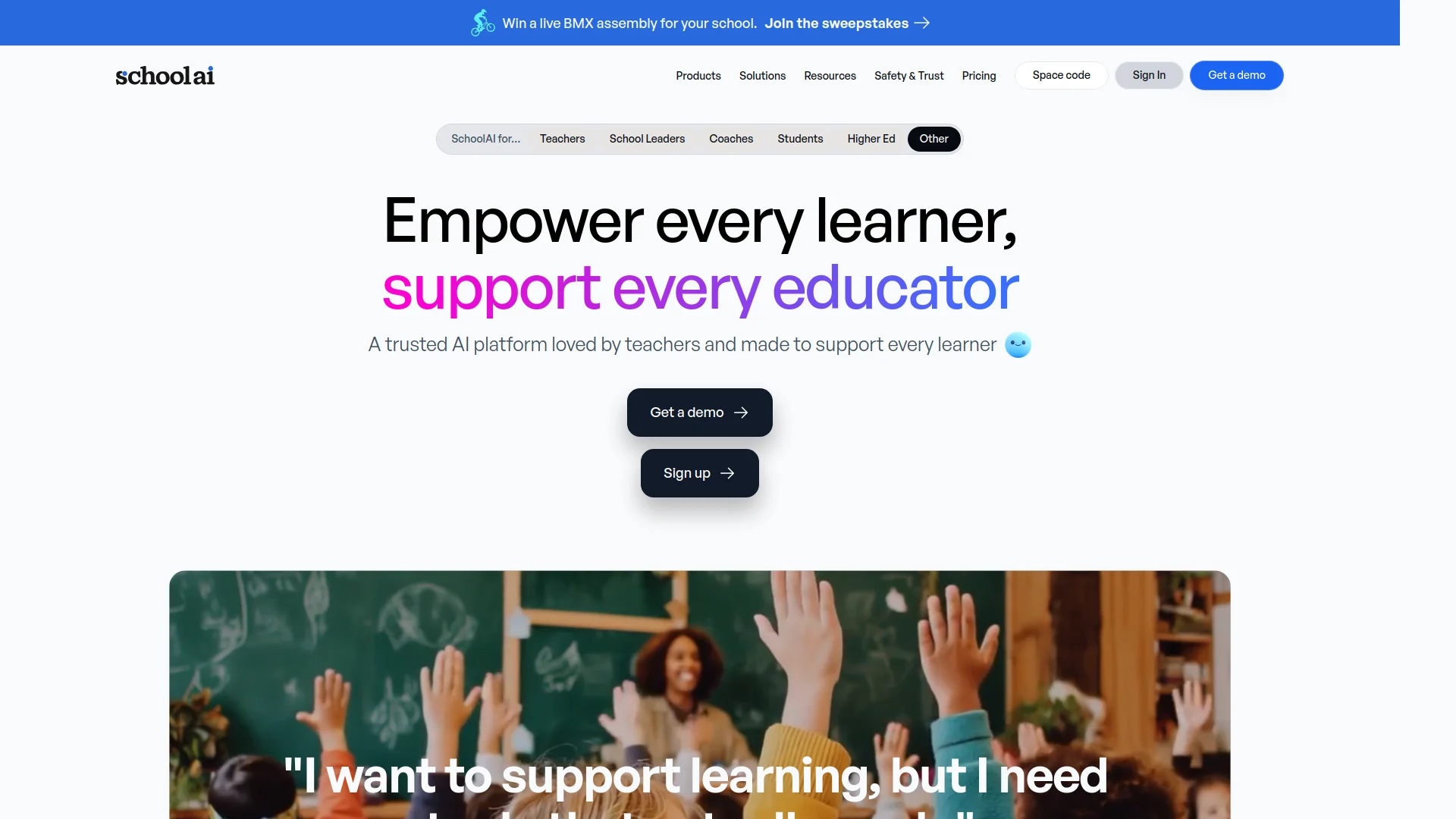
Best School AI Chatbot for: Student-facing AI spaces with teacher monitoring.
School AI is designed for classroom use, especially where students interact with AI in controlled learning spaces. Its Dot assistant guides students through interactive workspaces, adapts to how they learn, and helps teachers see student progress in real time. SchoolAI’s free usage gives limited access to a set number of queries, while paid plans provide a higher AI model, more accurate outputs, and unlimited student interaction. Pricing depends on student count and school needs. SchoolAI also states that teachers can monitor chats and classroom activity in real time and that the platform is FERPA compliant.
Free Features
- Limited query access
- Student interaction through AI spaces
- Dot AI assistant
- Teacher-created learning experiences
- Basic classroom AI use
Free Plan Limitations
- Limited number of queries
- Paid plan required for unlimited student interaction
- Advanced models and more accurate outputs are paid
- Larger schools need custom pricing
Pro / Paid Features
- Higher AI model
- More accurate outputs
- Unlimited student interaction
- School/district quote-based licensing
- More scalable classroom deployment
Pros
- Strong student-facing AI assistant
- Real-time teacher monitoring
- Good for personalized student learning
- Designed for classroom safety and control
Cons
- Pricing is not fully public
- Free usage is limited
- Requires teacher setup to create effective AI spaces
Main Limitations
School AI works best when teachers actively design and supervise activities. It should not be treated as an unsupervised replacement for instruction.
3. Khanmigo
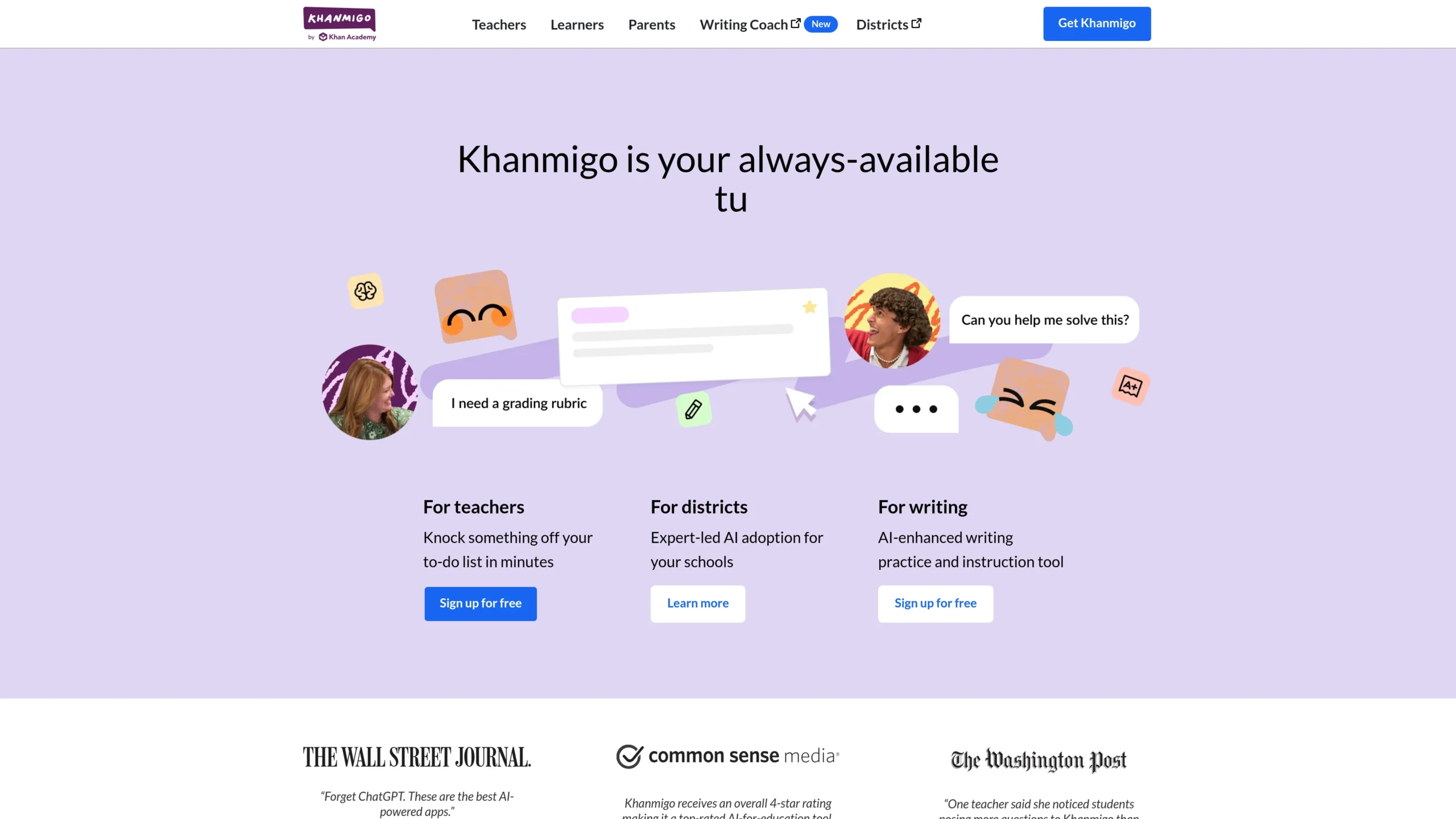
Best School AI Chatbot for: Socratic tutoring, math support, humanities support, and Khan Academy-aligned learning.
Khanmigo is Khan Academy’s AI-powered tutor and teaching assistant. For teachers, Khanmigo is free and can generate standards-aligned, differentiated lesson planning tied to Khan Academy’s content library. It can also summarize student work, create learning objectives, rubrics, and exit tickets, help teachers refresh subject knowledge, and provide chat history. For learners and parents, Khanmigo is listed at $4/month or $44/year, while district tools are quote-based and include teacher/student access, district data, co-teaching support, automatic rostering, SSO through Clever SecureSync or ClassLink, a dedicated customer success manager, and professional learning.
Free Features
- Free teacher access
- Lesson planning
- Differentiated lesson support
- Student work summaries
- Learning objectives
- Rubrics
- Exit tickets
- Content knowledge refresh
- Chat history
Free Plan Limitations
- Free teacher access does not automatically mean full district-wide student deployment
- Student access depends on the parent/learner plan or the district plan
- Best results are strongest where Khan Academy content aligns with the curriculum
Pro / Paid Features
- Learner/parent access
- Personalized tutoring
- Writing and debate prompts
- Coding feedback
- Parent oversight and moderation alerts
- District plan: teacher and student access, SSO, rostering, data dashboards, customer success, professional learning
Pros
- Strong academic tutoring approach
- Encourages guided thinking instead of simply giving answers
- Excellent for math, science, humanities, coding, and SAT-style support
- Backed by Khan Academy’s content ecosystem
Cons
- District pricing requires a quote
- Not a complete classroom management system
- Best for schools already comfortable with Khan Academy resources
Main Limitations
Khanmigo is a great School AI Chatbot for tutoring and guided learning, but schools still need teachers to manage curriculum sequencing, assessment design, and classroom discussion.
4. ChatGPT for Teachers / ChatGPT Edu
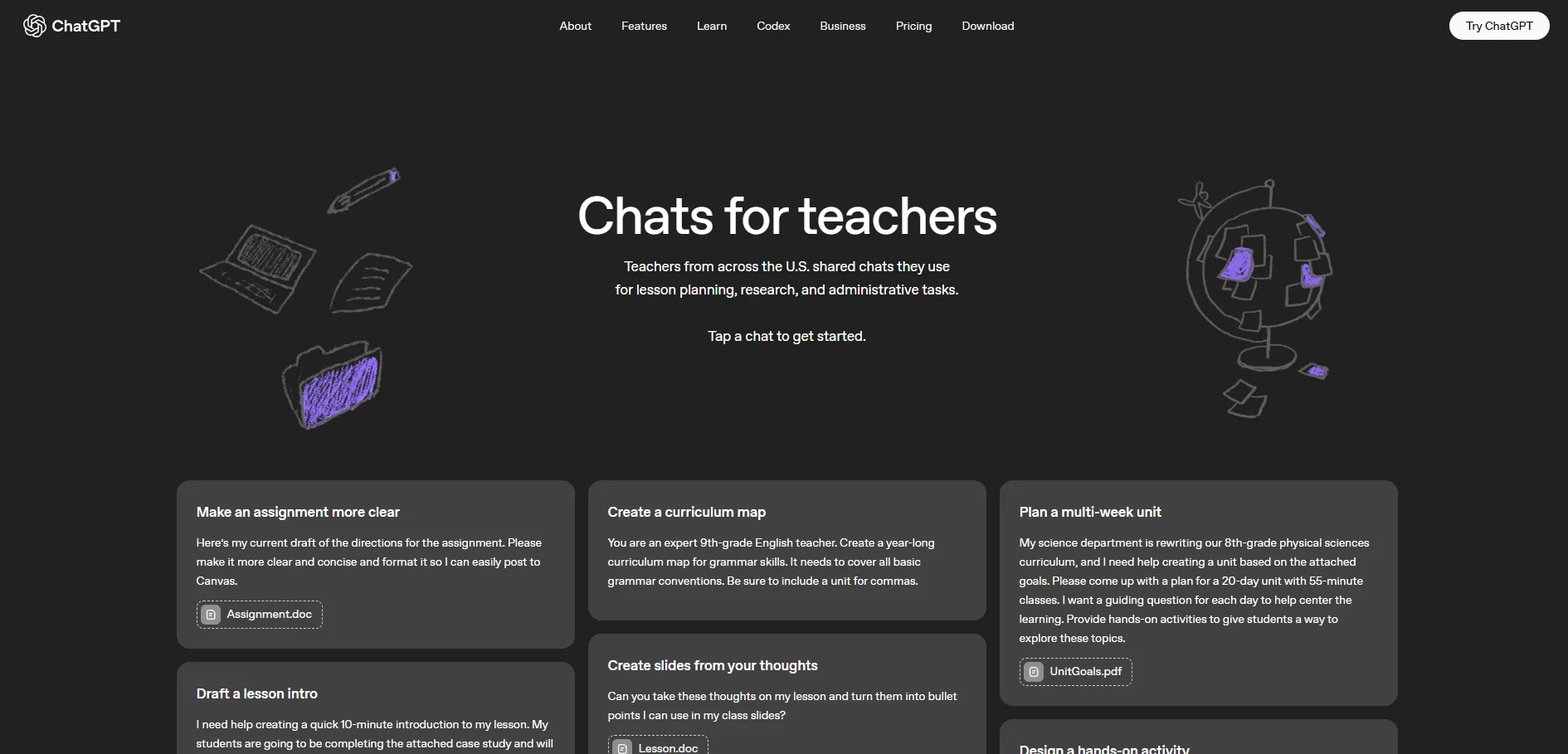
Best School AI Chatbot for: Flexible lesson planning, content generation, brainstorming, staff productivity, and custom AI workflows.
ChatGPT for Teachers is a secure workspace for verified U.S. K–12 educators, free through June 2027, according to OpenAI’s product announcement. It includes unlimited messages with GPT-5.1 Auto, search, file uploads, connectors, image generation, education-grade security, personalized teaching support, Canva integration, Google Drive, and Microsoft 365 file context, custom GPTs, shared projects, and admin controls such as domain claiming, role-based access controls, and SAML SSO. ChatGPT Edu is built for education institutions and offers expanded access, higher message limits, advanced analysis and research capabilities, document summarization, file integrations, and custom GPTs for courses or projects.
Free Features
- Free for verified U.S. K–12 educators during the stated access period
- Secure teacher workspace
- GPT-5.1 Auto access
- Search
- File uploads
- Connectors
- Image generation
- Collaboration tools
- Custom GPTs
- Admin controls
Free Plan Limitations
- Free teacher plan is region/eligibility dependent
- The free period may change after the stated date
- General AI outputs can be inaccurate without teacher review
- Student-facing use requires school policy and supervision
Pro / Paid Features
- ChatGPT Edu for institutions
- Higher message limits
- Advanced analysis and research tools
- Web browsing
- File integrations
- Document summarization
- Custom GPTs shared across education workspaces
Pros
- Extremely flexible ai assistant chatbot
- Useful for lesson planning, rubrics, emails, worksheets, policy drafts, and differentiated materials
- Strong file and connector workflows
- Custom GPTs can standardize school workflows
Cons
- Not education-specific by default in every workflow
- Requires prompt skill and review
- Students use needs clear academic integrity rules
Main Limitations
ChatGPT for Teachers is powerful, but it is not automatically aligned to a school’s curriculum, assessment policy, or safeguarding requirements. Schools should create AI-use guidelines before broad deployment.
5. Google Gemini for Education + NotebookLM
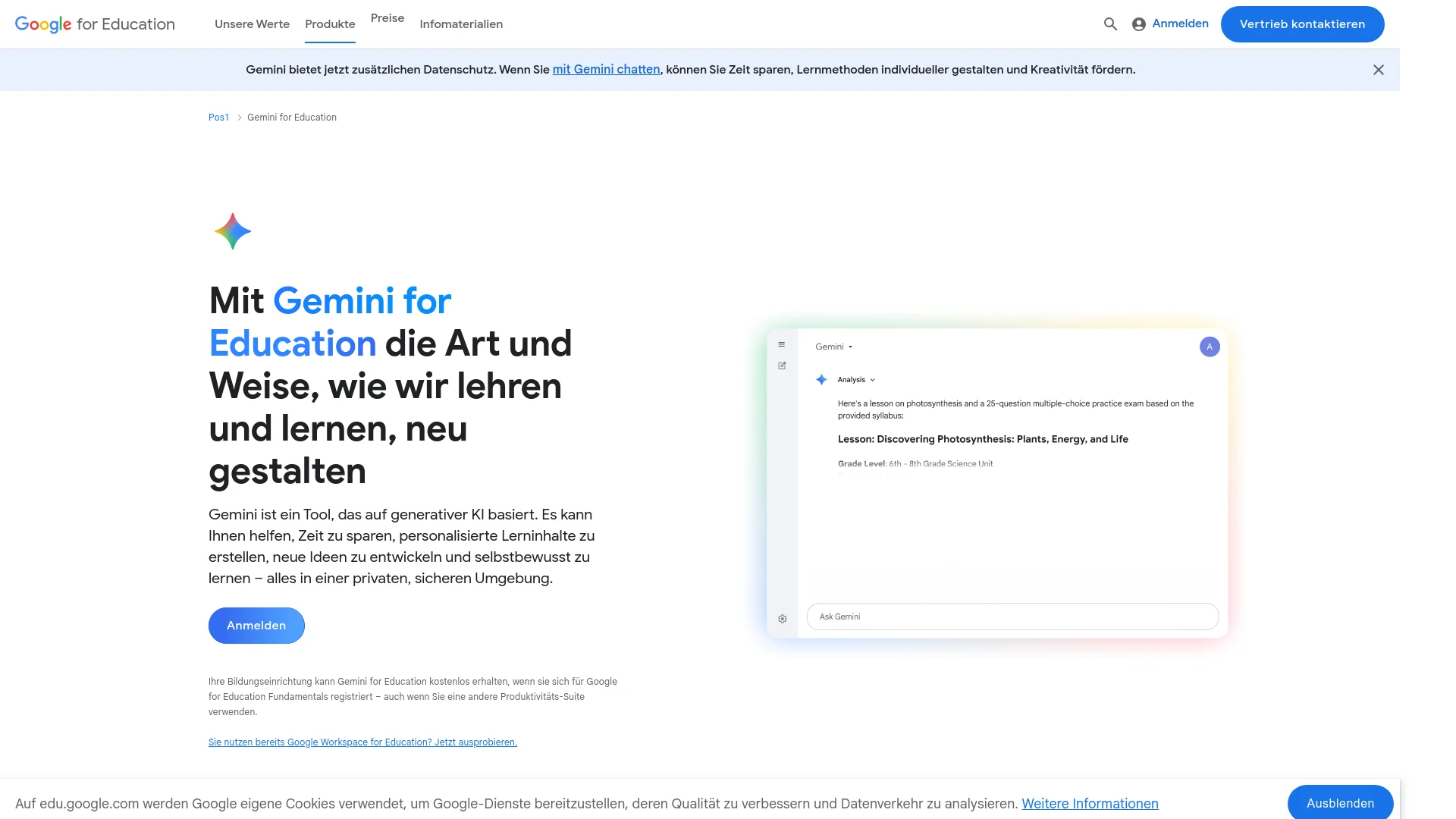
Best School AI Chatbot for: Google Workspace schools, source-grounded study support, research, lesson materials, and Google Classroom workflows.
Google’s Gemini app and NotebookLM are included free of charge in Google Workspace for Education editions. Google states that Gemini and NotebookLM can act as AI assistants for education, helping educators save time and helping students learn confidently. When used with Workspace for Education accounts, Google says data is not human reviewed or used to train AI models, and the services support compliance with regulations such as COPPA and FERPA.
NotebookLM is grounded in teacher-provided sources and can generate summaries, lesson plans, study guides, quizzes, inline citations, audio overviews, video overviews, infographics, slide decks, mind maps, flashcards, and guided learning. Google AI Pro for Education adds expanded access to premium Gemini and NotebookLM features, Gemini in Workspace apps, higher limits, enterprise privacy/security, and AI-enhanced data loss prevention.
Free Features
- Gemini app included in Google Workspace for Education
- NotebookLM is included free of charge
- Source-grounded answers
- Lesson plans
- Study guides
- Quizzes
- Flashcards
- Inline citations
- Audio summaries
- Video overviews
- Infographics
- Slide decks
- Mind maps
- Under-18 student guardrails
Free Plan Limitations
- Requires Google Workspace for Education access for school-managed protections
- Advanced limits and premium model access require a paid add-on
- NotebookLM depends on the quality of the uploaded sources
- Not ideal for schools outside the Google ecosystem
Pro / Paid Features
- Google AI Pro for Education
- Expanded premium Gemini access
- Higher NotebookLM limits
- Gemini in Gmail, Docs, Sheets, Slides, Meet, Drive, Forms, Vids, Chat, and Workspace Studio
- Enterprise-grade privacy and security
- AI-enhanced data loss prevention
Pros
- Excellent for Google-based Smart Classrooms
- NotebookLM is strong for citation-based learning
- Useful for teacher planning and student study support
- Integrates naturally with Google tools
Cons
- Best value appears in Google Workspace schools
- Some advanced capabilities require a paid add-on
- AI responses still need teacher validation
Main Limitations
Google Gemini for Education and NotebookLM are excellent for source-grounded learning, but they are not a full student behavior, grading, or attendance system.
6. Microsoft 365 Copilot for Education
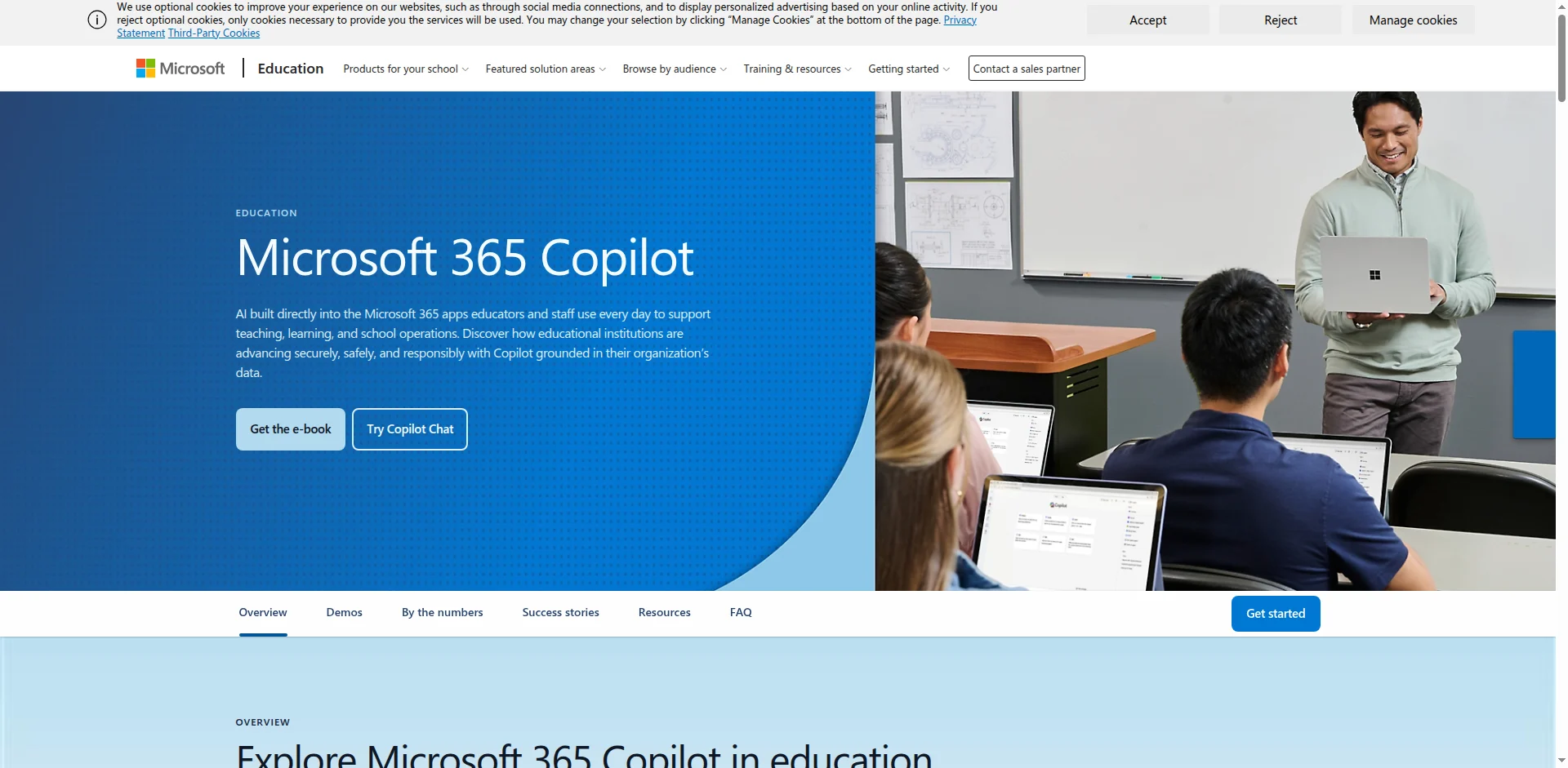
Best School AI Chatbot for: Microsoft 365 schools, Teams-based classrooms, lesson planning, rubrics, quizzes, and staff productivity.
Microsoft 365 Copilot for Education offers Copilot Chat at no cost for eligible Microsoft 365 A1, A3, or A5 users signed in with a school or work account. Microsoft states that Copilot Chat is powered by GPT-5 and available in Microsoft 365 apps. The paid Microsoft 365 Copilot academic offering is listed at $18 USD per user/month. Microsoft’s “Teach” area in the Copilot app lets educators create lesson plans, quizzes, rubrics, flashcards, align content to standards, differentiate instructions, and modify reading level. Teach is available to faculty/staff with a Microsoft 365 for Education license and does not require a paid Microsoft 365 Copilot license.
Free Features
- Copilot Chat for eligible education users
- Secure AI chat
- Drafting
- Summarizing
- Translating
- Content creation
- Data analysis support
- Teach tools for faculty/staff
- Lesson plans
- Rubrics
- Quizzes
- Flashcards
- Reading-level modification
- Differentiation support
- Standards alignment
Free Plan Limitations
- Requires an eligible Microsoft 365 education license
- Full Microsoft 365 Copilot features require paid licensing
- Availability may depend on school IT settings
- Some student access is age/license dependent
Pro / Paid Features
- Microsoft 365 Copilot academic plan
- Deeper Microsoft 365 app integration
- File-context workflows
- Real-time collaboration support
- Expanded productivity and institutional use cases
Pros
- Strong for Microsoft Teams schools
- Good for lesson planning and admin work
- Fits naturally into Word, PowerPoint, Excel, Teams, and Outlook workflows
- Useful for both teachers and school leaders
Cons
- Best value requires the Microsoft ecosystem
- Full Copilot requires paid licensing
- IT setup and governance are important
Main Limitations
Microsoft Copilot for Education is a strong School AI Chatbot for staff and teacher productivity, but schools must manage permissions, student access, and data governance carefully.
7. Mizou
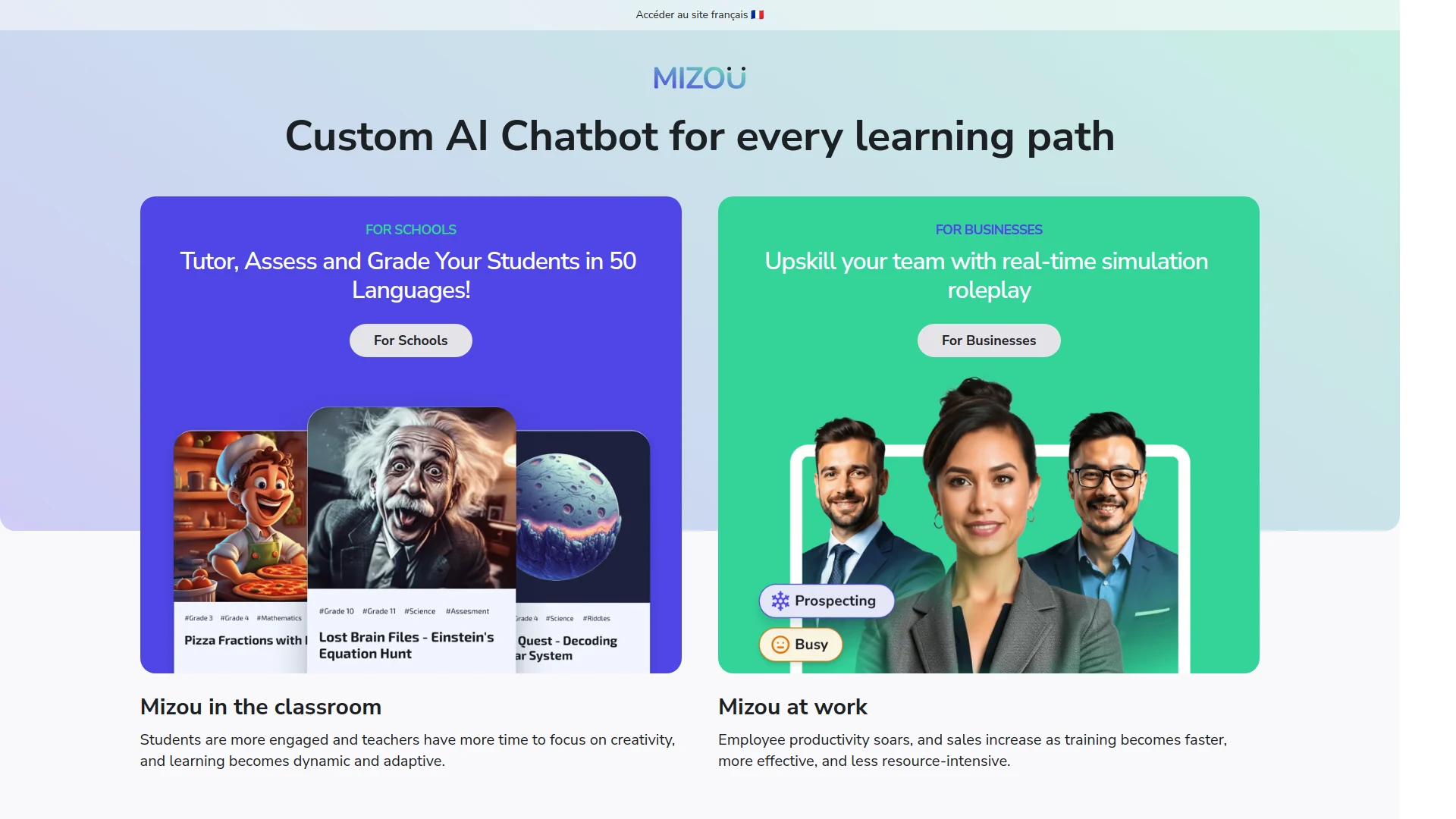
Best School AI Chatbot for: Creating custom AI tutors, assessment bots, role-play bots, and student practice chatbots.
Mizou is one of the most direct examples of a classroom chatbot platform. It lets teachers create an AI chatbot based on their own instructions, resources, and assessment criteria with data protection and privacy. Mizou’s education page describes AI chatbots for tutoring, assessing, and grading students in 50 languages. A public pricing listing reports a free plan with 50 student sessions/day, a basic model, privacy/data security, and up to 50 languages; paid plans add more student sessions, advanced models, speech-to-text, text-to-speech, knowledge files, grading rubrics, timers, certifications, private workspace, admin control, LMS integration, automated rostering, admin panel, priority support, and professional development.
Free Features
- Create custom AI chatbots
- 50 student sessions/day
- Basic AI model
- Up to 50 languages
- Privacy and data security
- Student practice chatbot use
Free Plan Limitations
- 50 student sessions/day
- Basic model only
- Fewer administrative controls
- Advanced speech, rubric, workspace, and LMS features require paid plans
Pro / Paid Features
- More student sessions/day
- Advanced AI model
- Speech-to-text
- Text-to-speech
- Knowledge files
- Grading rubrics
- Timer
- Certifications
- Private workspace
- Admin controls
- Organization plan: unlimited sessions, LMS integration, automated rostering, admin panel, dedicated account manager, priority support, professional development
Pros
- Very strong for custom classroom chatbots
- Good for language learning and speaking practice
- Useful for role-play, tutoring, and assessment scenarios
- The teacher controls the bot’s purpose and resources
Cons
- Less broad than full teacher productivity platforms
- The free plan may not fit large schools
- Requires careful chatbot design
Main Limitations
Mizou is excellent when schools want student-facing AI conversations, but teachers must design prompts, rubrics, and guardrails carefully to avoid shallow or inaccurate interactions.
8. Class Companion
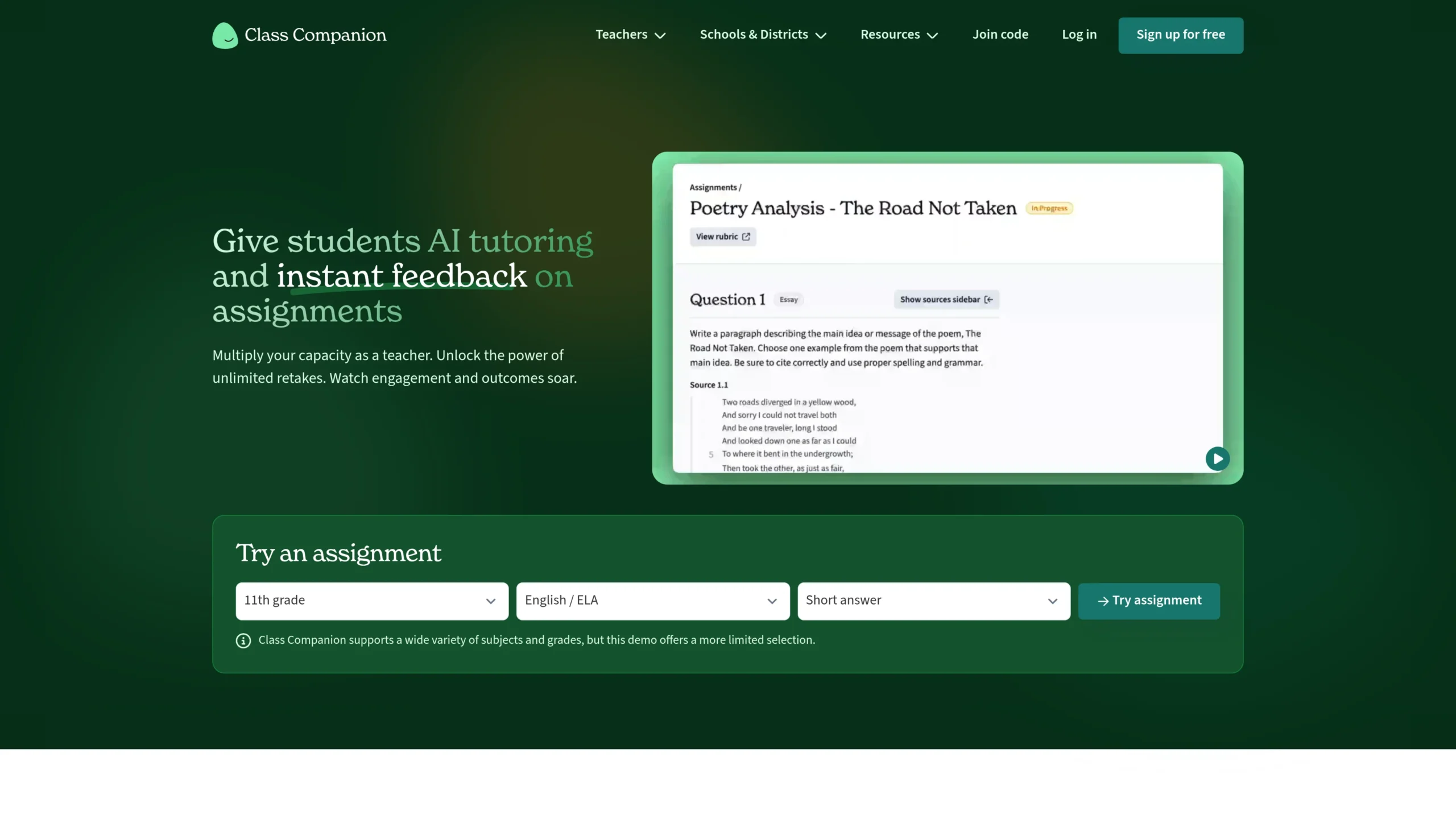
Best School AI Chatbot for: AI writing feedback, short-answer practice, rubric-based responses, and student revision.
Class Companion gives teachers and students a free plan and offers paid school/district plans with LMS integration, insights, response integrity detection, and more. The tool supports English, Science, Social Studies, World Languages, and grade levels from kindergarten to higher education. Its plans include AI assignment generation, custom rubrics, public content library access, multiple attempts, student comments, score dispute/resolution, pasted text detection, accessibility accommodations, CSV grade export, and chat support. Paid plans add deeper response integrity tools such as typing anomaly detection, copy-and-leave detection, similarity detection, school/district content libraries, admin dashboards, LMS integration, SSO via Clever or Google Classroom, and professional development.
Free Features
- Free plan for individual teachers and students
- AI assignment generation
- Custom rubrics
- Public content library
- Multiple attempts
- Comments
- Score dispute/resolution
- Pasted text detection
- Accessibility accommodations
- CSV grade export
- Chat support
Free Plan Limitations
- Advanced response integrity detection requires a paid plan
- LMS integration requires a school/district plan
- Admin dashboards require a paid plan
- School-level content libraries require a paid plan
Pro / Paid Features
- LMS integration
- Insights
- Response integrity detection
- Similar response detection
- Typing anomaly detection
- Copy-and-leave detection
- School/district content library
- Admin dashboard
- SSO via Clever or Google Classroom
- Professional development
Pros
- Excellent for writing feedback
- Encourages revision and multiple attempts
- Strong for short-answer and essay practice
- Good accessibility features
Cons
- Not a general lesson-planning platform
- Best for written responses, not all classroom activities
- Schoolwide analytics require a paid plan
Main Limitations
Class Companion is best for feedback and revision. It is not the best choice if a school primarily needs lesson slides, whole-school AI policy tools, or general-purpose chat.
9. Brisk Teaching
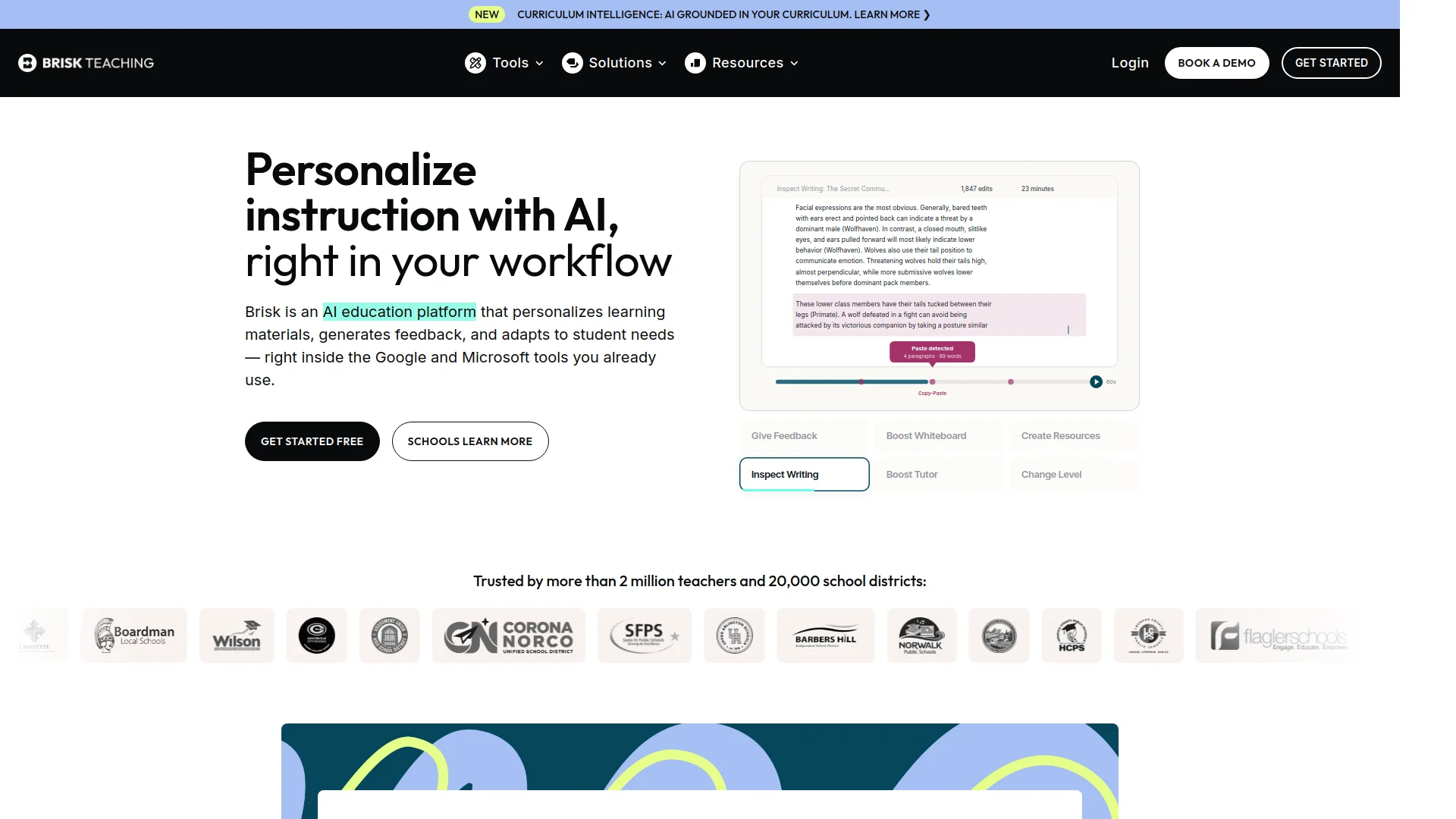
Best School AI Chatbot for: Teachers who want AI inside Google Docs, Slides, PDFs, YouTube, Microsoft Word, and PowerPoint.
Brisk Teaching is an AI platform built for teachers and students. Its free plan includes 20+ essential AI tools across Google Docs, articles, slides, YouTube, and more. Brisk says free tools include Quiz Maker, Lesson Plan Generator, Rubric Maker, Podcast Generator with podcasts up to two minutes, and Presentation Maker. Its school/district plan adds targeted and batch feedback, student interventions and insights, standards alignment with a full standards library, bulk workflows, Brisk Boost premium features, and advanced data visibility for educators and leaders. Brisk’s plans page lists Educator Free at $0/month and Premium/Intelligence plans for schools and districts with custom pricing.
Free Features
- 20+ AI-powered tools
- Quiz Maker
- Lesson Plan Generator
- Rubric Maker
- Podcast Generator
- Presentation Maker
- Works inside common teacher tools
- Google Docs, articles, slides, YouTube, and more
Free Plan Limitations
- Podcast generator limited to short podcasts
- Advanced feedback and student insight tools require a paid school/district plan
- Standards alignment and bulk workflows require a paid plan
- District-level visibility requires a paid plan
Pro / Paid Features
- Targeted feedback
- Batch feedback
- Student interventions
- Student insights
- Standards alignment
- Full standards library
- Bulk workflows
- Brisk Boost premium features
- Advanced data visibility
- Custom school/district support
Pros
- Works where teachers already work
- Great for fast lesson materials and feedback
- Strong for Google Workspace classrooms
- Easy adoption for individual teachers
Cons
- School-level features are custom-priced
- Free tools may not cover advanced institutional needs
- The browser extension workflow may not suit every school
Main Limitations
Brisk is powerful for teacher workflow acceleration, but schools that need deep student chatbot experiences may prefer SchoolAI, Mizou, or Khanmigo.
10. Eduaide.AI
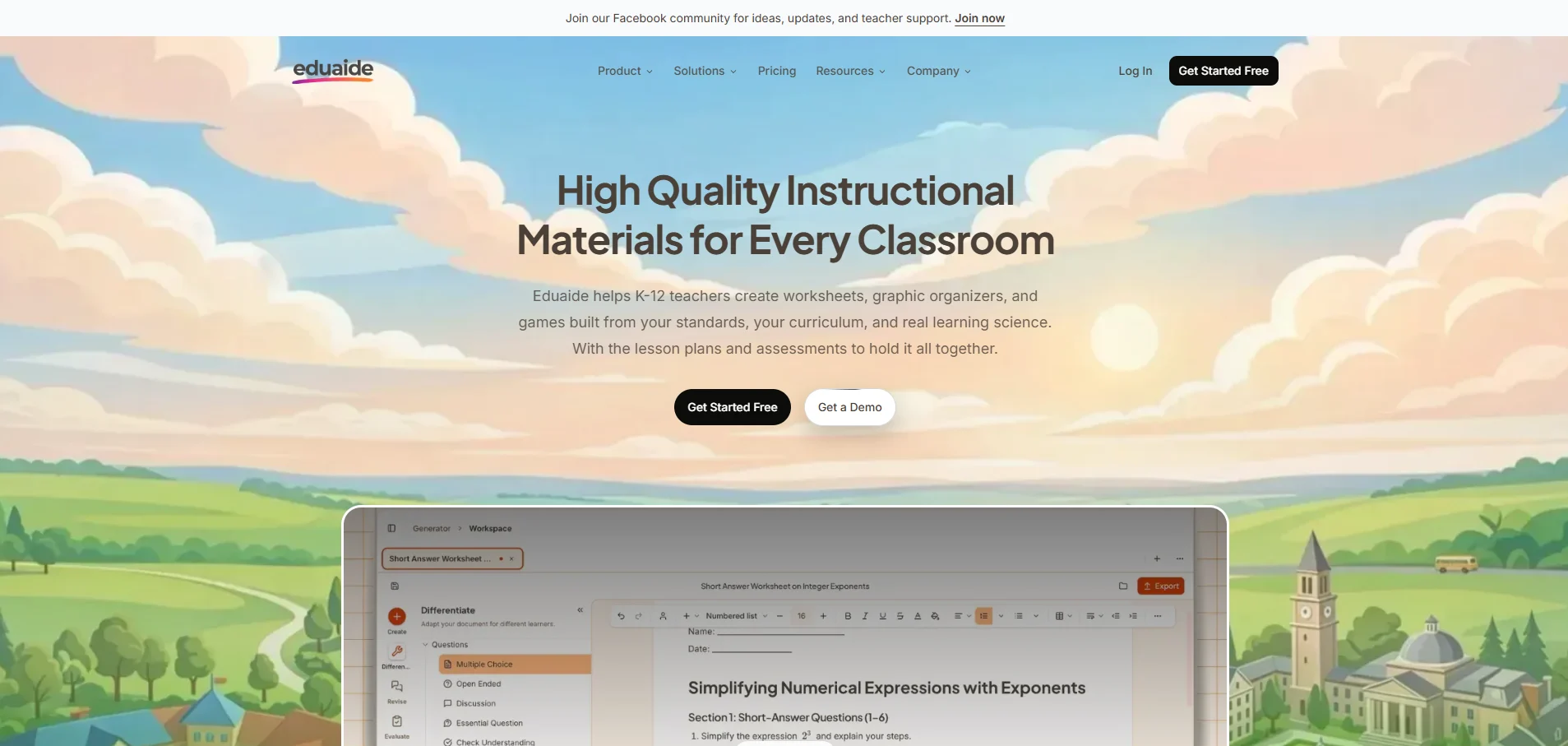
Best School AI Chatbot for: Lesson planning, worksheets, graphic organizers, activities, and teaching-resource generation.
Eduaide.AI is built for K–12 teachers who need fast instructional materials. Its website describes it as a tool for creating worksheets, graphic organizers, and games built from standards, curriculum, and learning science. Public pricing information shows a free plan and a Pro plan at $5.99/month with unlimited generations. Multiple public listings report that the free plan is limited to 15 monthly content generations, while Pro removes the cap and unlocks broader resources, feedback tools, and chat capabilities.
Free Features
- Lesson-material generation
- Worksheets
- Graphic organizers
- Games
- Standards-based resources
- Limited monthly generations
Free Plan Limitations
- 15 content generations/month
- Limited access compared with Pro
- Heavy users will hit the free cap quickly
- Less suitable for schoolwide daily AI use without Pro or institutional licensing
Pro / Paid Features
- Unlimited generations
- Expanded content generator library
- More teaching assistant resources
- Enhanced feedback options
- Eduaide chat assistant
- Priority/new feature access
- Institutional/custom school pricing
Pros
- Strong for lesson planning and content drafting
- Affordable individual Pro plan
- Good for teachers who need many templates
- Useful for differentiated materials
Cons
- The free plan is restrictive
- Less student-facing than SchoolAI, Khanmigo, Mizou, or Class Companion
- Teachers must export and adapt content
Main Limitations
Eduaide.AI is best as a teacher planning assistant. It is not the strongest choice for live student chatbot interaction or schoolwide AI governance.
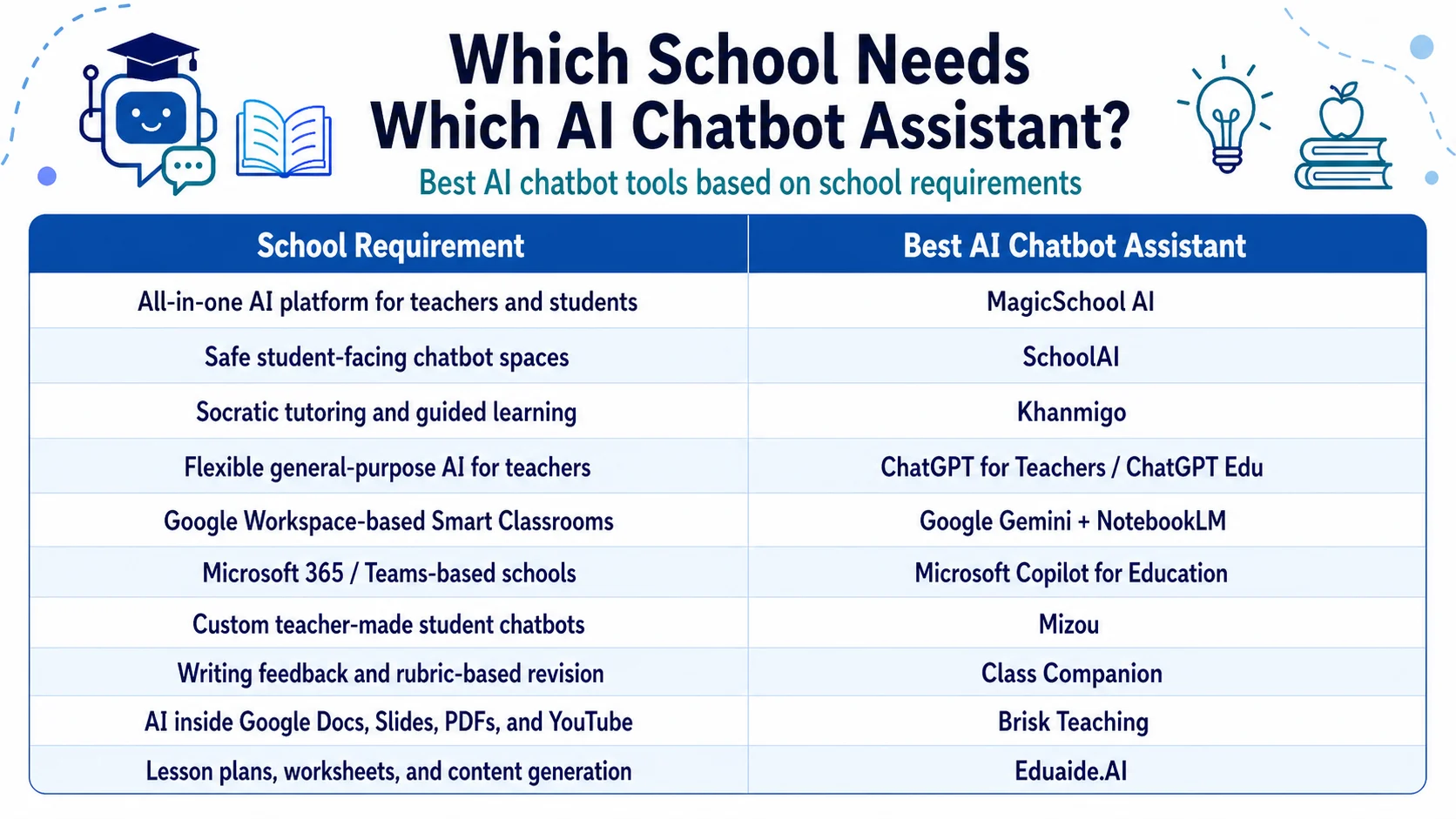
Which School Needs Which AI Chatbot Assistant?
Choosing the best School AI Chatbot depends on the school’s requirements.
Final Recommendation
For most schools, the best strategy is not to choose only one School AI Chatbot. A smart combination works better:
- Primary AI platform: MagicSchool AI, Google Gemini, Microsoft Copilot, or ChatGPT Edu
- Student tutoring: Khanmigo, SchoolAI, or Mizou
- Writing feedback: Class Companion
- Teacher workflow: Brisk Teaching or Eduaide.AI
For Smart Classrooms, the best AI Chatbot Assistants are the ones that match your school’s technology ecosystem, privacy policy, teacher training level, student age group, and curriculum needs. A good AI assistant chatbot should save teachers time, personalize learning, protect student data, and keep the teacher in control.
Want more insights on the latest AI trends in education, tech tools for smart classrooms, and expert tips? Subscribe to our newsletter today and be the first to receive updates, resources, and all things AI in education straight to your inbox!