We use cookies for ads and analytics to support our work. You can accept or reject these non-essential cookies. Cookie policy.
How cloud gaming works in 2026 - latency, codecs and bandwidth - plus the top services, the internet you need, and who it's truly worth it for.
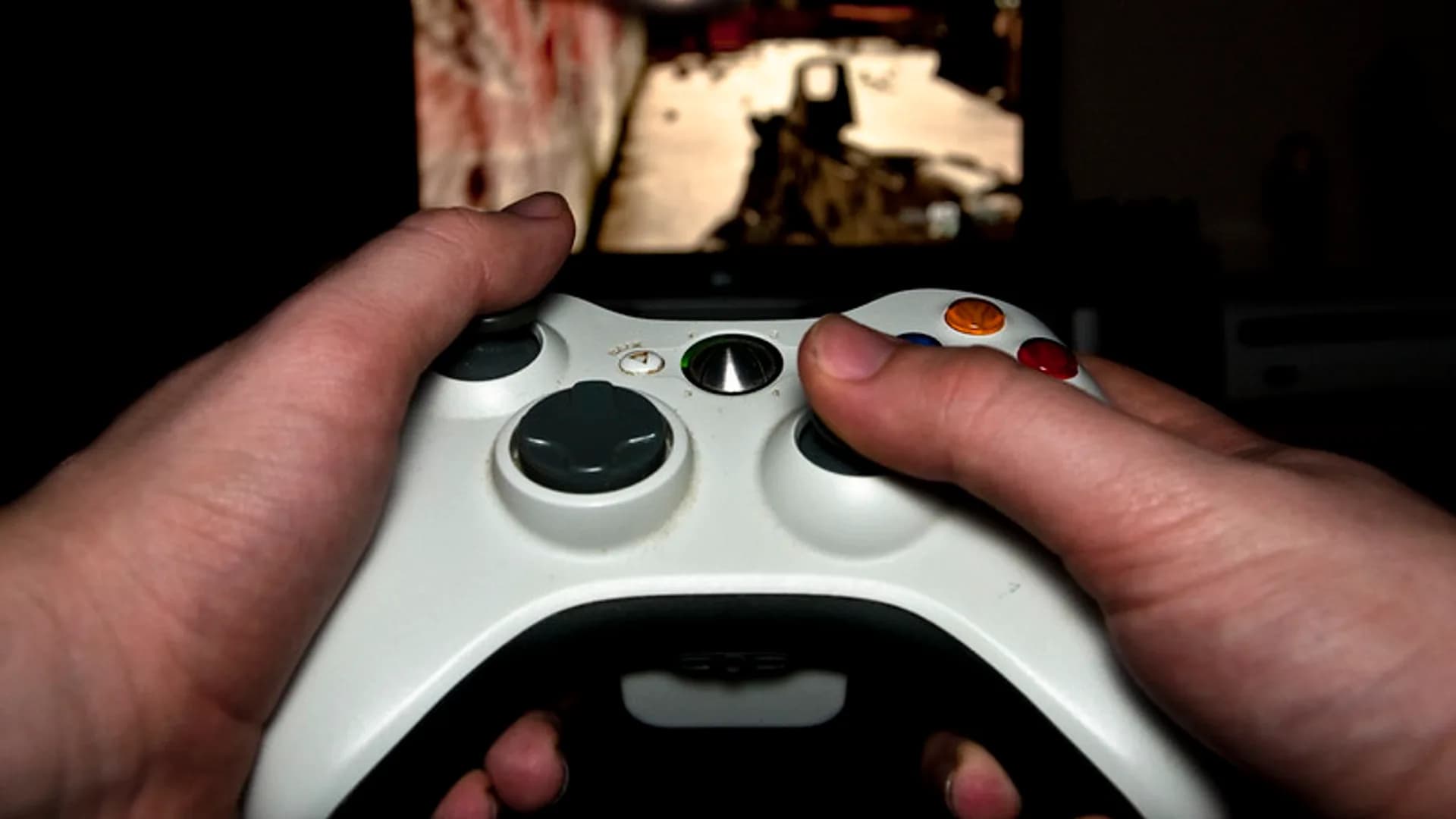
Cloud gaming runs the actual game on a powerful server in a data center and streams the result to your screen as video, so a cheap laptop, phone, or smart TV can play titles that normally need a $2,000 PC. The catch is that everything, including your button presses, has to make a round trip over the internet.
When you press a button, that input travels to the server, which renders the next frame on a real GPU, compresses it into a video stream, and sends it back to your device to be decoded and displayed. The whole loop happens dozens of times per second.
A wired Ethernet connection is ideal. A strong 5 GHz Wi-Fi signal close to the router is usually fine; 2.4 GHz and congested networks are not. Stability beats peak speed every time.
| Target quality | Recommended download | Notes |
|---|---|---|
| 720p60 | ~15 Mbps | Minimum for a smooth picture |
| 1080p60 | 20-25 Mbps | The sweet spot for most players |
| 1440p | ~30 Mbps | Xbox Ultimate on select games |
| 4K/5K (60-120 fps) | 40-45 Mbps | GeForce NOW Ultimate; PS 4K HDR needs ~38 Mbps |
For context, Google Stadia shut down in January 2023, but the category is healthier now, not dead.
Cloud gaming is genuinely great if you have fast wired internet and mostly play single-player, story, or strategy games, or if you already subscribe to Game Pass and want to play on a laptop or TV without buying hardware. It also shines for travel and second screens. Skip it if you play ranked competitive shooters where milliseconds decide fights, if your connection is rural, satellite, or data-capped, or if owning your games permanently is non-negotiable.
For casual and single-player games it is usually fine. Ranked competitive shooters and fighting games still play best on local hardware because cloud streaming adds input latency that the most demanding players will notice.
Around 15 Mbps is the floor for 720p, 20-25 Mbps is comfortable for 1080p, and 40+ Mbps is needed for 4K. A low, stable ping to the data center matters more than raw download speed.
Yes. Expect roughly 7-12 GB per hour at 1080p, and it can exceed 20 GB per hour at 4K. If your plan has a data cap, watch your usage closely.
It depends on the service. GeForce NOW and PlayStation's 'Your Library' let you stream games you already own, while Xbox Cloud Gaming and Amazon Luna are mostly subscription catalogs.
Wired Ethernet gives the most consistent experience. A strong 5 GHz Wi-Fi signal near the router is usually fine, but 2.4 GHz and busy shared networks tend to cause stutter and image artifacts.
No. Stadia shut down in January 2023, but GeForce NOW, Xbox Cloud Gaming, and PlayStation Plus Premium have all grown since, making the category stronger and more reliable than it was.
Share quick feedback - it's anonymous and separate from comments.

Comments
No comments yet - be the first to share your thoughts.
Leave a comment