We use cookies for ads and analytics to support our work. You can accept or reject these non-essential cookies. Cookie policy.
Passkeys replace passwords with phishing-resistant cryptographic keys. Learn how passwordless login works and how to set it up on Apple, Google, and Microsoft.
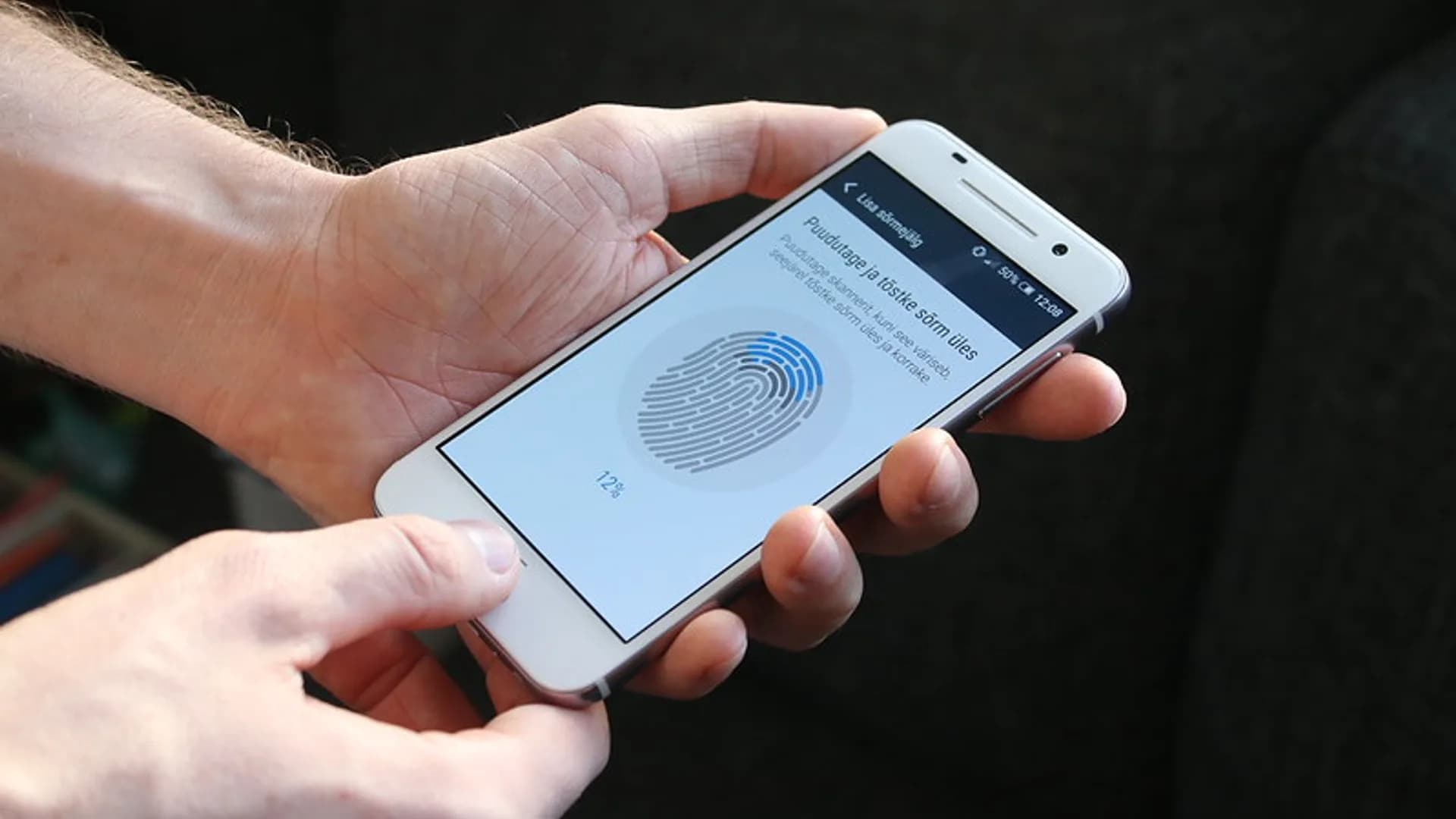
Passwords have been the weakest link in online security for decades: reused across sites, guessed, phished, and dumped in breaches by the billion. Passkeys are the credible replacement, and in 2026 they are no longer experimental.
A passkey is a pair of cryptographic keys, not a secret you memorize. When you create one, your phone or laptop generates the pair locally: a private key that never leaves your device's secure hardware, and a public key the website stores. To sign in, the site sends a one-time challenge; your device signs it with the private key only after you approve with Face ID, a fingerprint, or your device PIN.
The crucial difference is that a passkey is cryptographically bound to the exact website that created it. Your browser only offers the passkey for the real domain, so a look-alike phishing page such as paypa1.com can never trigger it — there is nothing to type and nothing to hand over.
| Risk | Password | Passkey |
|---|---|---|
| Phishing | Can be entered on a fake site | Bound to the real domain; won't fire on fakes |
| Data breach | Hashes can be cracked or leaked | Only a useless public key is stored |
| Reuse across sites | Common and dangerous | Unique per site by design |
| Brute force or guessing | Possible | Not applicable |
Even SMS or app-based two-factor codes can be relayed by an attacker in real time. A passkey signature cannot, because it is tied to the legitimate origin.
On any supported site, open the security settings and choose Create a passkey, then confirm with your biometric. The platform stores and syncs it for you.
Passkeys are ready for everyday use, but a few gaps remain in 2026:
The practical move today: turn on passkeys for your most important accounts — email, banking, and your platform account — and treat them as the default while passwords fade into a backup.
Yes. They can't be phished, reused, or stolen in a data breach because the private key never leaves your device and is cryptographically bound to the real website.
Synced passkeys are restored from your cloud account (iCloud, Google, or Microsoft) when you sign in on a new device. Keep a second device or a recovery method so you are not locked out.
A passkey combines something you have (your device) with something you are or know (a biometric or PIN), so it acts as strong multi-factor login on its own. You usually do not need a separate code.
Yes, indirectly. You can sign in on another device by scanning a QR code with the phone that holds the passkey, and cross-manager syncing is expanding through the FIDO Credential Exchange Protocol.
Often yes. Many sites do not support passkeys yet, and modern password managers increasingly store both passkeys and passwords in one place.
Yes. Passkeys are a built-in feature of modern iPhones, Android phones, Macs, and Windows PCs at no extra cost.
Share quick feedback - it's anonymous and separate from comments.

Comments
No comments yet - be the first to share your thoughts.
Leave a comment