We use cookies for ads and analytics to support our work. You can accept or reject these non-essential cookies. Cookie policy.
USB-C is one connector, but every cable is different. Understand charging watts, data speeds, and how to pick the right USB-C cable.
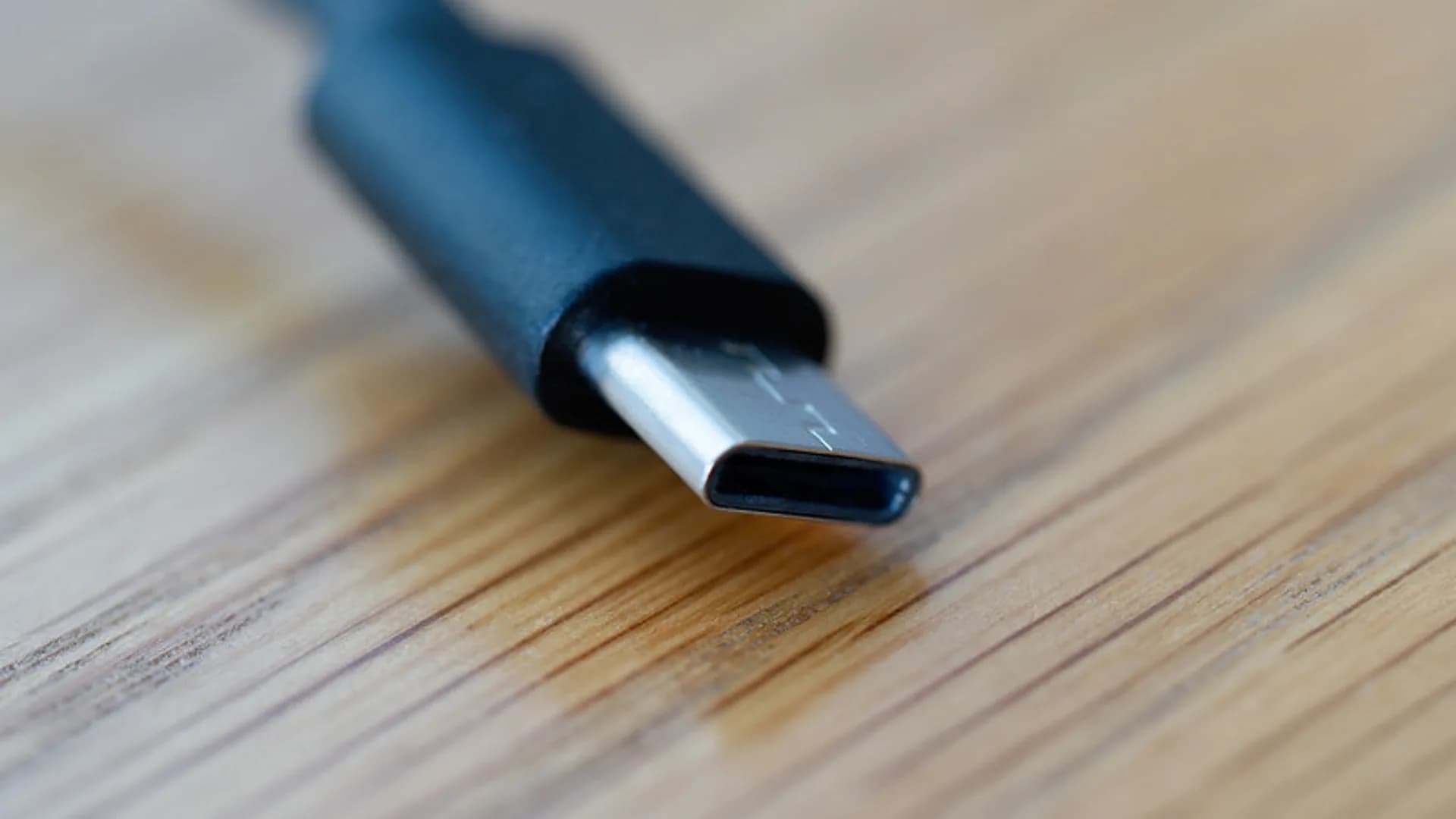
USB-C is just a connector shape - a reversible oval that tells you nothing about how fast a cable charges or moves data. Two cables that look identical can differ by 180 watts and 80 gigabits per second, which is why the same port frustrates so many people.
Charging over USB-C is governed by USB Power Delivery (PD), a quick negotiation between the charger, cable, and device. They agree on a voltage and current, and the device draws only what it can safely use.
Key rule: any cable carrying more than 60W (above 3A) must contain an e-marker chip that reports its limit to the charger. A cheap charging cable without one is capped at 60W no matter how big your charger is.
This is where the confusion lives. The USB-IF has renamed these tiers repeatedly, so ignore the marketing and read the gigabit-per-second rating, not the "Gen" label.
| Standard | Max speed | Typical use |
|---|---|---|
| USB 2.0 | 480 Mbps | Charging cables, keyboards, mice |
| USB 3.2 Gen 1 | 5 Gbps | Flash drives, basic SSDs |
| USB 3.2 Gen 2 | 10 Gbps | Fast external SSDs |
| USB 3.2 Gen 2x2 | 20 Gbps | High-end SSDs (uncommon) |
| USB4 / Thunderbolt 3-4 | 40 Gbps | Docks, eGPUs, 4K-8K displays |
| USB4 v2.0 / Thunderbolt 5 | 80 Gbps (120 Gbps burst) | Multiple 8K displays, fastest SSDs |
The trap: most bundled cables - and every charging-only cable - run at USB 2.0's 480 Mbps. Plug a 20Gbps SSD into one and you get roughly one-fortieth of its speed, with no error or warning.
The promise of USB-C is a single connector for power, data, and video. The EU's common-charger rule, now in force, pushes phones, tablets, and laptops onto USB-C, which helps. But the dream only holds when the cable matches the job: the port is universal, the cables are not.
One simple rule: a fully featured USB4 cable certified for 240W and 40Gbps does every job a USB-C cable can. If you only buy one, buy that.
No. They share a connector but differ enormously in power (15W to 240W) and data speed (480Mbps to 80Gbps). Always check the printed rating before you trust a cable for a demanding job.
Look for a printed Gbps or watt rating and the USB-IF certification logo. If there is no marking at all, assume it is a basic USB 2.0, 60W cable.
Yes, if it is rated high enough. Most laptops need a 100W e-marked cable, and powerful gaming laptops may require a 240W PD 3.1 cable.
They overlap heavily and both run at 40 or 80 Gbps over USB-C. Thunderbolt 4 and 5 guarantee a stricter minimum feature set, such as dual displays and PCIe, while USB4 support varies by device.
Almost always the cable. A charging or USB 2.0 cable caps you at 480 Mbps, so swap in a certified 10Gbps or 40Gbps cable to get the drive's full speed.
Any cable carrying more than 60W or running faster than 480 Mbps needs one. The chip is built in, so you just have to buy a certified cable that already includes it.
Share quick feedback - it's anonymous and separate from comments.

Comments
No comments yet - be the first to share your thoughts.
Leave a comment