We use cookies for ads and analytics to support our work. You can accept or reject these non-essential cookies. Cookie policy.
Wi-Fi 7 adds 320 MHz channels, 4096-QAM, and Multi-Link Operation. Here's what's faster, the real-world benefit, and whether you should upgrade.
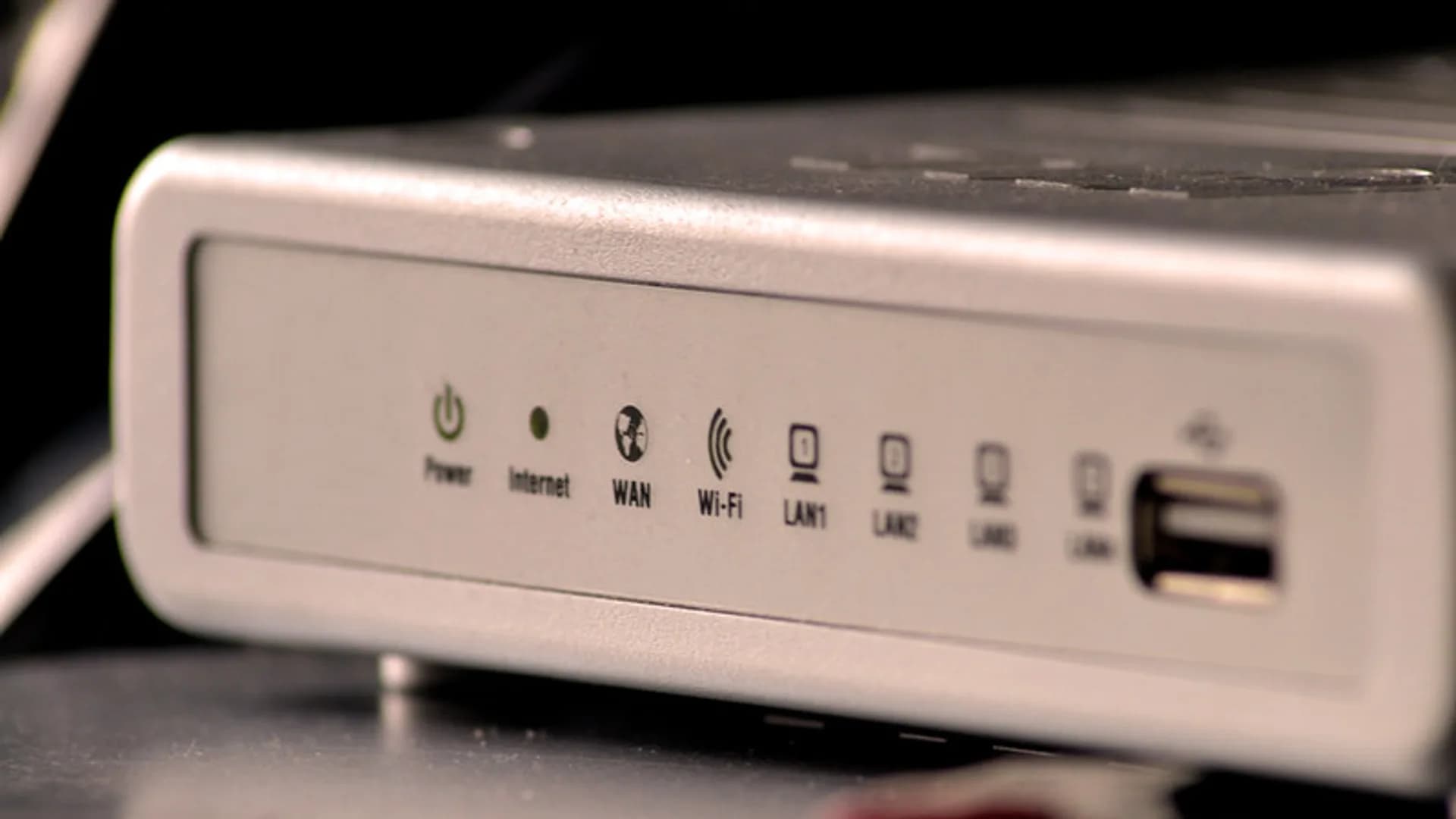
The core difference is that Wi-Fi 7 (802.11be) keeps everything Wi-Fi 6/6E does and adds three upgrades: 320 MHz channels (double Wi-Fi 6's 160 MHz), 4096-QAM encoding (about 20% denser than 1024-QAM), and Multi-Link Operation, which lets a device use two bands at once. Combined, these push the theoretical peak from roughly 9.6 Gbps to about 46 Gbps and noticeably lower latency.
In everyday use the standout is not raw speed but reliability. Multi-Link Operation reduces lag spikes and dropouts because traffic can shift instantly to a less congested band, which helps gaming, video calls, and busy multi-device homes. The 46 Gbps headline is a lab figure; a real Wi-Fi 7 client near the router typically sees around 2 to 5 Gbps.
Wi-Fi 7 only pays off when both your router and your device support it, and when your internet plan and usage can actually use the extra headroom (multi-gig plans, dense smart homes, competitive gaming). If you are on a 1 Gbps or slower plan with a few devices, a Wi-Fi 6E router still does the job and costs less. Everything is backward compatible, so older devices keep working at their own top speed.
Yes. A Wi-Fi 7 router works with all older Wi-Fi 6, 5, and earlier devices. Those devices just connect at their own maximum speed and do not gain the new Wi-Fi 7 features.
Yes. Both the router and the client device (phone, laptop, etc.) must support Wi-Fi 7 to use features like 320 MHz channels and Multi-Link Operation. A Wi-Fi 7 router alone does nothing extra for older clients.
No. Wi-Fi 6E is Wi-Fi 6 with access to the 6 GHz band added. Wi-Fi 7 also uses 6 GHz but adds 320 MHz channels, 4096-QAM, and Multi-Link Operation on top of that.
No. Wi-Fi only affects the wireless link between your device and the router. If you pay for 500 Mbps, that is still your ceiling no matter which Wi-Fi standard you use.
Range is roughly similar to Wi-Fi 6. The 6 GHz band actually has shorter range than 2.4 and 5 GHz, so Wi-Fi 7's biggest speed gains happen closer to the router.
It can be. The main benefit is Multi-Link Operation, which lowers and stabilizes latency by spreading traffic across two bands, reducing the lag spikes you get on a single congested channel.
Share quick feedback - it's anonymous and separate from comments.

Comments
No comments yet - be the first to share your thoughts.
Leave a comment